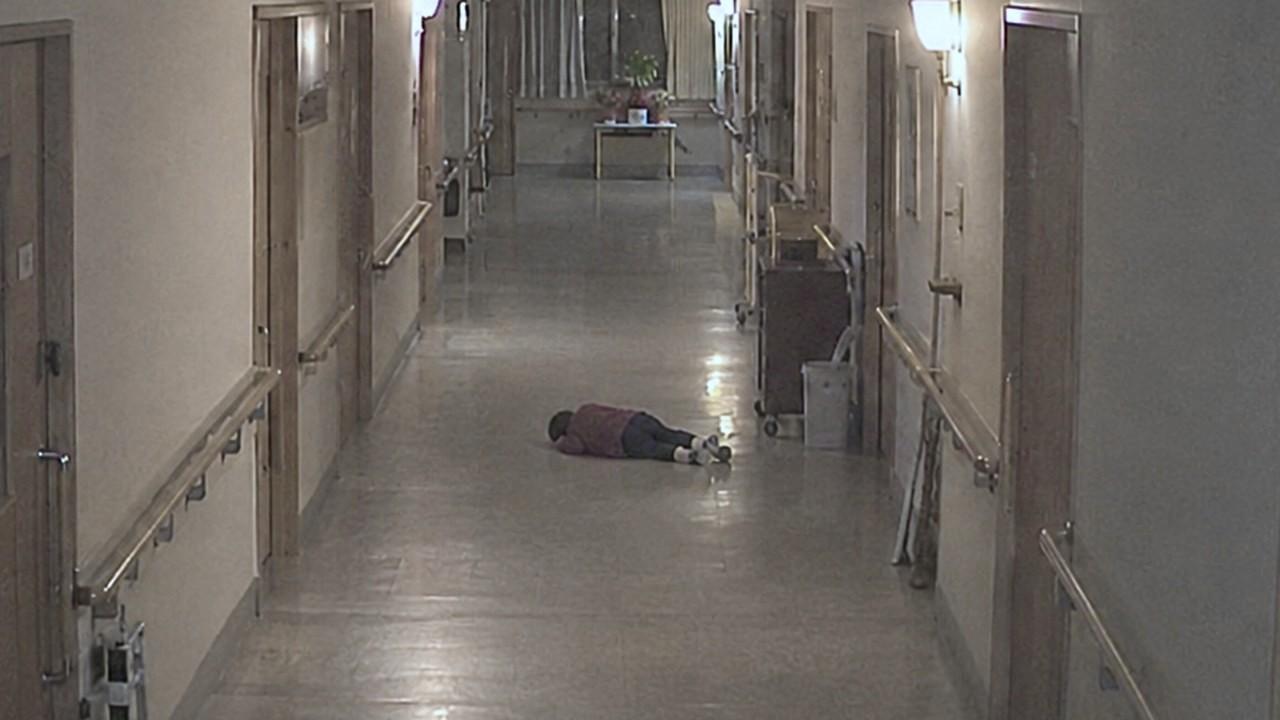
Hallways · Outside restrooms
Find a fallen resident right away
The nurses' station is alerted the moment a fall is detected.
Using the facility CCTV you already have, VUNex detects night-time falls · wandering · leaving through exits, and alerts the nurses' station and staff on the Link app right away.
 Fall
523cases
Falls reported at elderly care facilities in 2024
4.7x
Rise from 112 cases in 2020, over four years
1.9x
Rise from 278 cases in 2023, in one year
Based on reports to the Korea Consumer Agency's Consumer Injury Surveillance System (CISS) · Korea Disease Control and Prevention Agency · Korea Consumer Agency press reference (October 20, 2025) · Multiples calculated from report counts
The gap in night care
In between, no one is watching the hallways and exits. Turn on the detection needed for those hours.
Hallways · Outside restrooms
The nurses' station is alerted the moment a fall is detected.
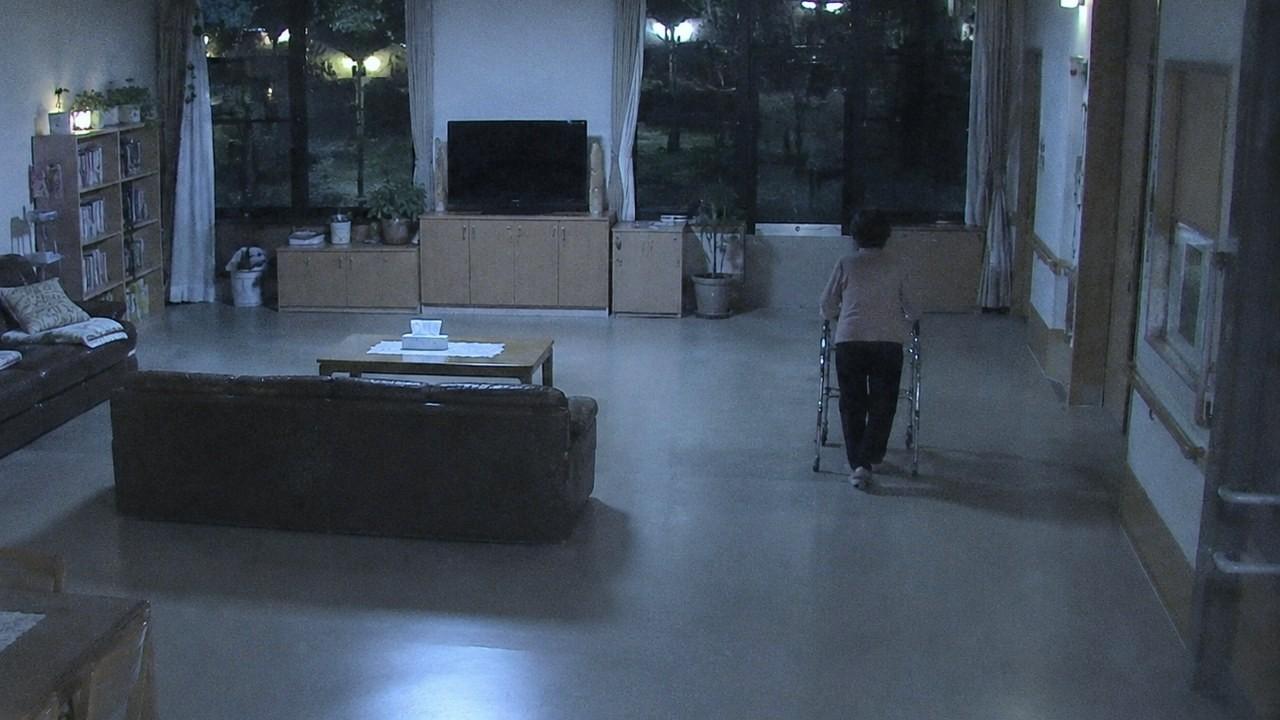
Hallways · Common areas
Detects and alerts on wandering during set hours.
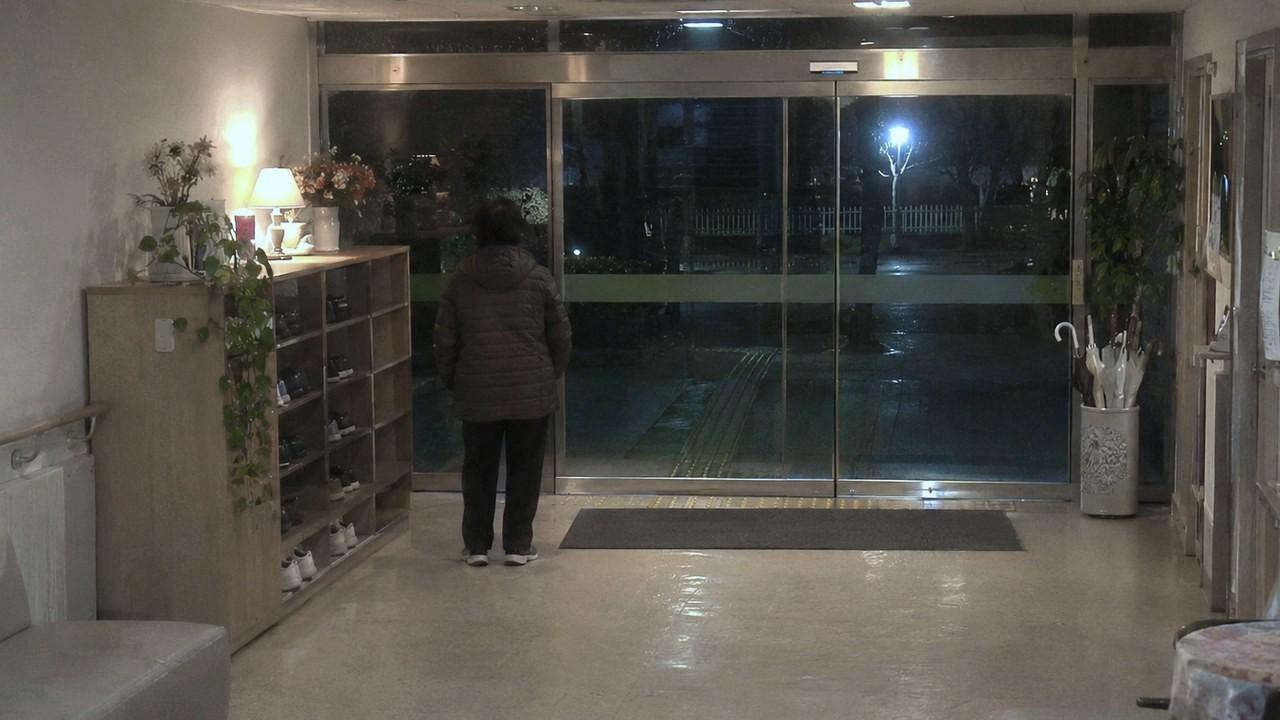
Entrance · Emergency exits
Set zones and hours to detect anyone leaving through an exit.
How we handle residents' video
 No alert
 Alert
Alerts are sent only for risk situations you define, such as falls · leaving the facility.
Analysis and recording run on equipment inside the facility. Event data and the related video clip are sent outside only when you use optional features.
The facility decides the detection zones. Filming bedrooms follows the facility's operating procedures, such as consent from residents · guardians.
Detection times and actions taken are kept as a history, so there's no need to scrub through recordings.
Optional features that require external transmission: Mobile alerts · Remote status management · AI scene-context review · Site-specific training
Alerts and response
Even when the night staff member is in another residential unit, the Link app tells them first.
AI watches the hallway and exit cameras together all night.
Alerts arrive at the same time as on the nurses' station screen, and staff can view the detected scene right away.
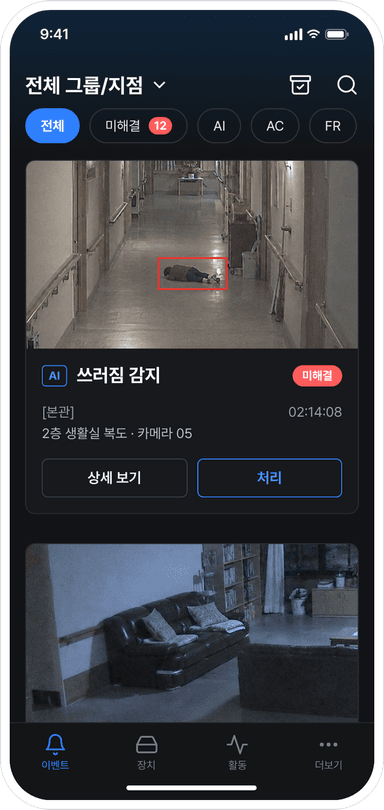
 Link · now
Who checked, when, and what action was taken is kept on record, and can be used to explain events to families.
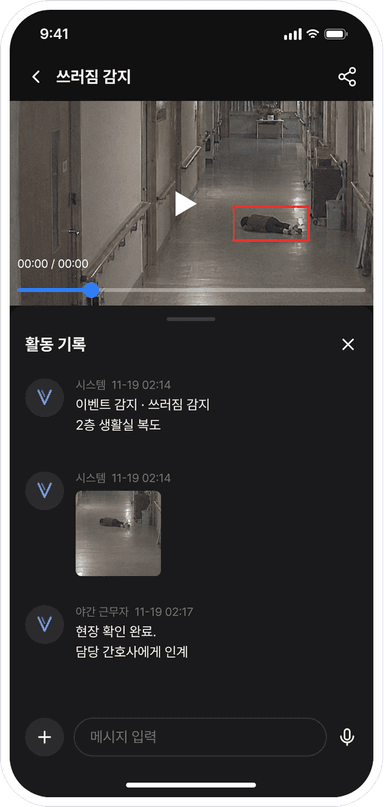
Link app alerts and report sharing require an external internet connection. App screens are examples.
Already in use
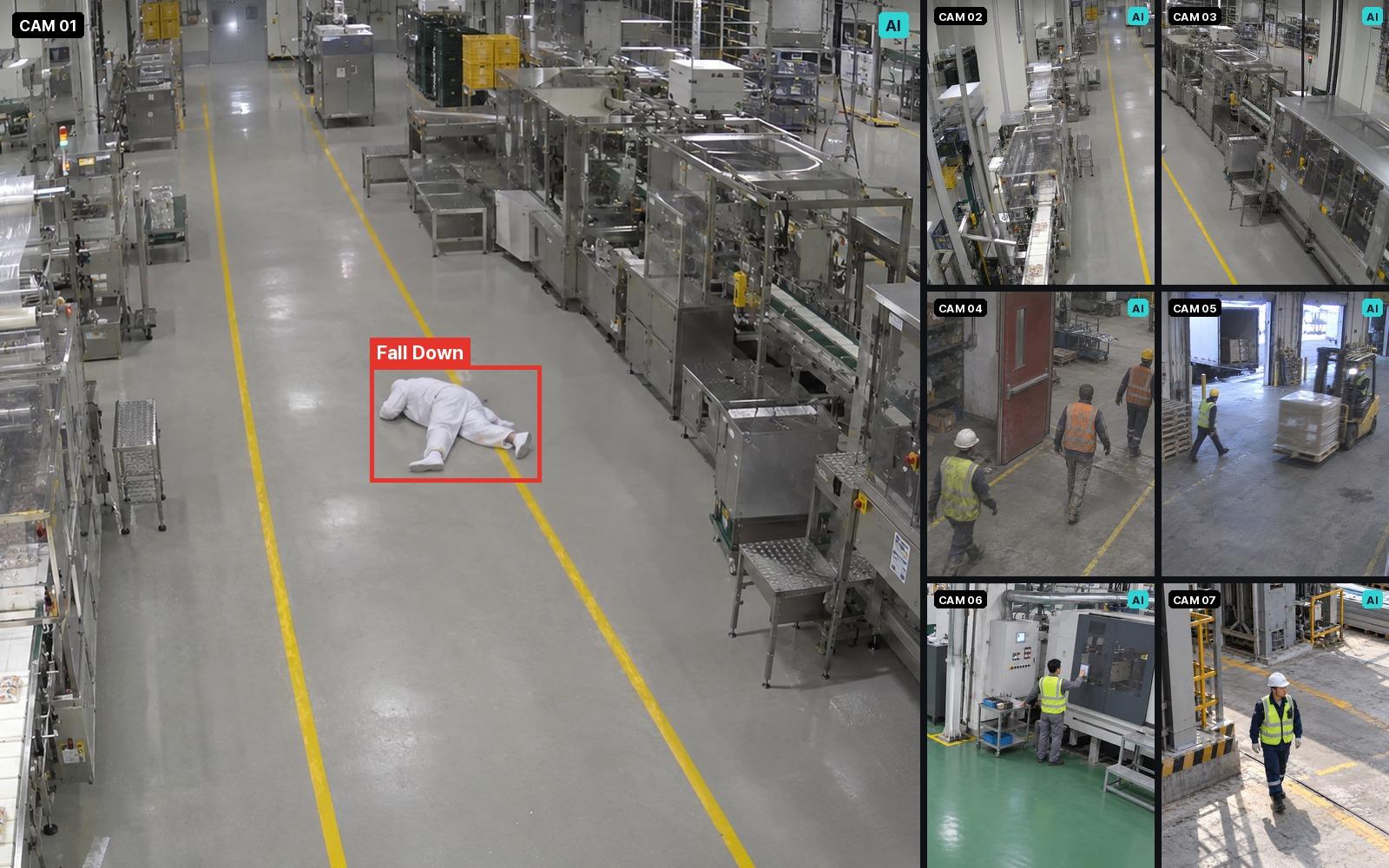
Food manufacturing plant
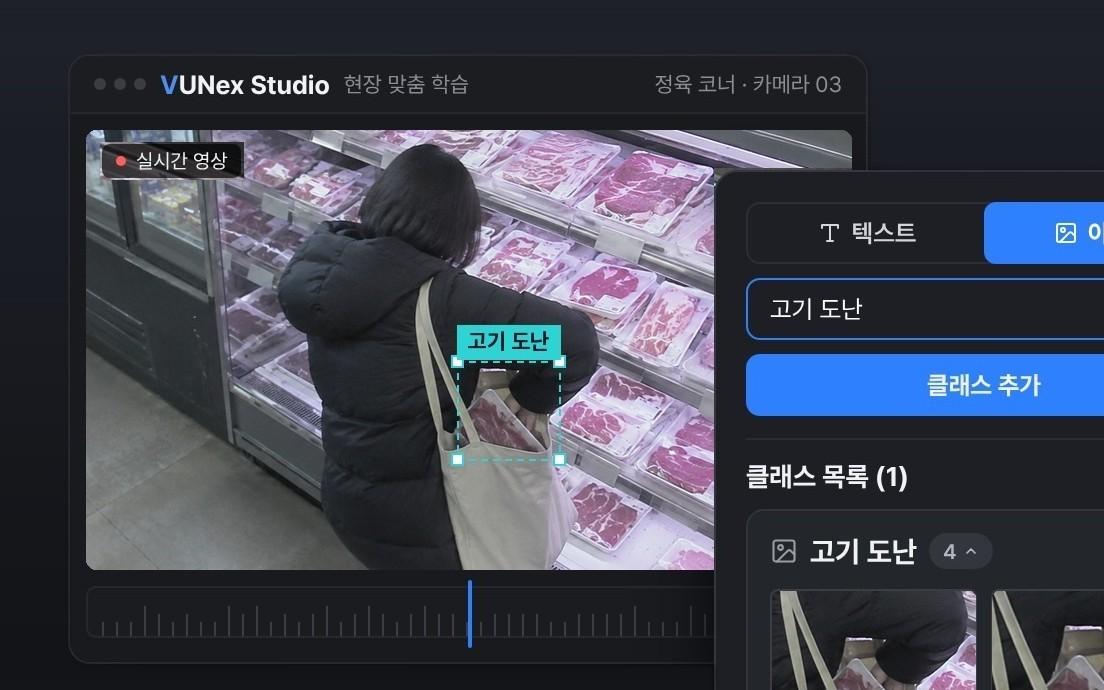
Local supermarket
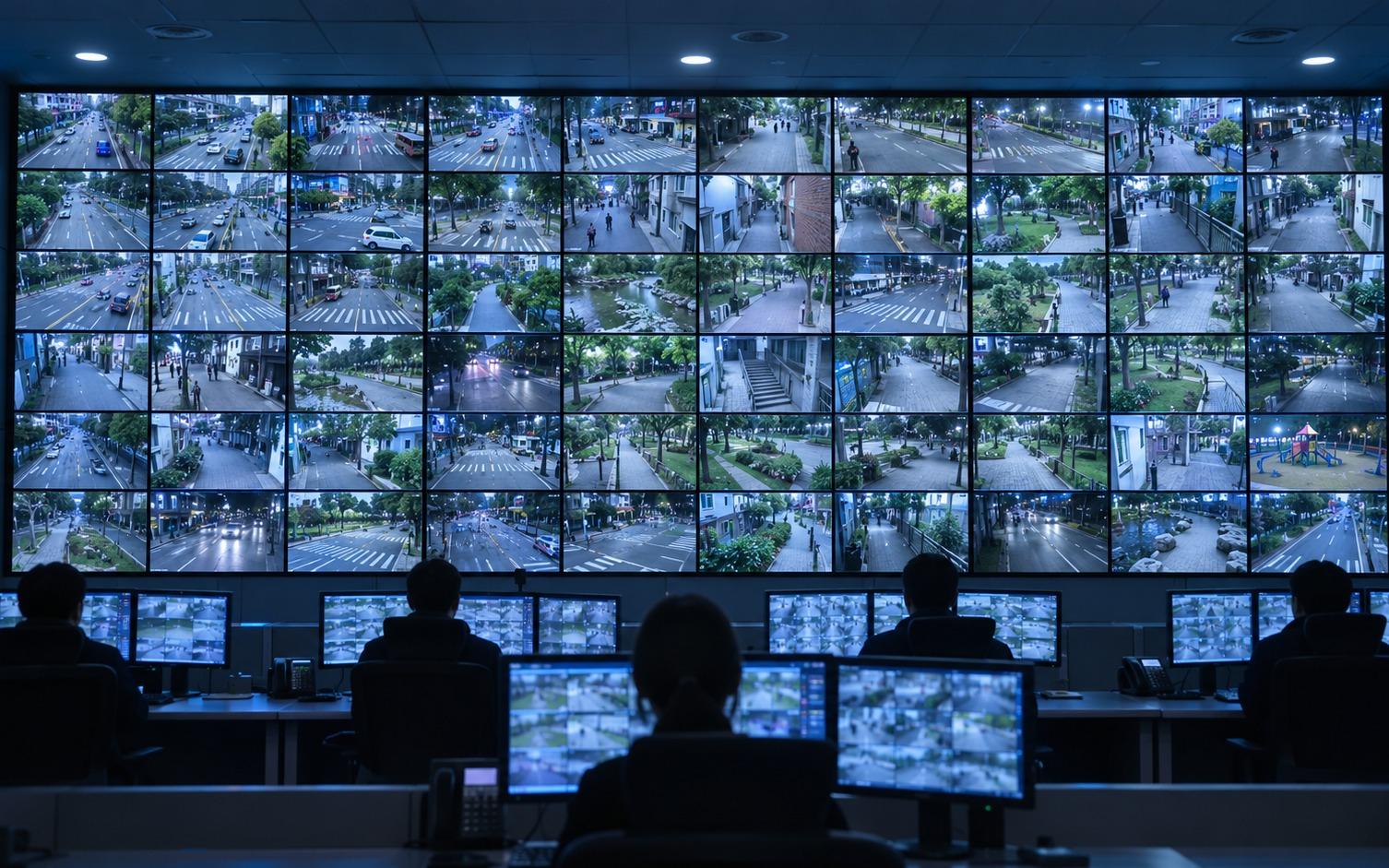
Local government monitoring centers
127 centers: based on video monitoring solutions · Company names withheld at customers' request.
Free · 1 minute
Just pick your camera count and the risks you worry about, and we'll show a matching setup right away. You can then request a free site check for that setup.
How many cameras do you have?
Care facility FAQ
During the free site check we first review your cameras and network, and equipment that passes is integrated without replacement. RTSP cameras and the ONVIF standard are supported.
Zone and time conditions filter alerts first, and false alarms marked by staff feed into training. In the first month after rollout, we focus on tuning out false alarms.
Alerts go to the nurses' station screen and the staff member's Link app at the same time. Link app alerts require an external internet connection.
You can check event status and reports for each facility remotely. Remote status management requires an external internet connection.
We quote based on camera count and configuration. Since you keep your existing cameras and recorders, there is no replacement cost.
Our own call center responds remotely first, 24 hours a day, 365 days a year (1661-6806), and a dedicated regional manager looks after each site. If needed, our customer support and development teams visit the site to fix the issue.
It's not too late to decide after you see the results.