Option 1
Single-screen monitoring
See video monitoring and AI events on one monitoring screen.
CameraAI analysis deviceMonitoring softwareSingle-screen monitoring
Keep your cameras and recorders, and just add an AI analysis device. Beyond the built-in detections, you can add the objects and rules your site needs.
 Restricted zone entry
95.3pts
Intrusion score in KISA intelligent CCTV certification · Loitering 90.7 pts
5types
Built-in detections · Add detection targets on site
50channels
Max per AI analysis server · Edge box handles 4 · 8 channels
KISA intelligent CCTV performance certification: Intrusion · Loitering, valid through December 31, 2027
How it connects
It takes camera video, finds risks, and sends them to the monitoring screen and staff phones.
01Your current setup
02What you add
Real-time analysis and recording stay inside your internal network. Only optional features such as mobile alerts need an external connection.
See video monitoring and AI events on one monitoring screen.
Keep your current recorder and monitoring as is, and add AI alongside.
The final setup depends on site size and integration scope.
Key features
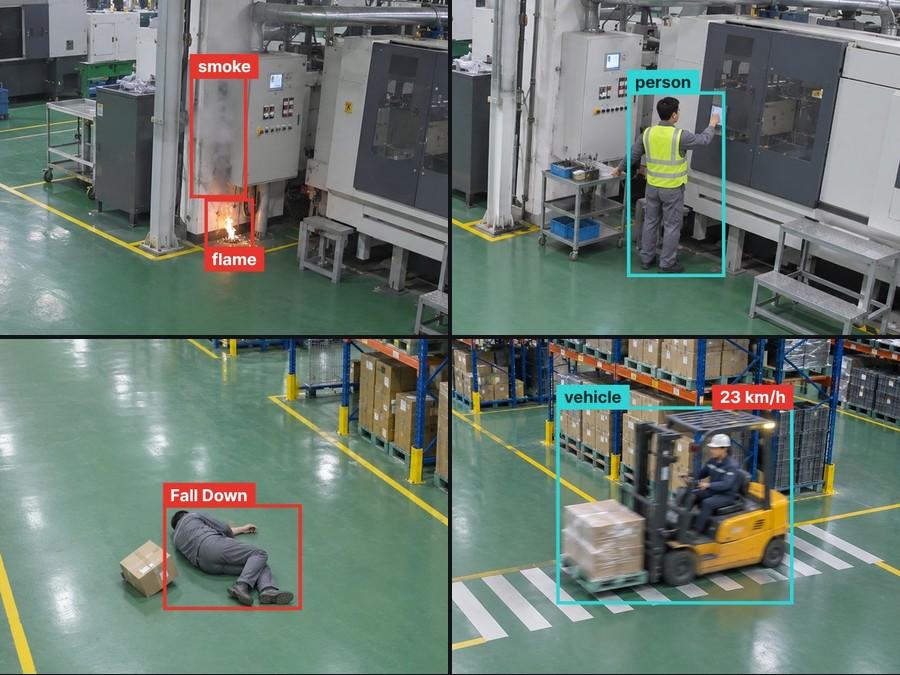
Five detections that work right after installation cover most sites from day one.
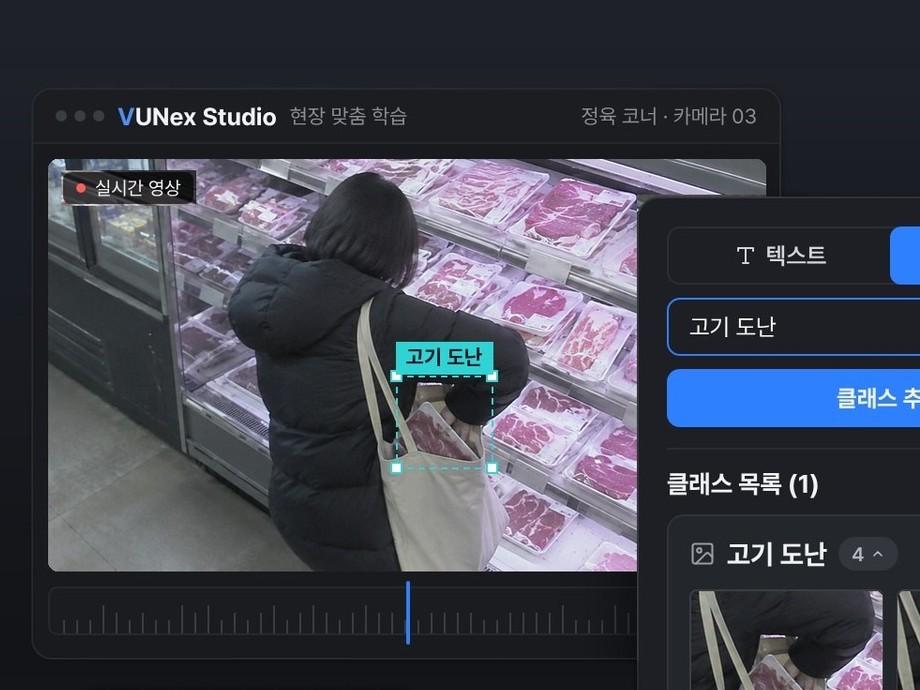
Add targets by name or sample image, combine rules for proximity · object count · absence · dwelling · gear worn, or describe a situation in a sentence.
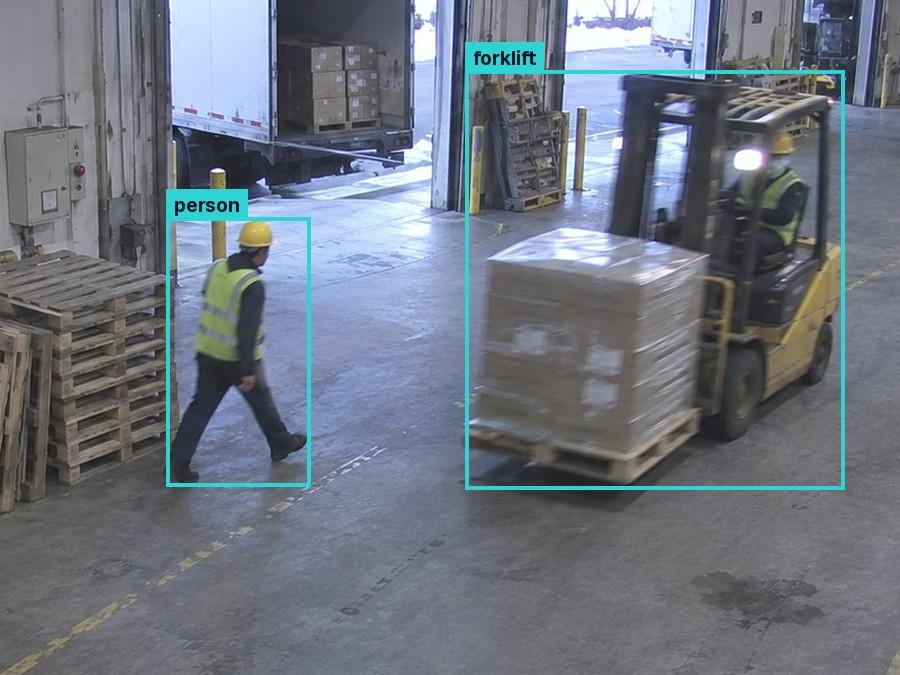
Alerts you first to vehicle and protective gear risks that can lead to serious accidents.
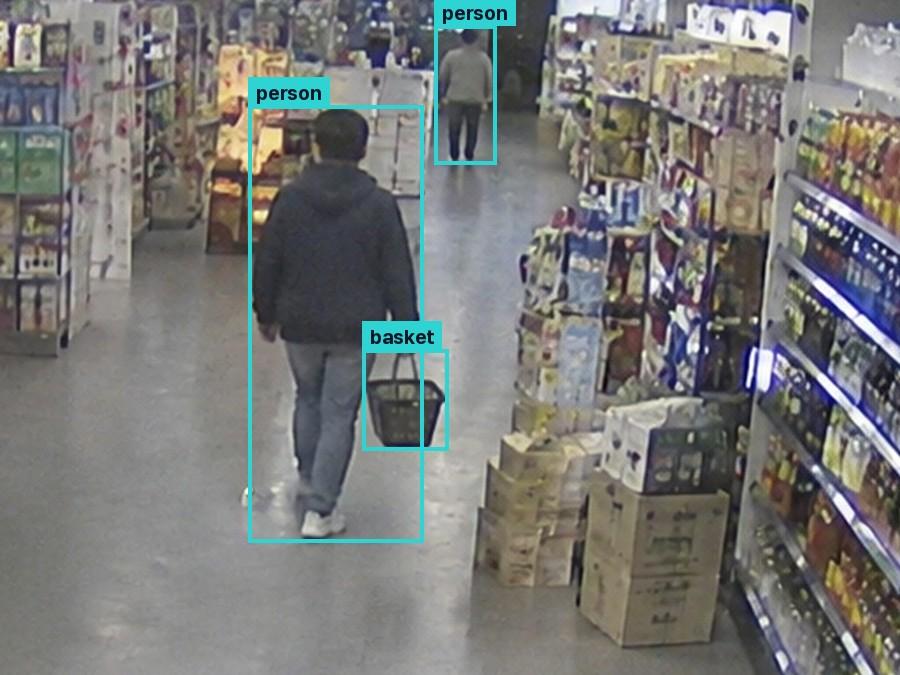
Detects indoor behaviors that lead to loss, such as gazing · looking around · concealing items.
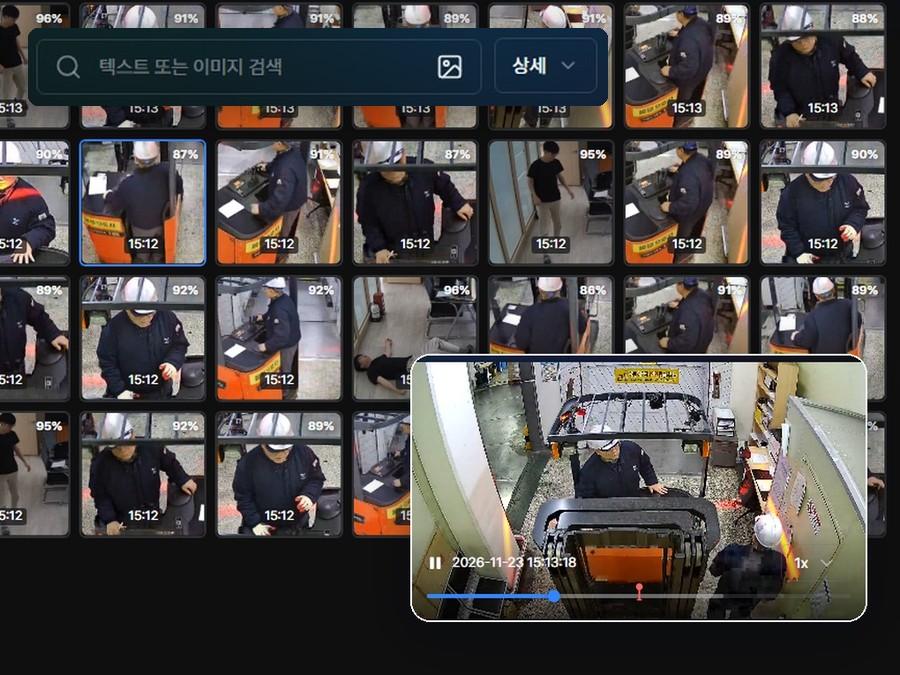
Find people in recorded video by photo or sentence, and get alerts when someone similar to a registered person appears.
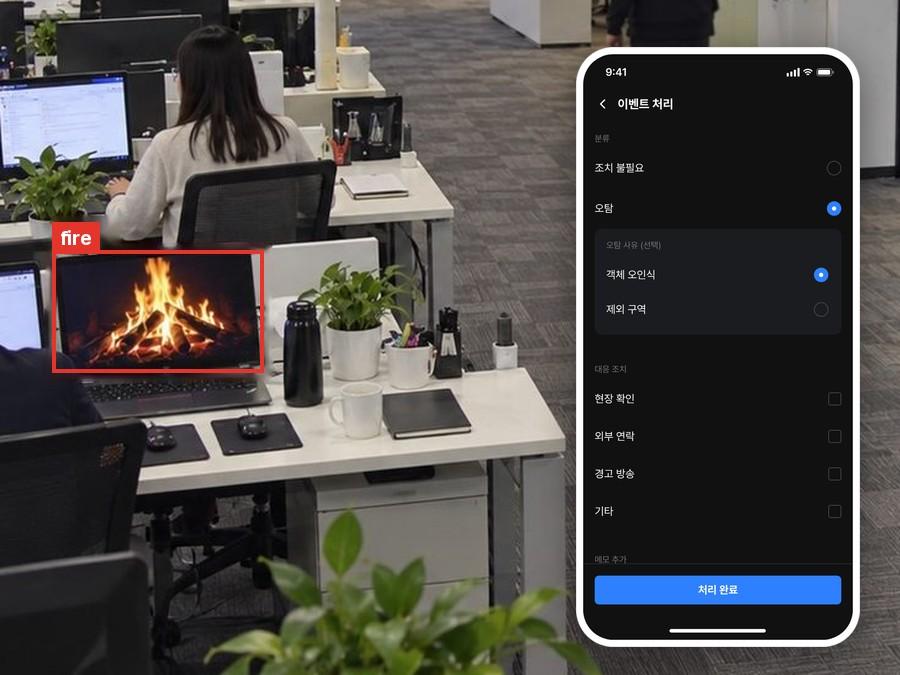
Alerts only after three filters: zone conditions, scene context, and on-site review. Staff true · false alarm reviews feed the next training, and on phones they review in the Link app.
Live sites
4 building security sites · Stable operation after one month of intensive tuning
Daily fire false alarms · 4 sites total
Daily average across 4 sites · Before tuning: March 2026; after tuning: May–September average (excluding a temporary spike in August from debris on a lens; 92% for fire if included) · Based on our own operating data · Customer name withheld · Results may vary with site conditions.
Specs
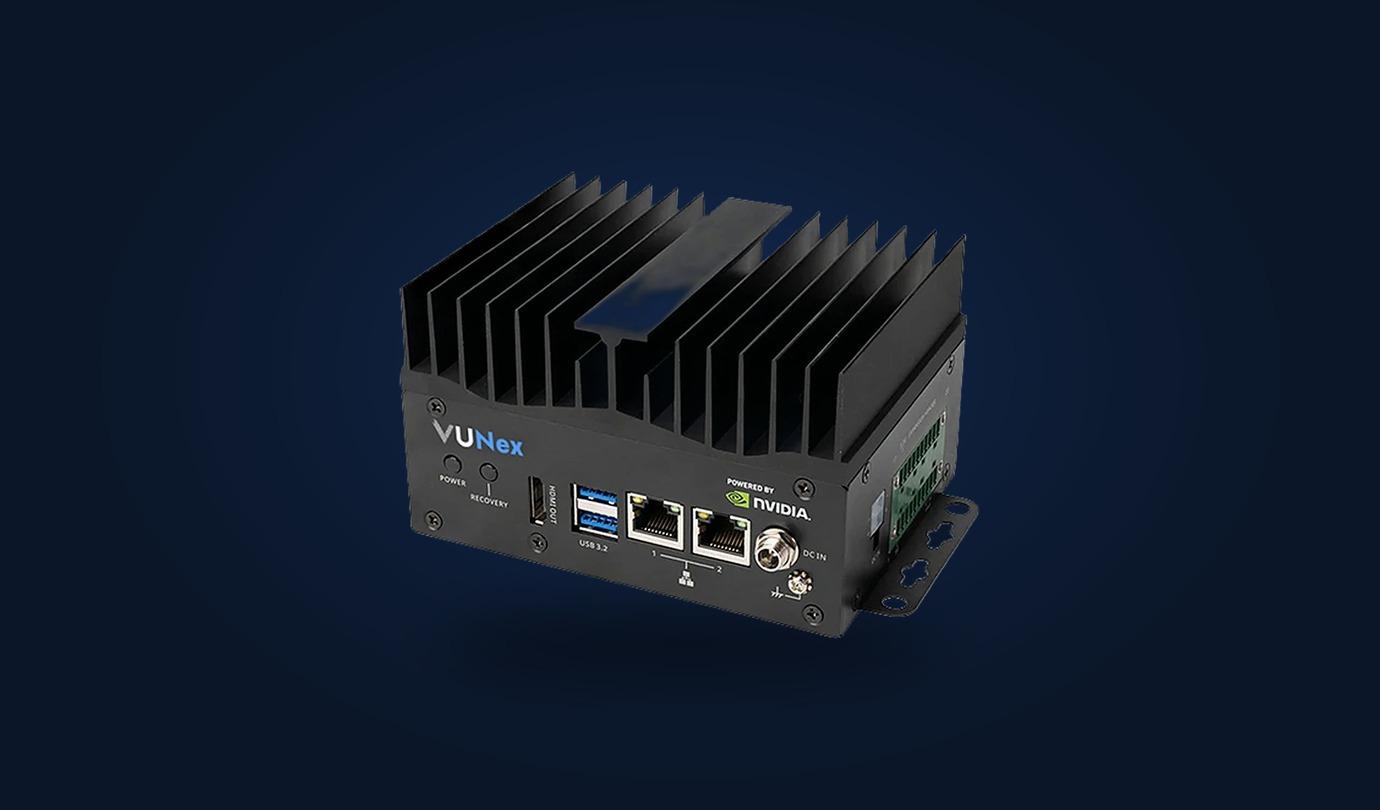
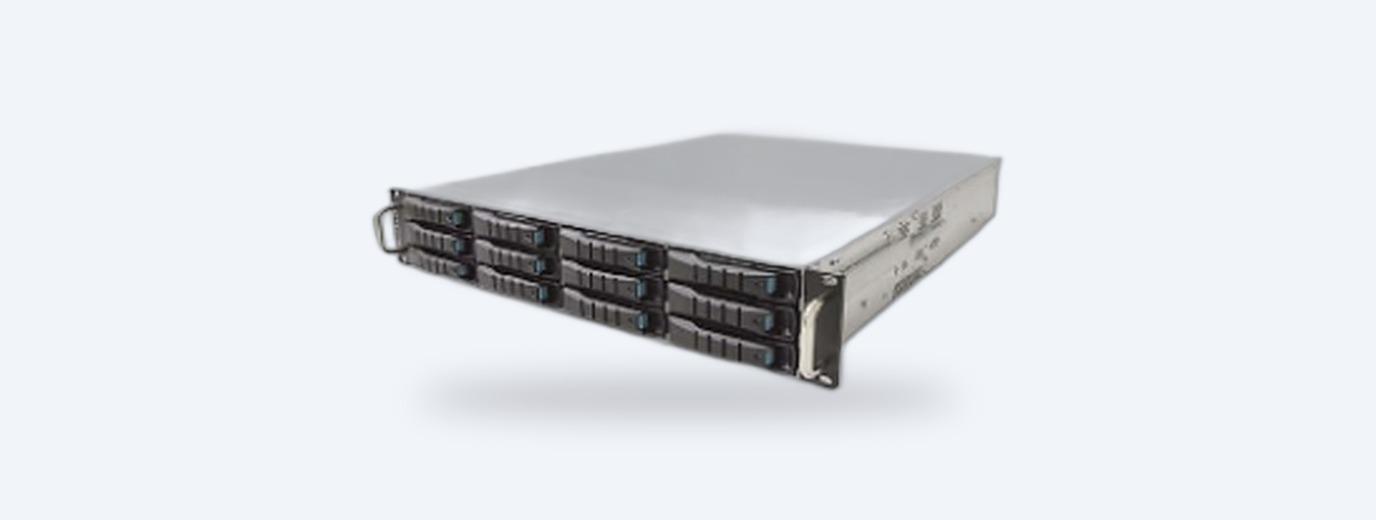
Both are VUNex AI analysis devices. They share the same detections and differ only in how many cameras they analyze at once.
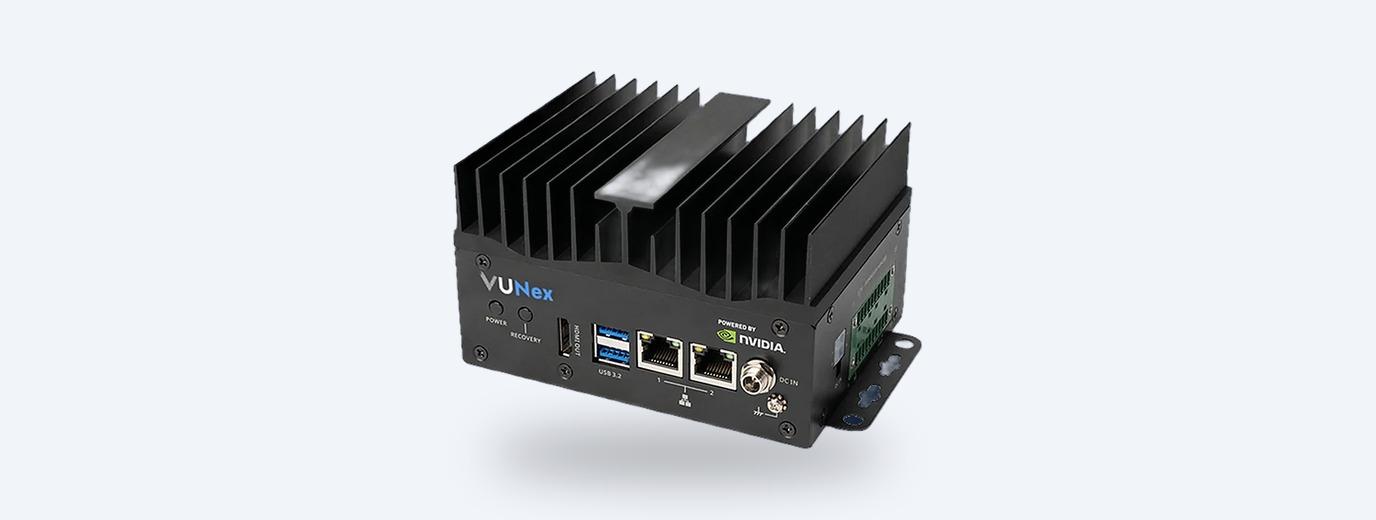
Common specs
Detailed specs depend on the site check results and the number of analysis items.
VUNex AI FAQ
Use the AI edge box to analyze 4 · 8 cameras per zone, and the AI analysis server to analyze up to 50 cameras at once per site. We decide together during the site check based on camera count and detection items.
Most IP cameras that stream via RTSP · ONVIF will work. HD (16:9) is recommended, with at least 4 FPS. Equipment that passes the site check is guaranteed to integrate without replacement.
Real-time analysis and recording run on devices inside your internal network. Event data and the related video clip are sent externally only when you use mobile alerts, scene context AI re-review, or site-specific training.
Describe the situation you want to detect in a sentence, and it finds and alerts on situations that persist for a while. Detection takes up to about 5 seconds, and use with 5 cameras or fewer is recommended. Korean · English · Japanese · Spanish are supported.
We check for free whether it works with your existing cameras and network.