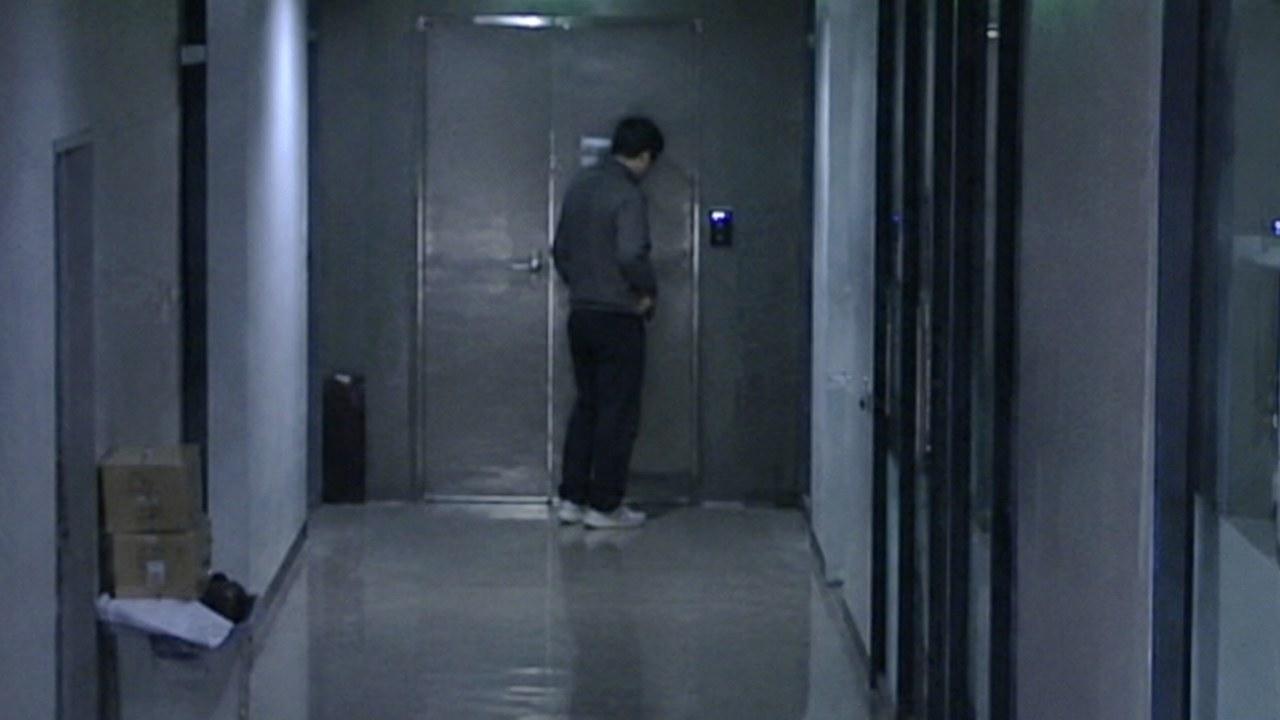
Server rooms · Machine rooms · Rooftops
Restricted area accessWarning
Alerts right away when someone approaches a set zone. Detection schedules can differ for work hours and nights.
Keep your building's existing CCTV. It detects restricted area access, night intrusion, fire, and falls, and alerts the control room and staff's Link app at the same time.
 Restricted area access
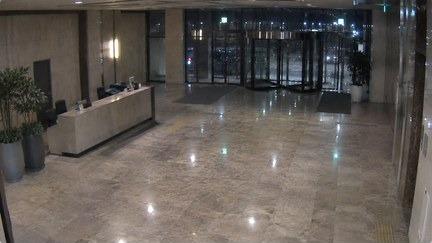
No replacement
Connects as is to the cameras
and recorders you use
By floor · Zone
Turn on only the detection
each floor and zone needs
Simultaneous alerts
Control room and the Link app on patrol,
at the same moment
Detection by zone
Restricted areas, equipment rooms where fire can't happen, quiet hallways. Detection items are set separately for each zone.
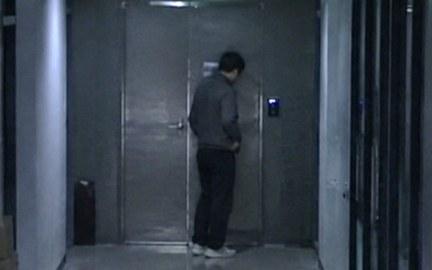
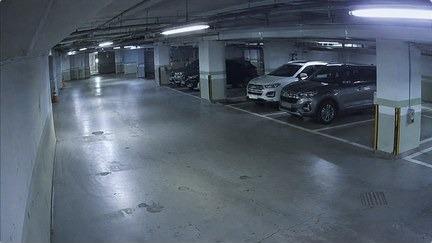
Server rooms · Machine rooms · Rooftops
Alerts right away when someone approaches a set zone. Detection schedules can differ for work hours and nights.
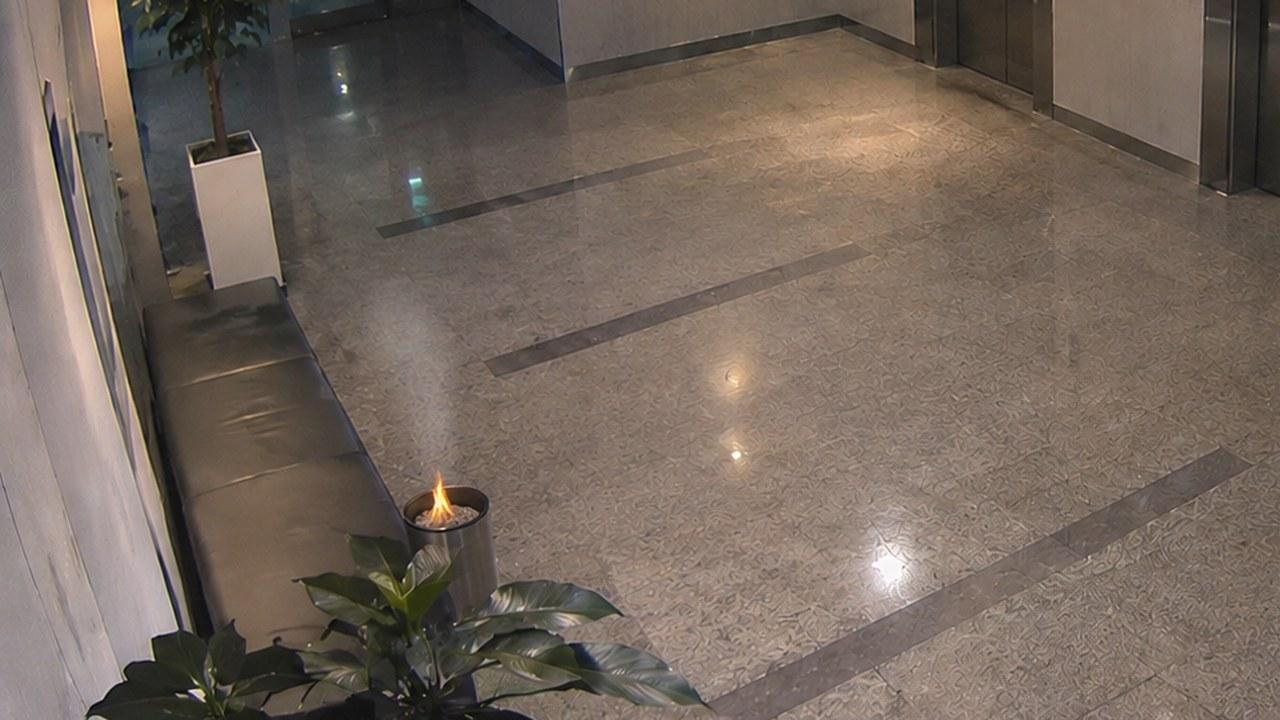
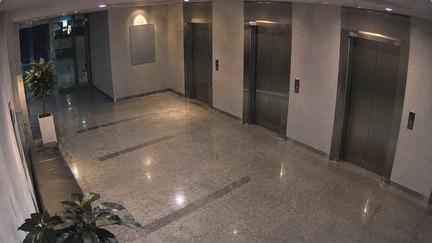
Electrical rooms · Parking · Elevator halls
Catches early flames and smoke and alerts the control room and staff at the same time, before it spreads.
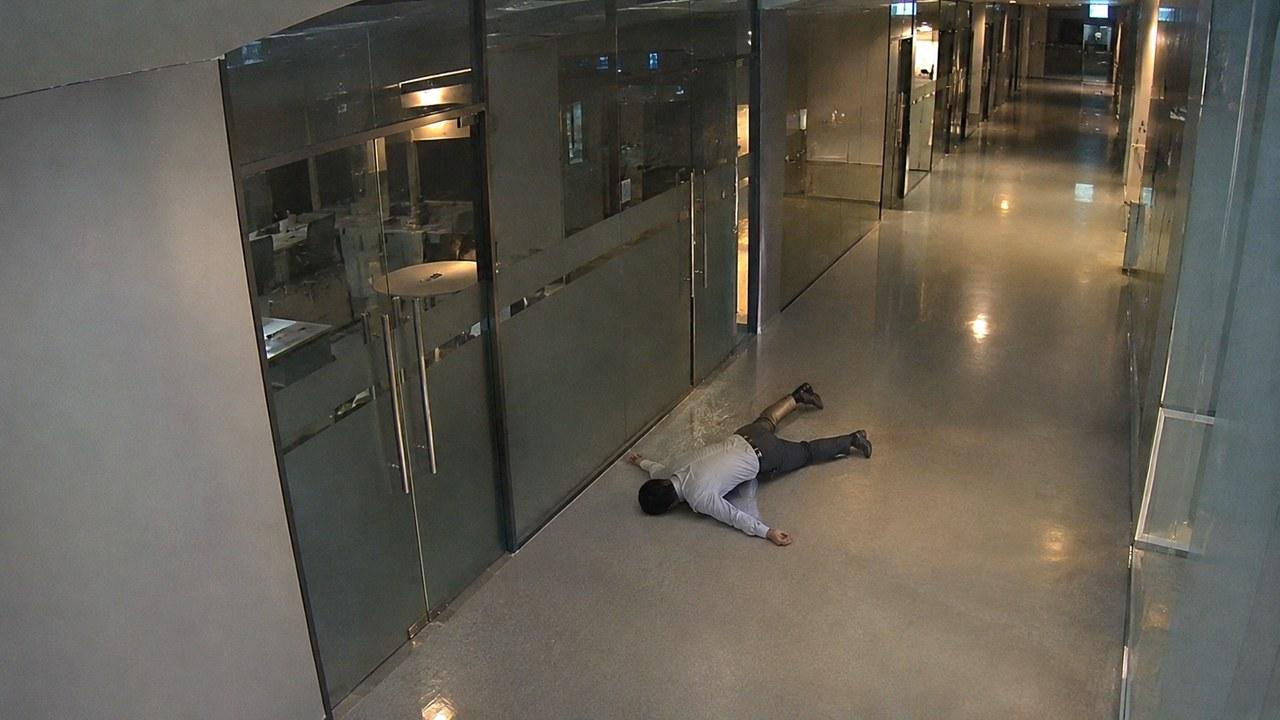
Hallways · Stairs · Underground passages
Alerts the moment a fall is detected, even when few people are around. No waiting for the next patrol.
Building case study
4 building security sites · Deployed March 2026
98%
Fewer fire false alarms
Daily fire false alarms · Total across 4 sites
96%
Fewer fall false alarms
64%
Fewer unneeded intrusion alerts
84%
False alarms cut in 1 week
How we cut them
In August, debris on a lens briefly raised fire false alarms. After the cause was fixed, September had zero.
Daily average, total across 4 sites · Before tuning: March 2026; after tuning: May–Sep average (excluding the temporary August increase caused by lens debris; including it, fire is 92%) · Intrusion alerts were true detections, so they are shown as unneeded alerts · Based on our own operating data · Customer name withheld · Results may vary with site conditions.
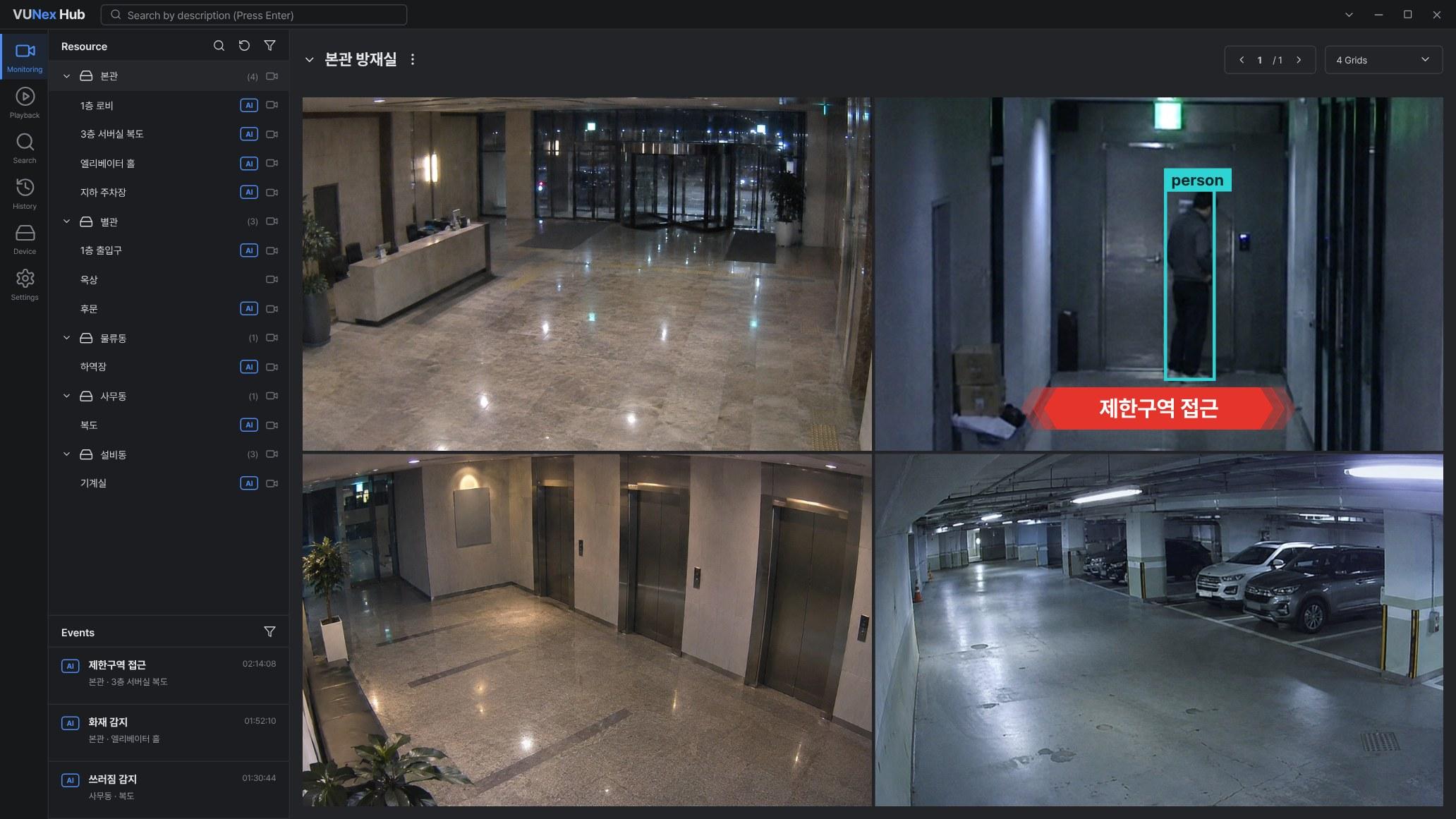
Control room and on site
Even when you step away or are on another floor, you see the same risk at the same moment.
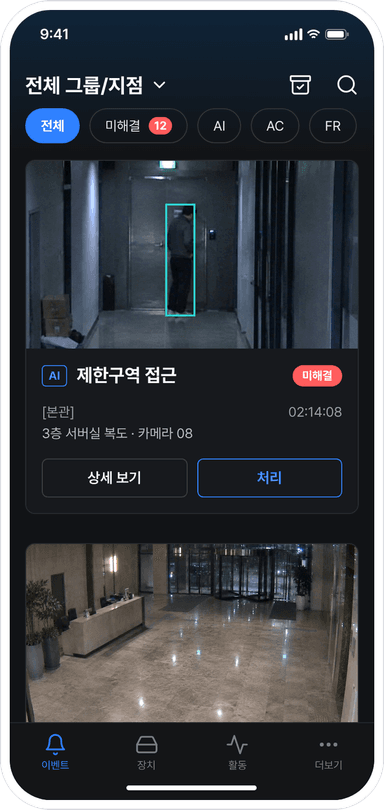
 Link · now
AI watches every camera feed with you.
See the risk scene on the monitoring screen right away.
The patrolling staff's Link app and beacons · speakers go off together.
Who checked and acted and when is kept on record.
If you have several buildings
Single-screen monitoring is provided with monitoring software. Link app alerts and remote status management require an internet connection, and beacons and IP speakers must be installed separately.
Free · 1 minute
Just choose your camera count and the risks you're concerned about. We'll show the right setup right away, and you can request a free site check with that setup.
How many cameras do you have?
Building FAQ
The free site check looks at your cameras and network first, and connection is guaranteed without replacement for equipment that passes. RTSP cameras and the ONVIF standard are supported.
Alerts go out only after three filters: zone rules, scene-context AI, and on-site verdict learning. False alarms get focused tuning in the first month after rollout, and at 4 building security sites, fire false alarms fell 98% after tuning.
Alerts go to the control room monitoring screen and staff's Link app at the same time. If on-site beacons and IP speakers are installed too, you can also warn people on site right away. Link app alerts require an internet connection.
Video is analyzed continuously, but alerts are triggered only by risk situations defined in advance. Everyday entry and work don't trigger alerts, and the detection items and zones for each area are shared with your site before rollout.
Real-time analysis and recording run on devices inside the building. Event data and the related video clips are sent outside only when you use mobile alerts, remote status management, scene-context AI rechecks, or site-specific learning.
Our own call center responds remotely first, 24/7, 365 days a year (1661-6806), and a dedicated regional manager looks after each area's sites. When needed, our customer support and development teams visit to fix the issue.
There's still time to decide after you see the results.