01
Getting Started
What this dashboard is and how to open it.
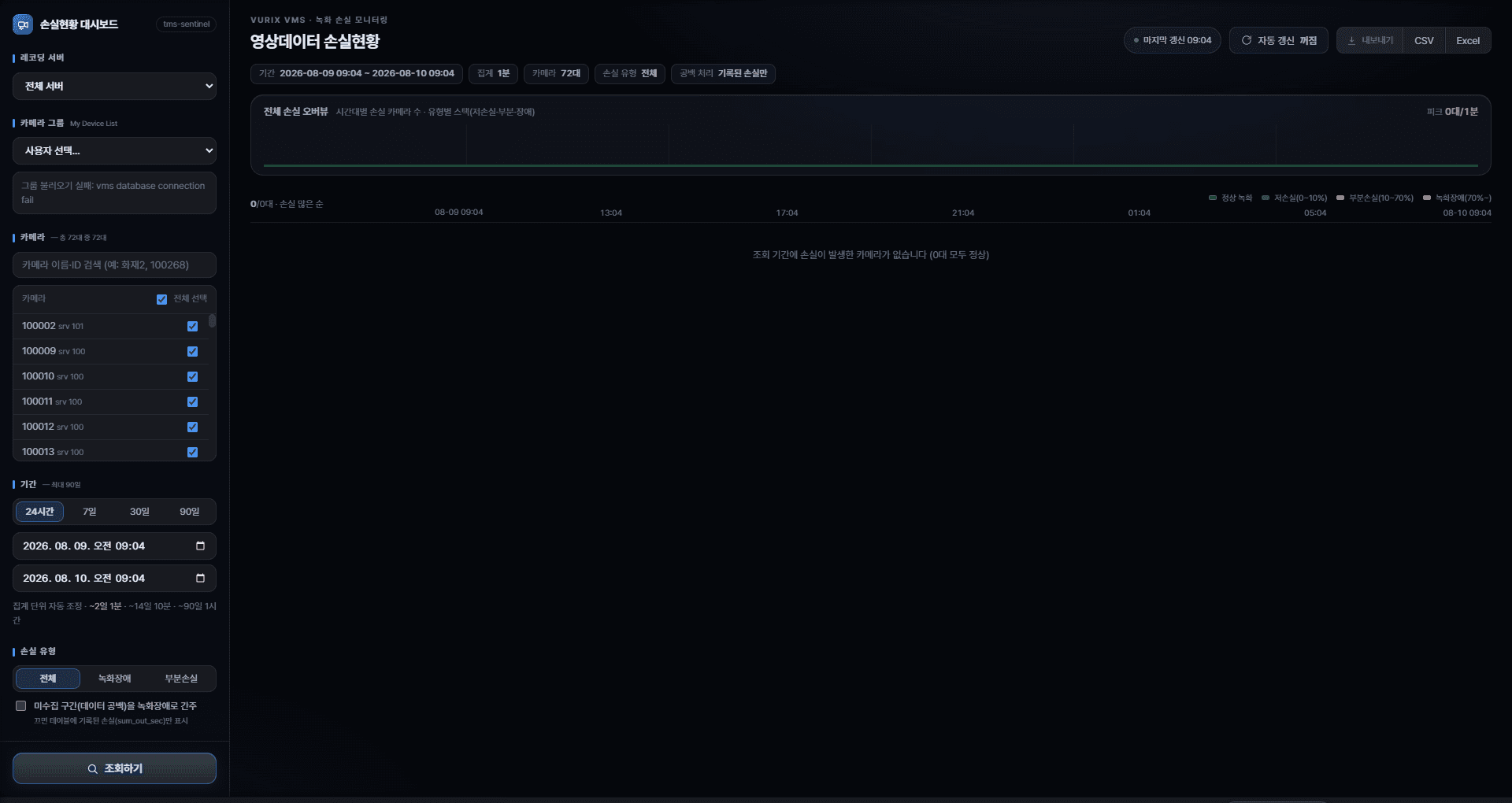
What is Video Data Loss Status?
A screen to see at a glance whether cameras recorded properly and when loss occurred. You can also download results as a file.
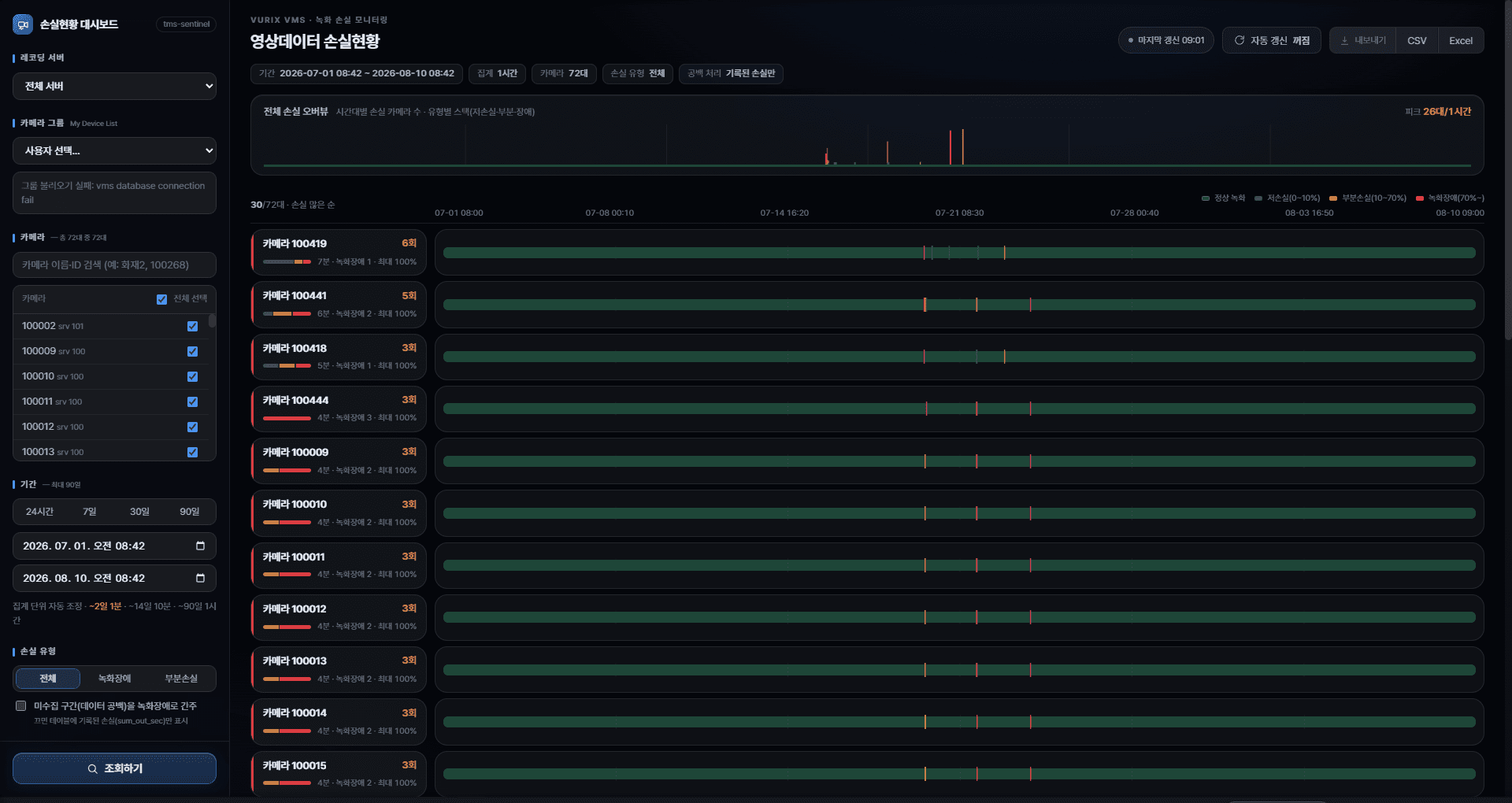
What you can do
- Check loss for a period and cameras
- Sort cameras with more loss first
- View per-camera loss over time
- Save results as Excel / CSV
Open the screen
Open the URL provided by your administrator in a browser. The address may differ by site.
- Open the URLUse a standard browser such as Chrome or Edge.
- Confirm the screen loadsYou should see filters on the left and summary/charts on the right. If it does not load, contact your administrator.