03
AI Live View
This section explains how to monitor real-time video and view AI analysis results in VUNex AI 2.0.
AI Live View Overview
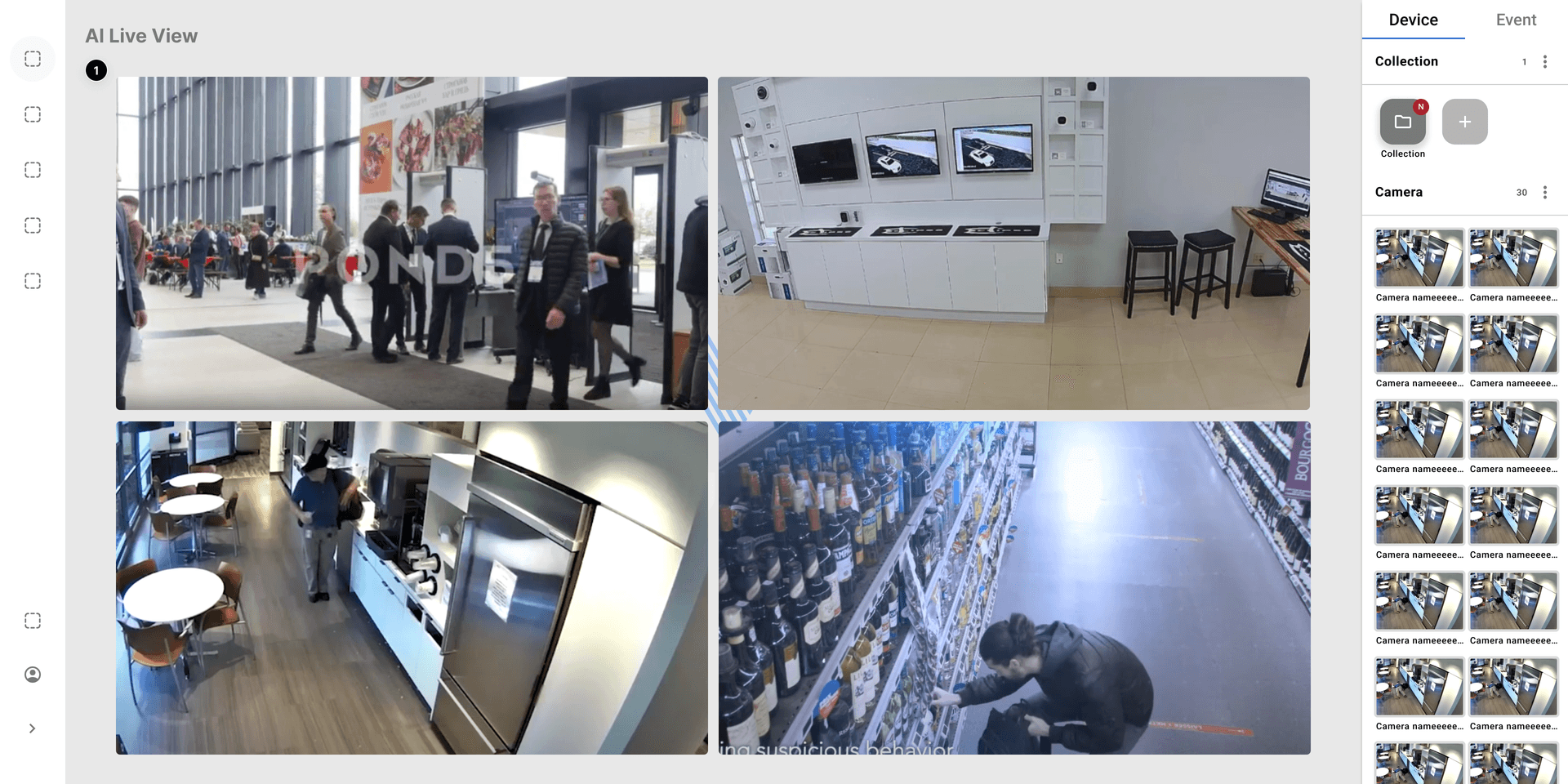
Figure 3-1. AI Live View Concept
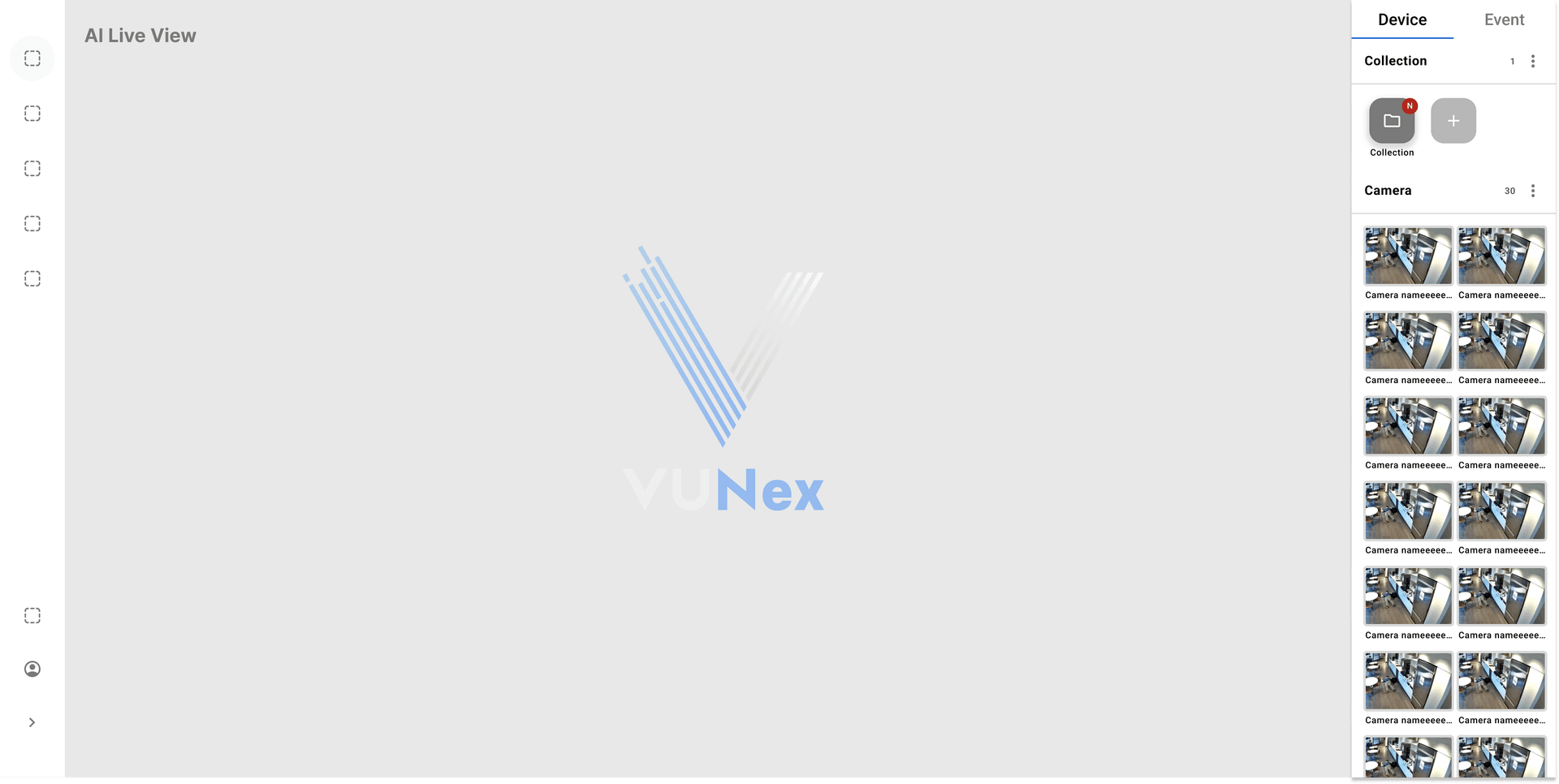
Figure 3-2. AI Live View Default Screen
Device Assignment
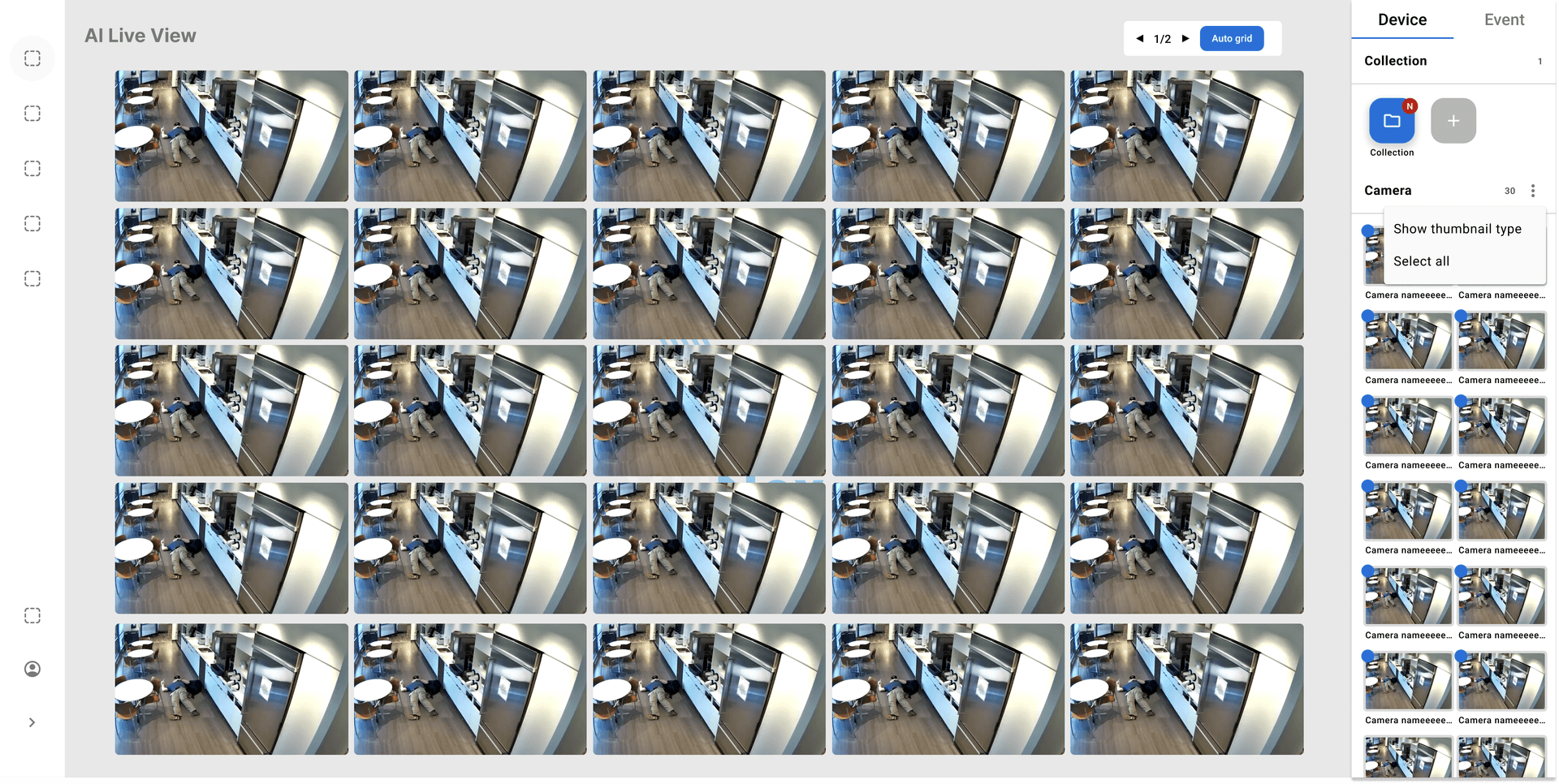
Figure 3-3. Screen When Device is Assigned
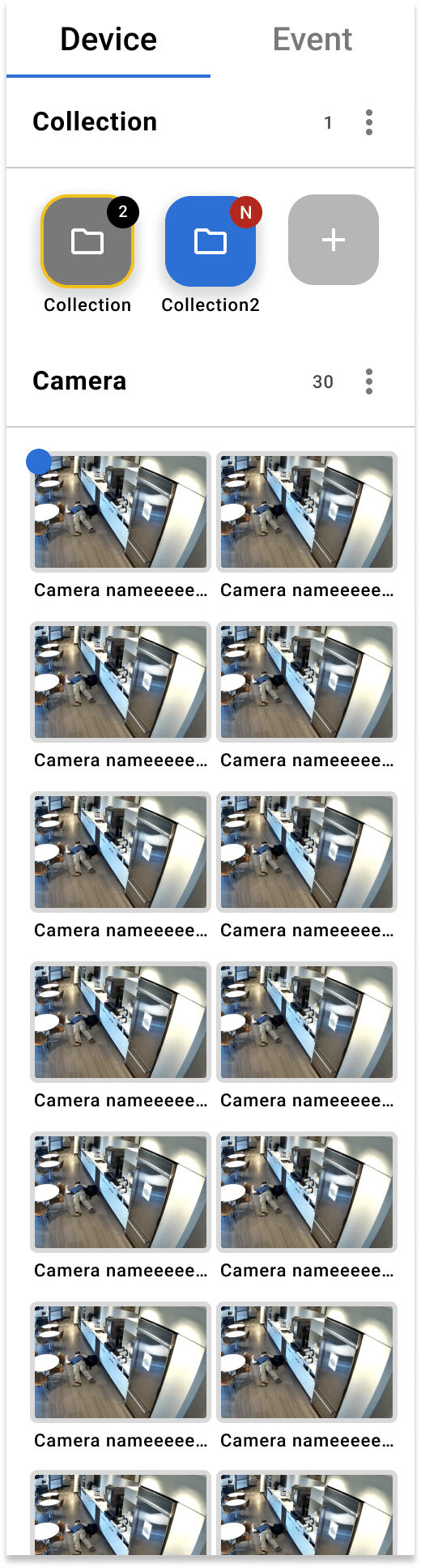
Figure 3-4. Device Side Panel
Collection Management

Figure 3-5. Personal Collection
Cell Context Menu
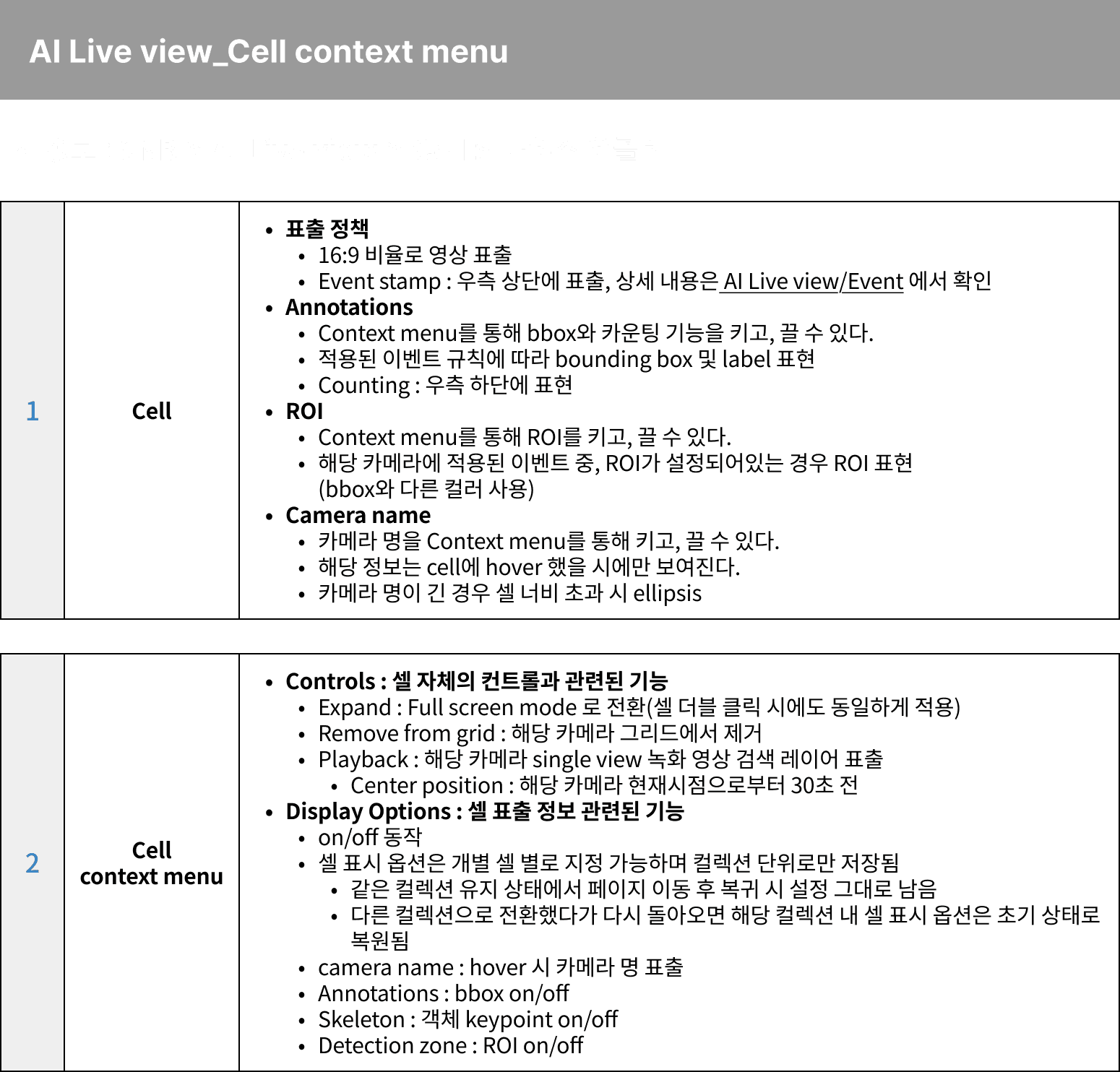
Figure 3-6. Cell Context Menu
Available Features
- Full Screen: Display selected camera in full screen
- PTZ Control: Control PTZ camera (if supported)
- Snapshot: Capture current frame
- Playback: Go to recorded video of this camera
- Event Search: Search events for this camera