VUNex AI 기획서 기반 테스트
User Manual
Menu configuration may vary or some features may not be supported depending on the product version.
Table of Contents
Sign In
This section explains how to sign in to the VUNex AI 2.0 system and account management features.
Sign In Screen Overview
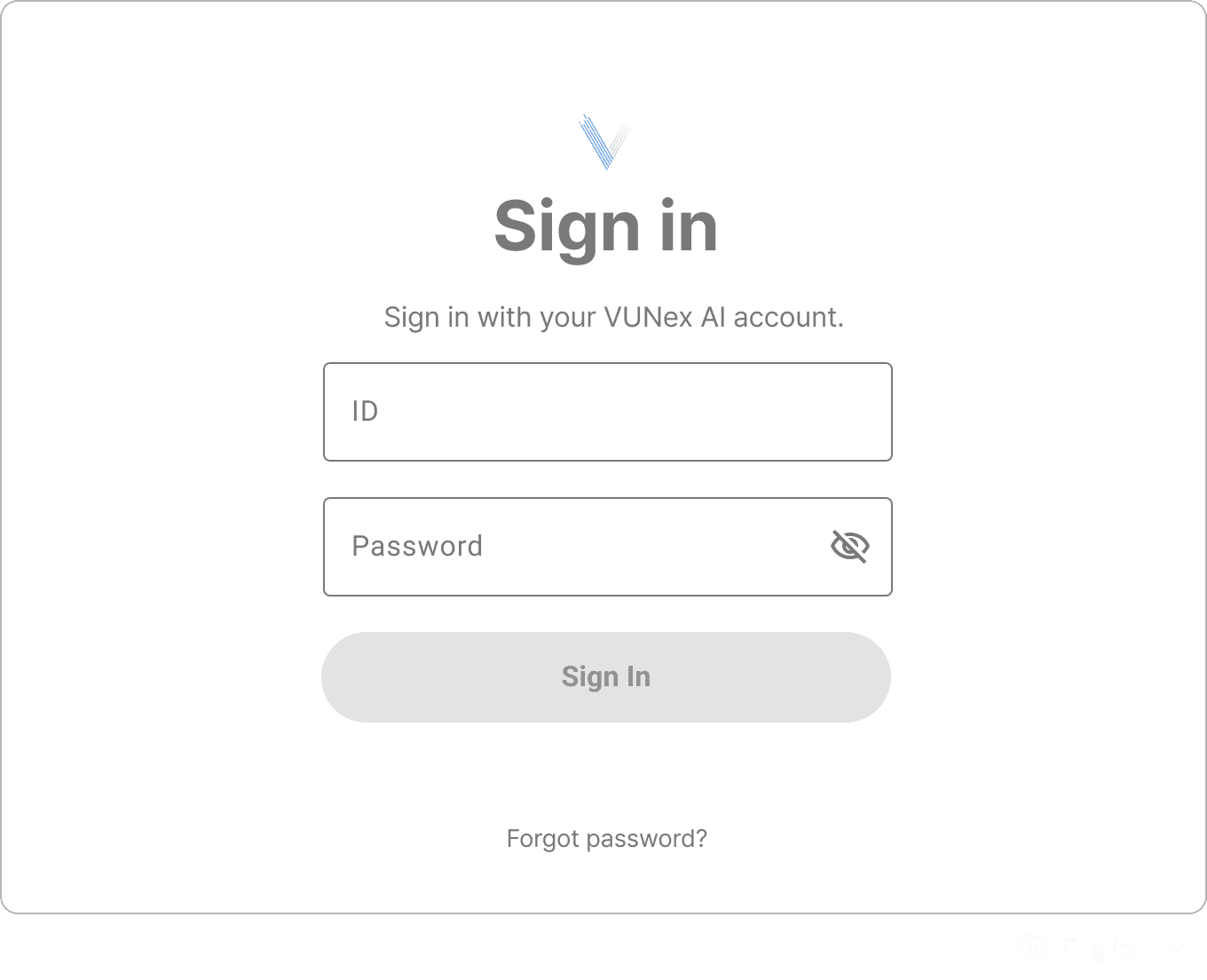
- Username InputEnter your registered username (ID).
- Password InputEnter your account password. It is masked for security.
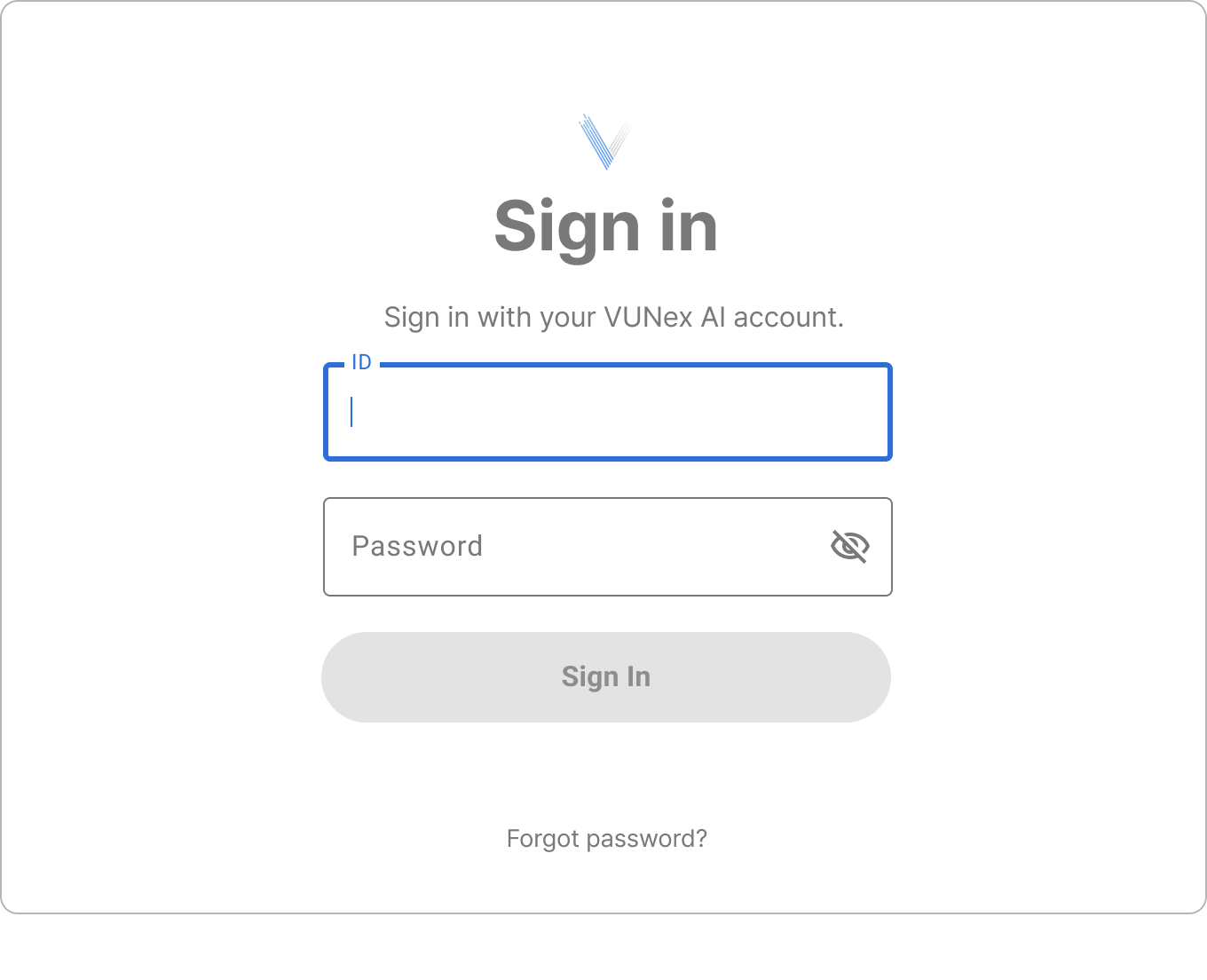 Figure 1-2. Input State
 - Sign In ButtonActivated after entering username and password. Click to sign in.
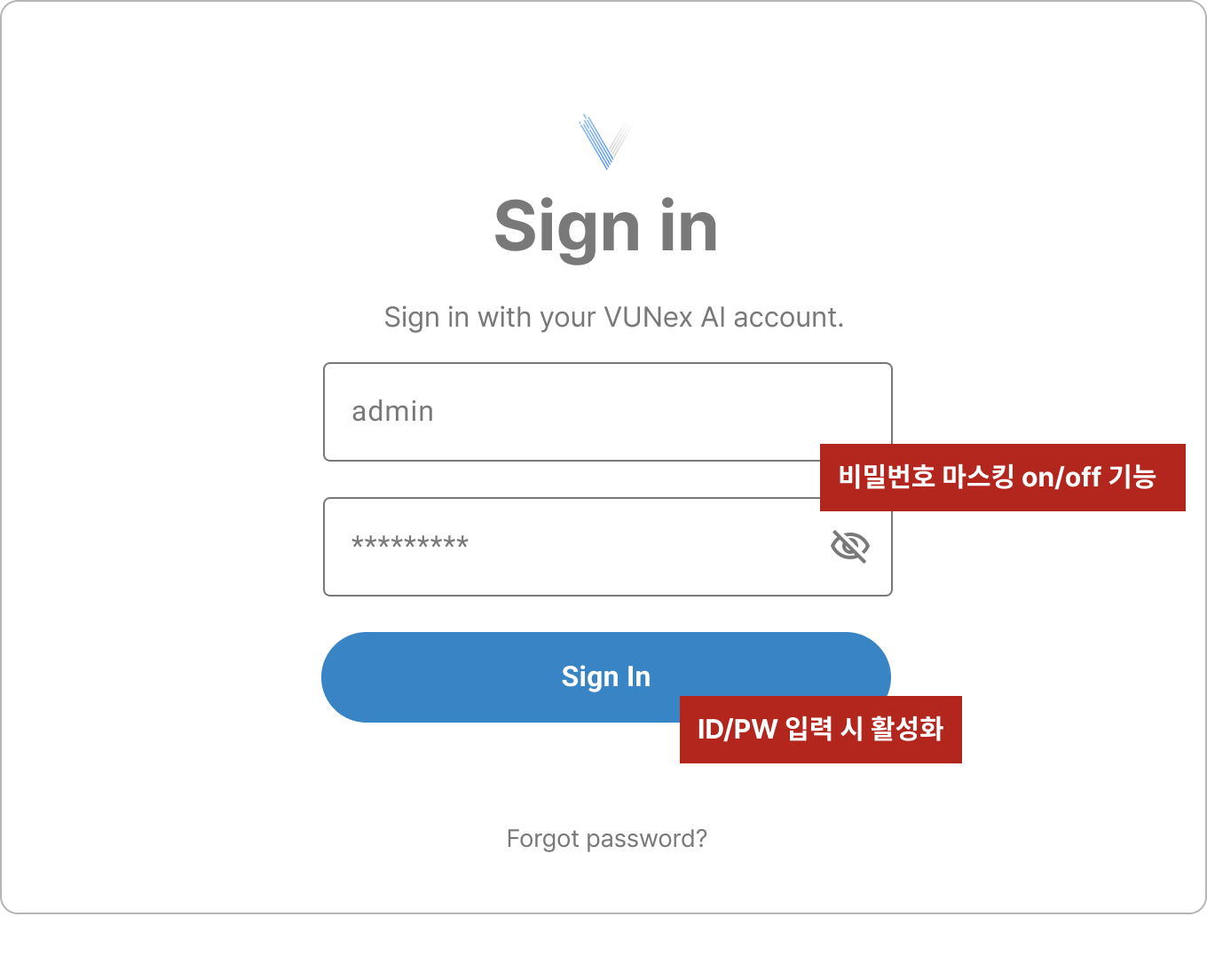 Figure 1-3. Button Enabled State
Sign In Error Handling
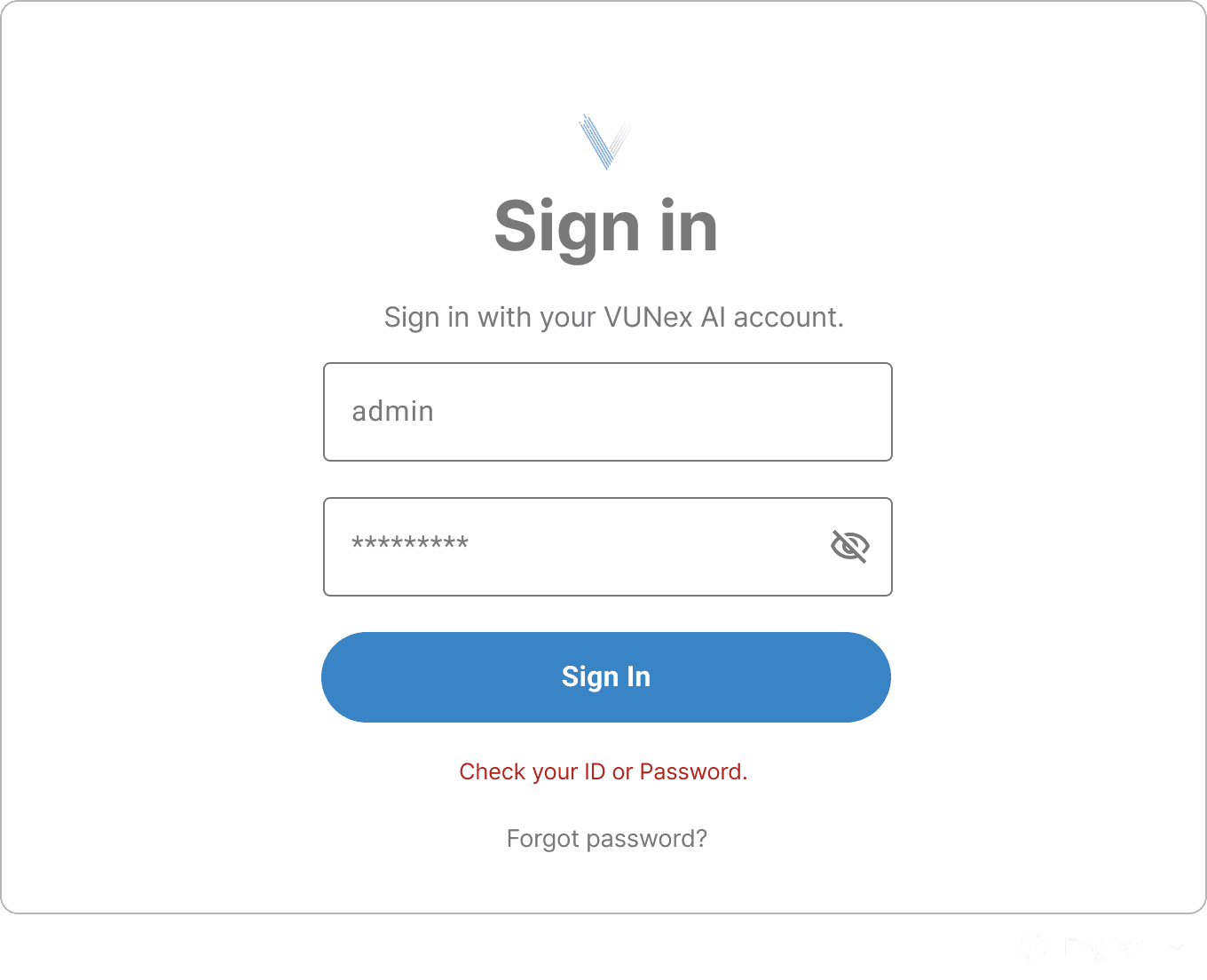
Language Settings
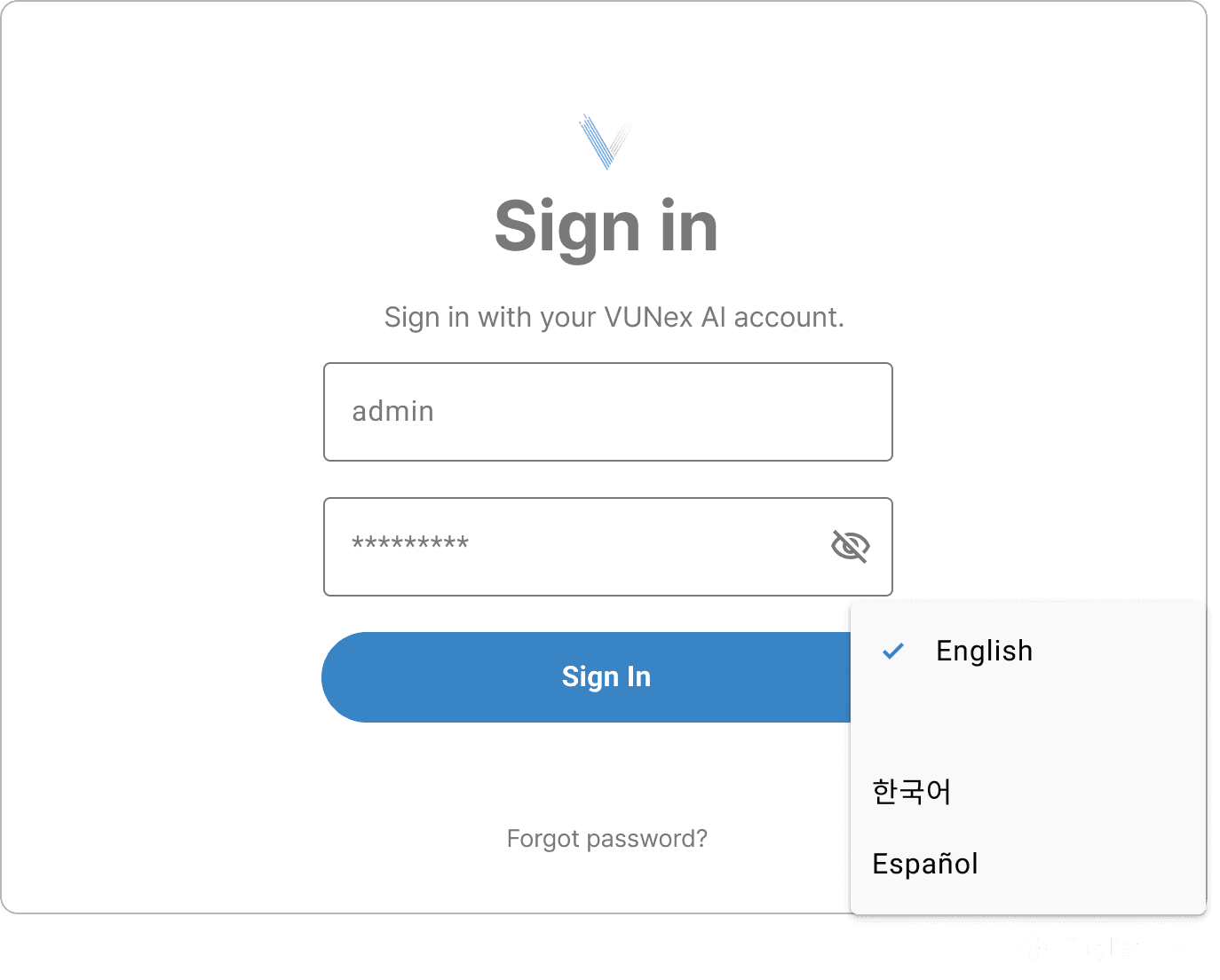
- Korean (한국어)
- English
- Japanese (日本語)
- Spanish (Español)
Password Change
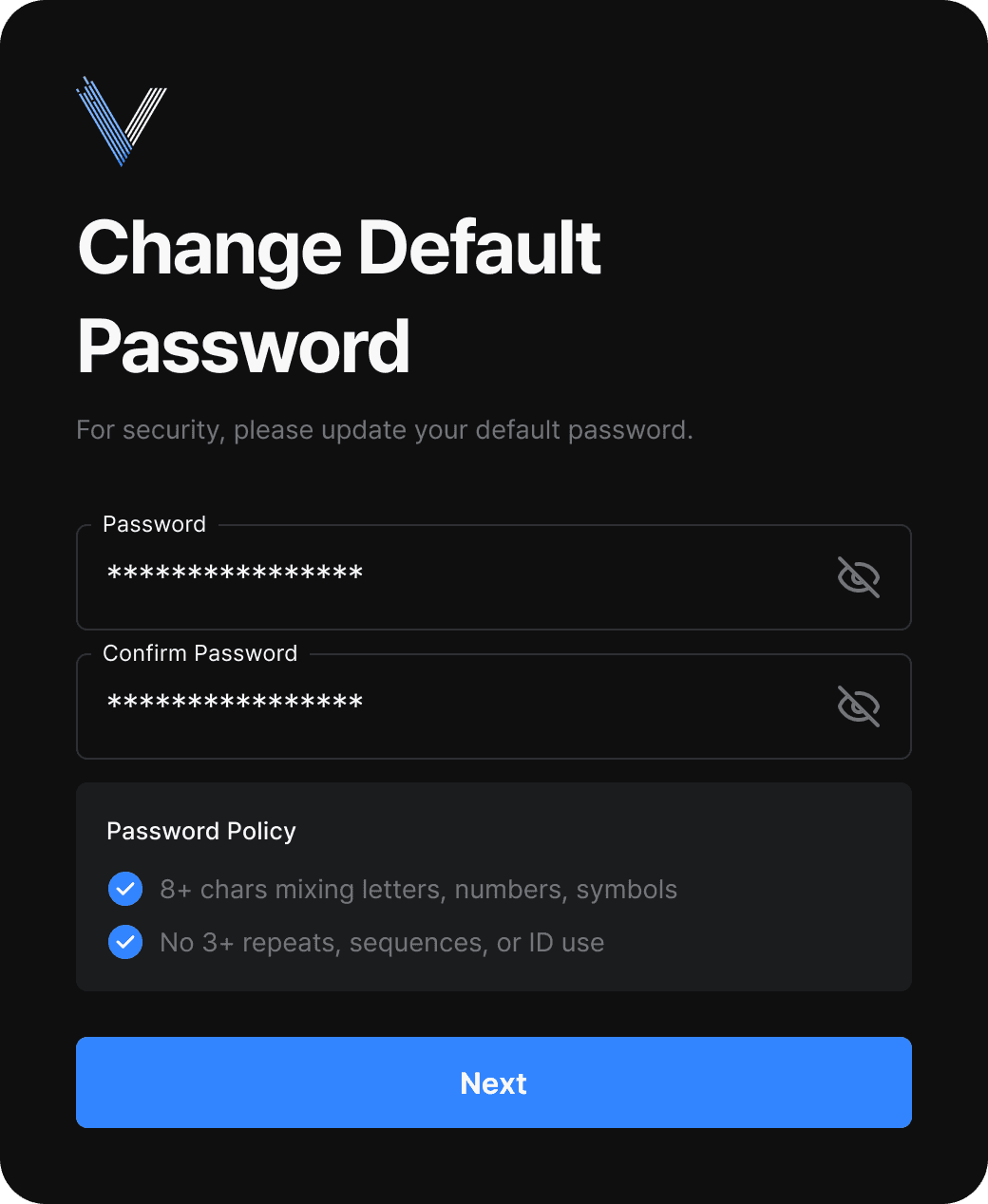
- Minimum 8 characters
- Recommended to include uppercase, lowercase, numbers, special characters
- Cannot be the same as previous password
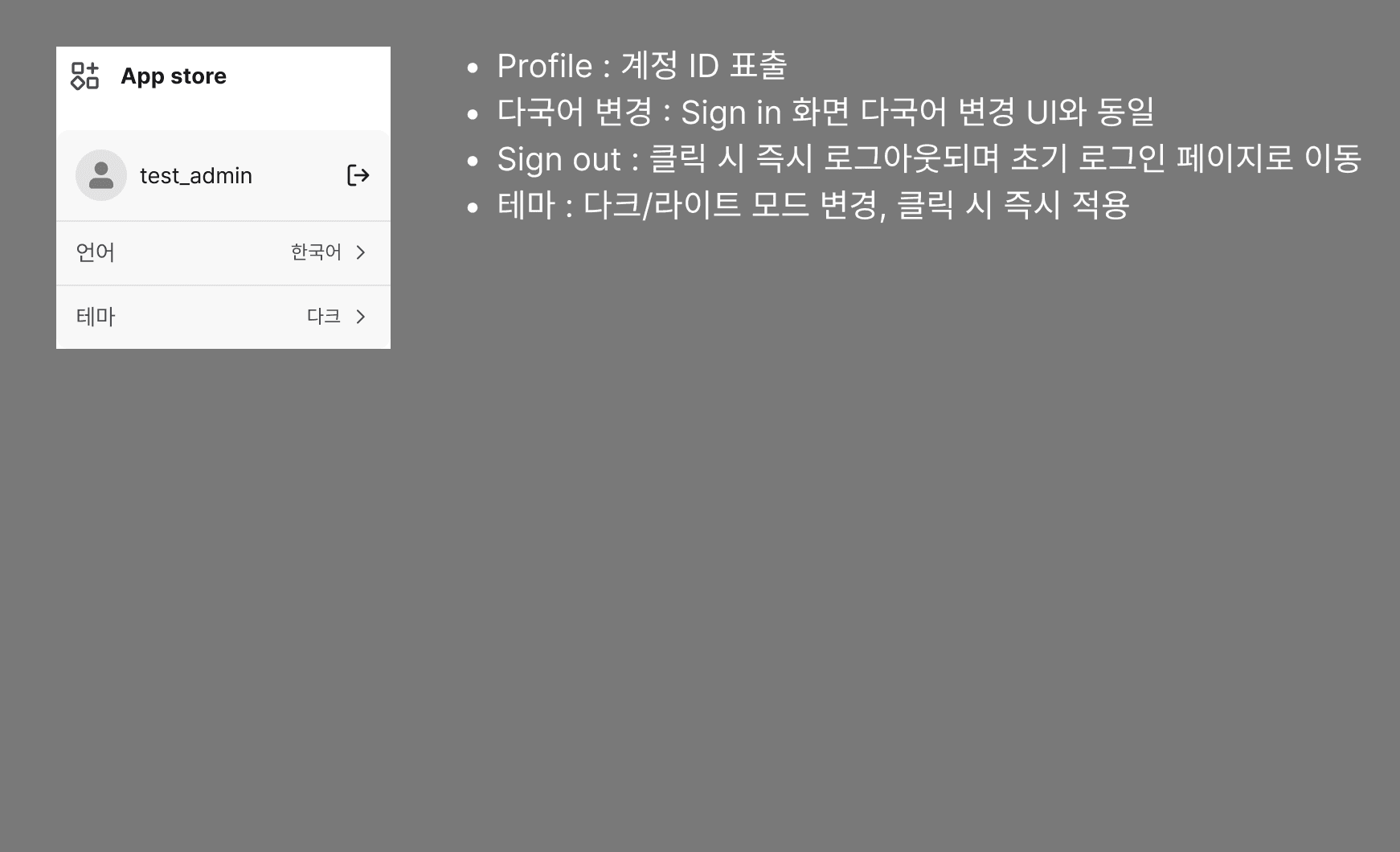
Sign Out
Home
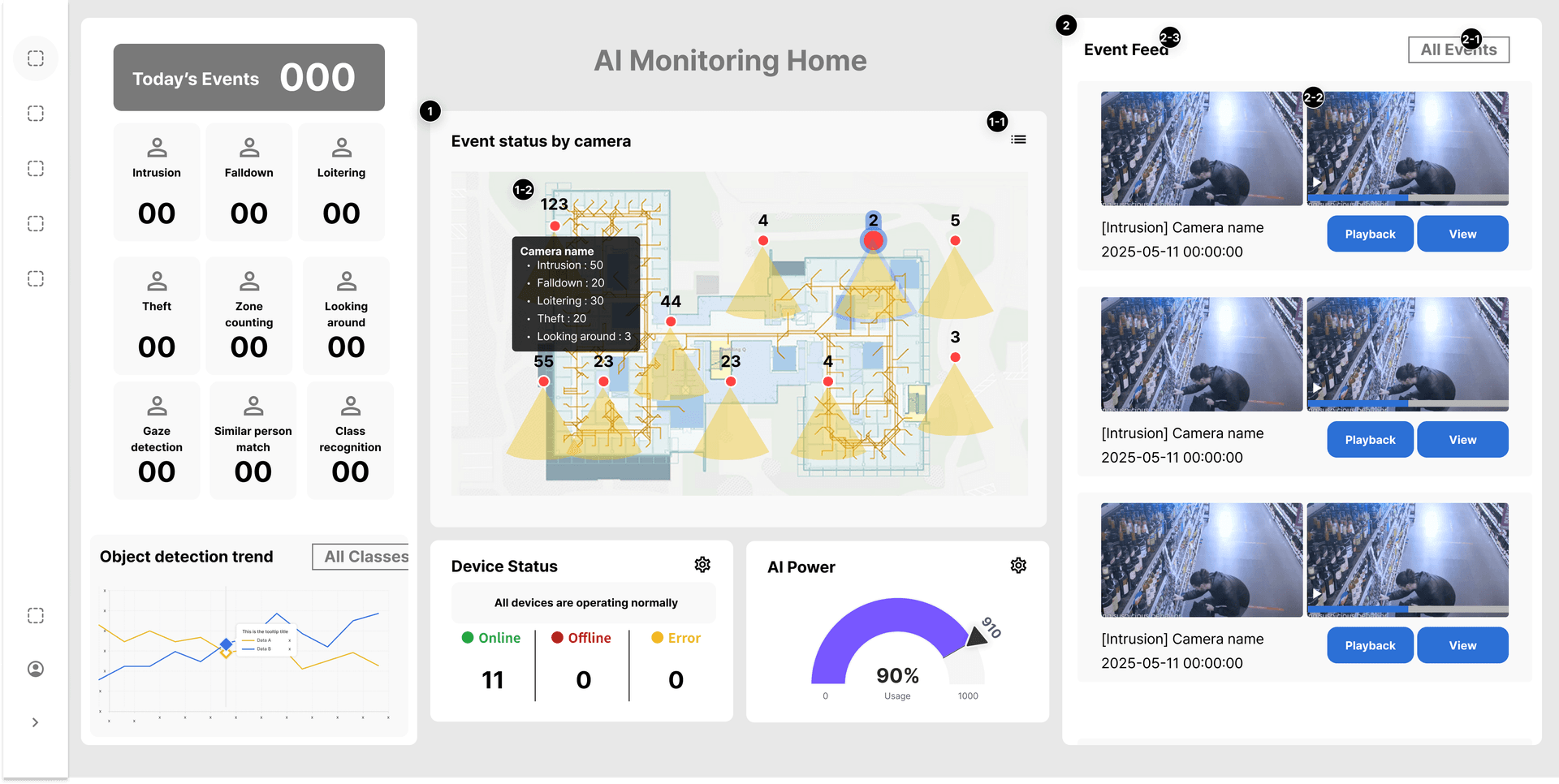
This section explains how to view system status and events at a glance from the VUNex AI 2.0 home dashboard.
Home Screen Overview
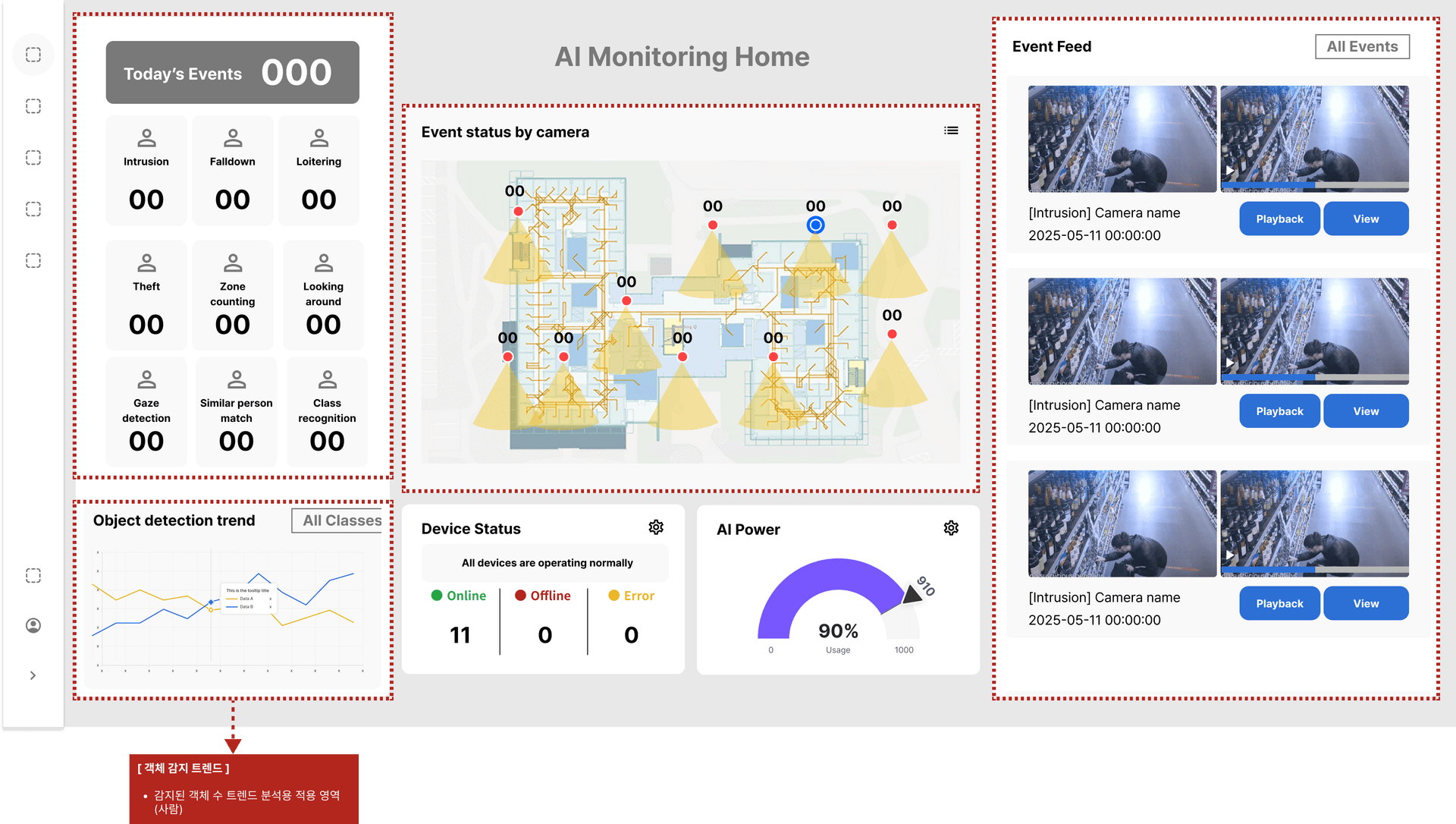
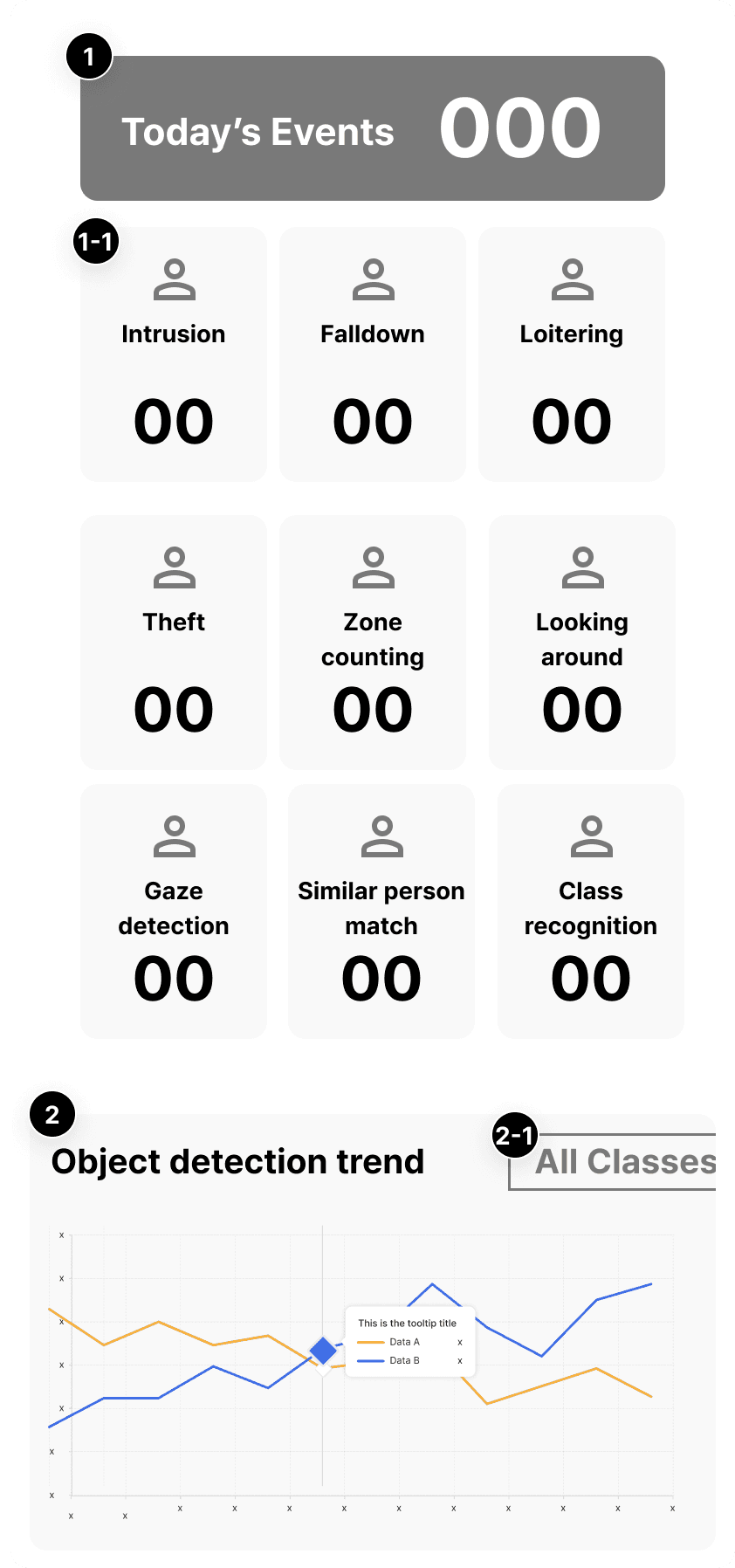
Today's Events
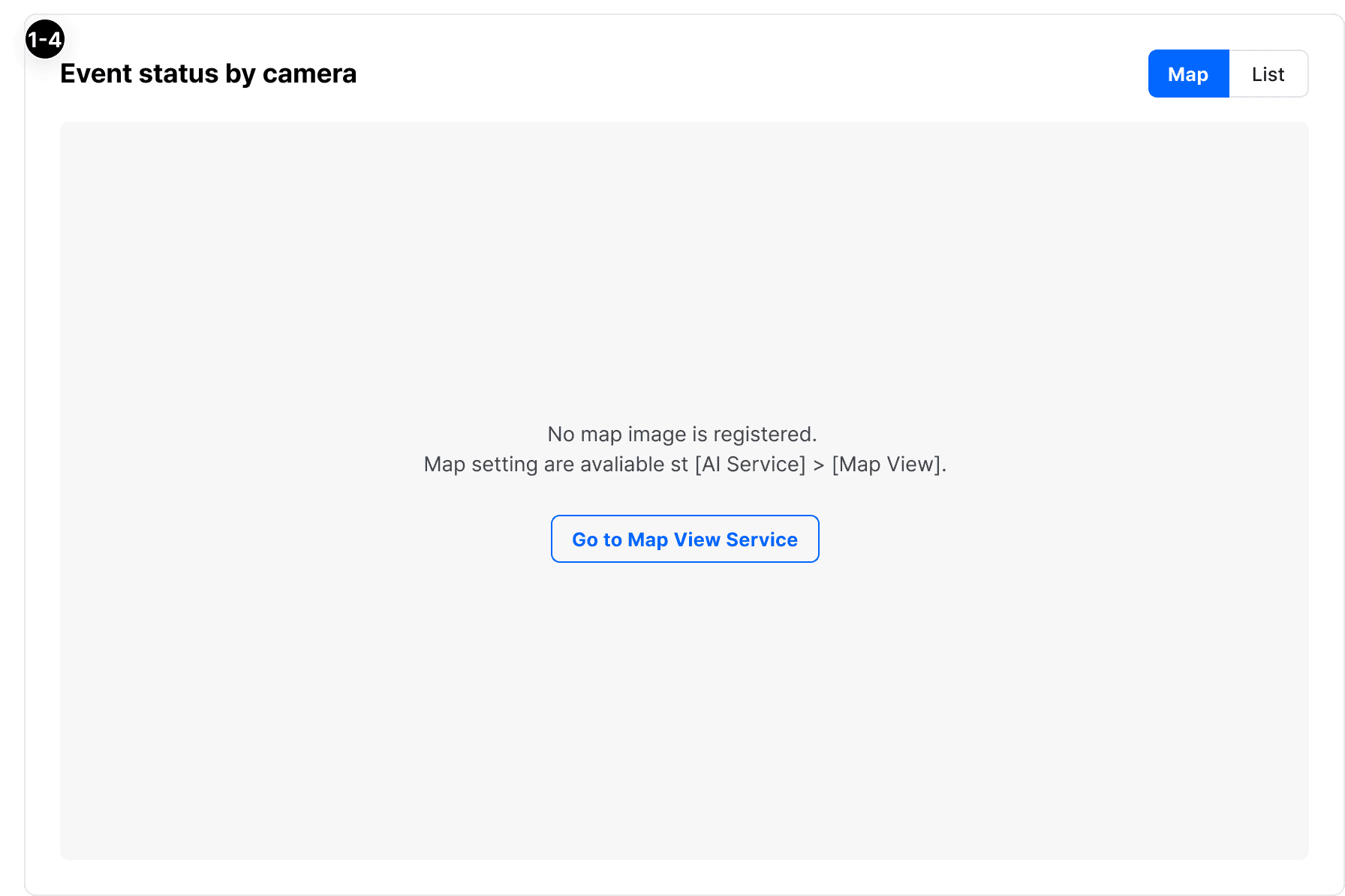
Event Status by Camera
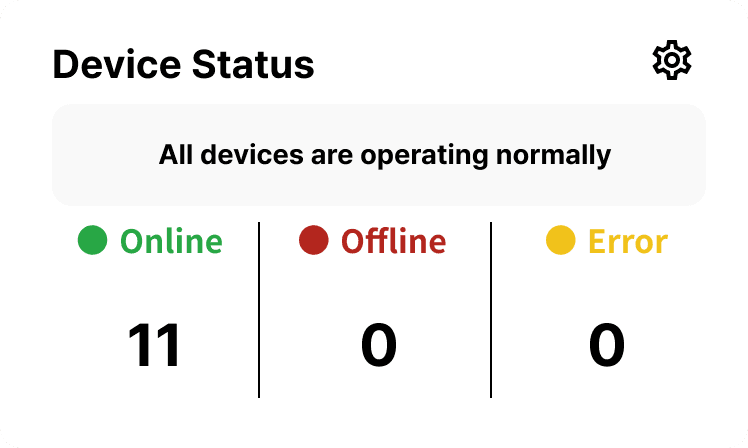
Device Status
Map View
AI Live View
This section explains how to monitor real-time video and view AI analysis results in VUNex AI 2.0.
AI Live View Overview
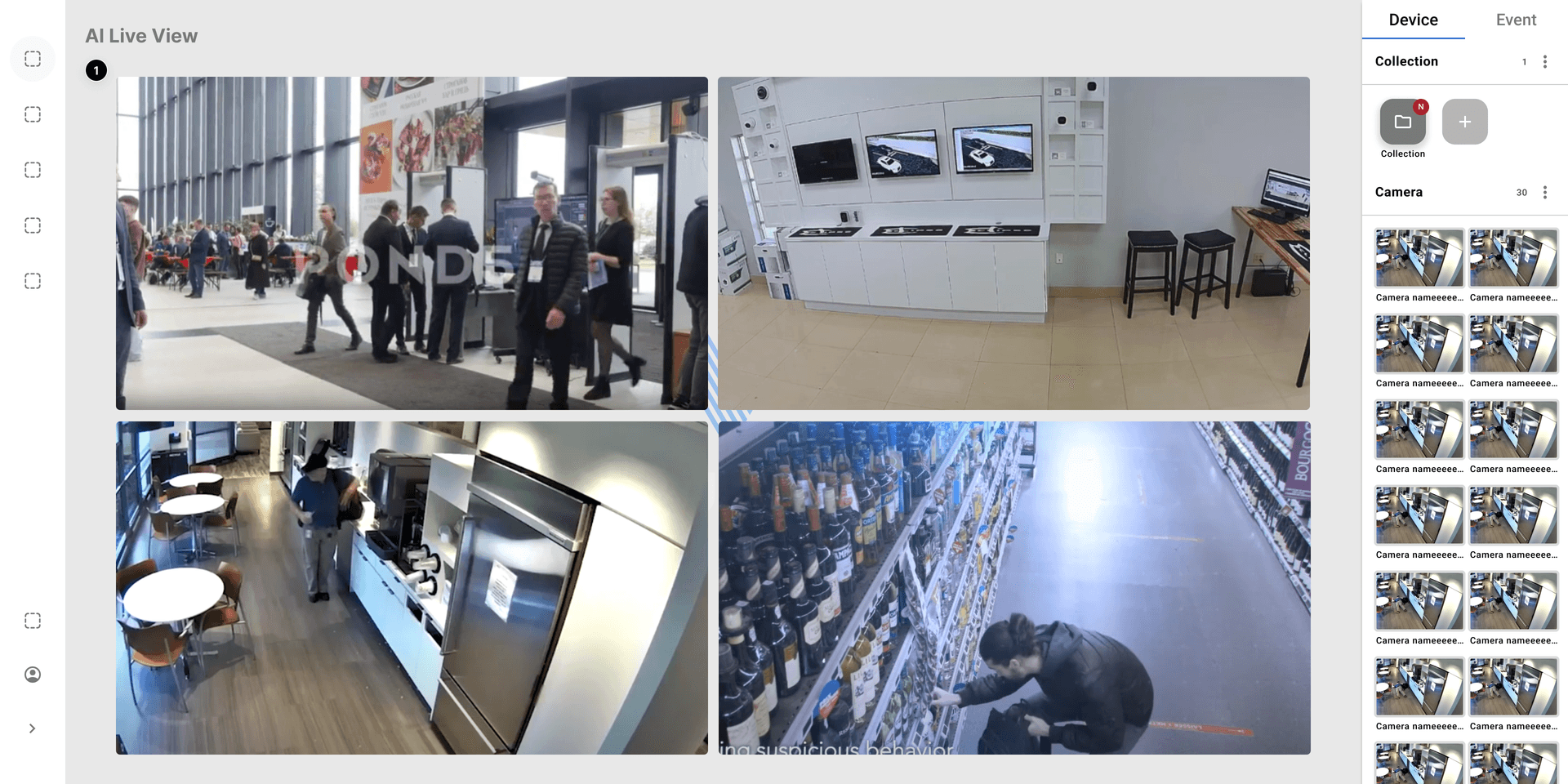
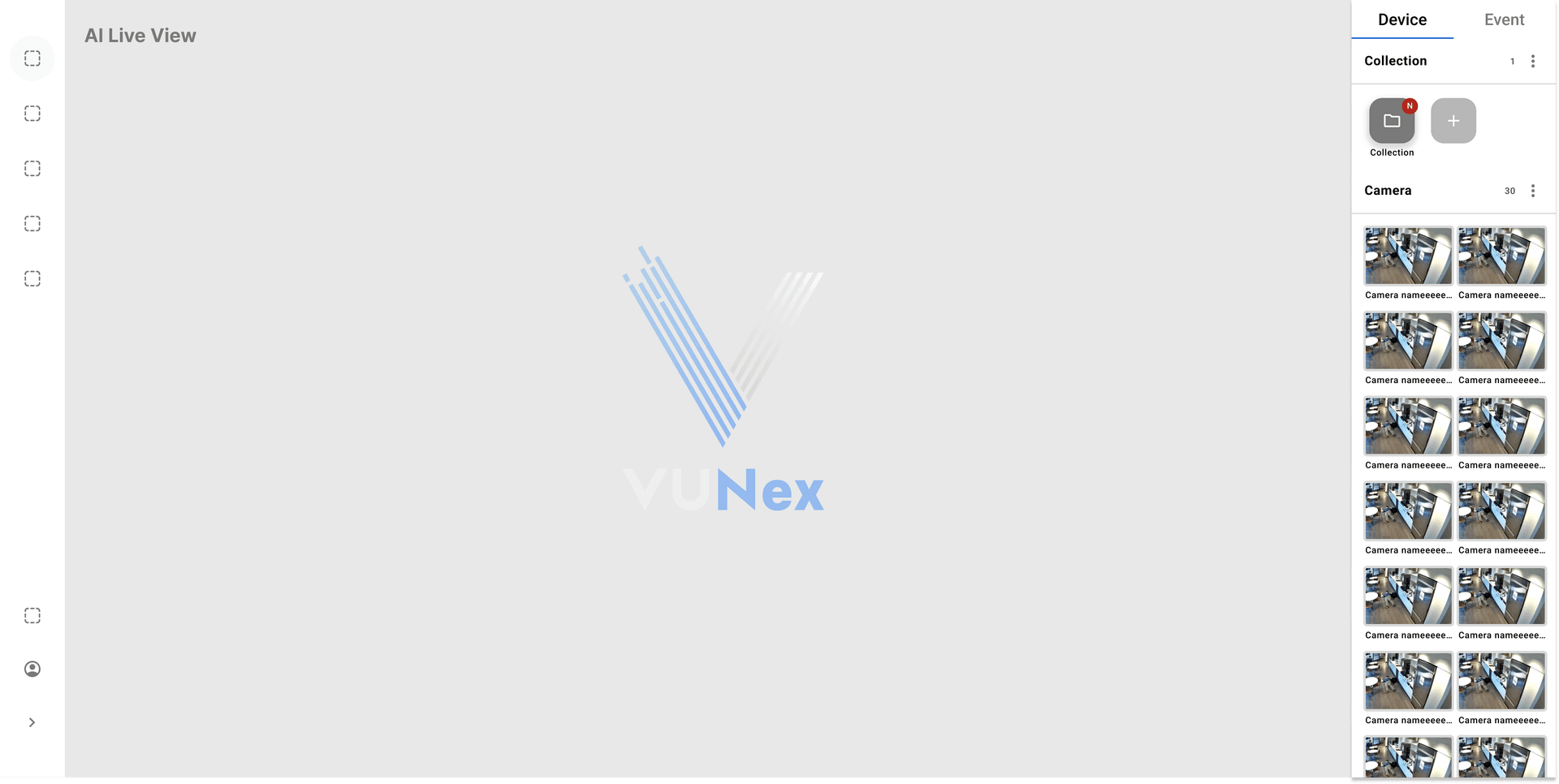
Device Assignment
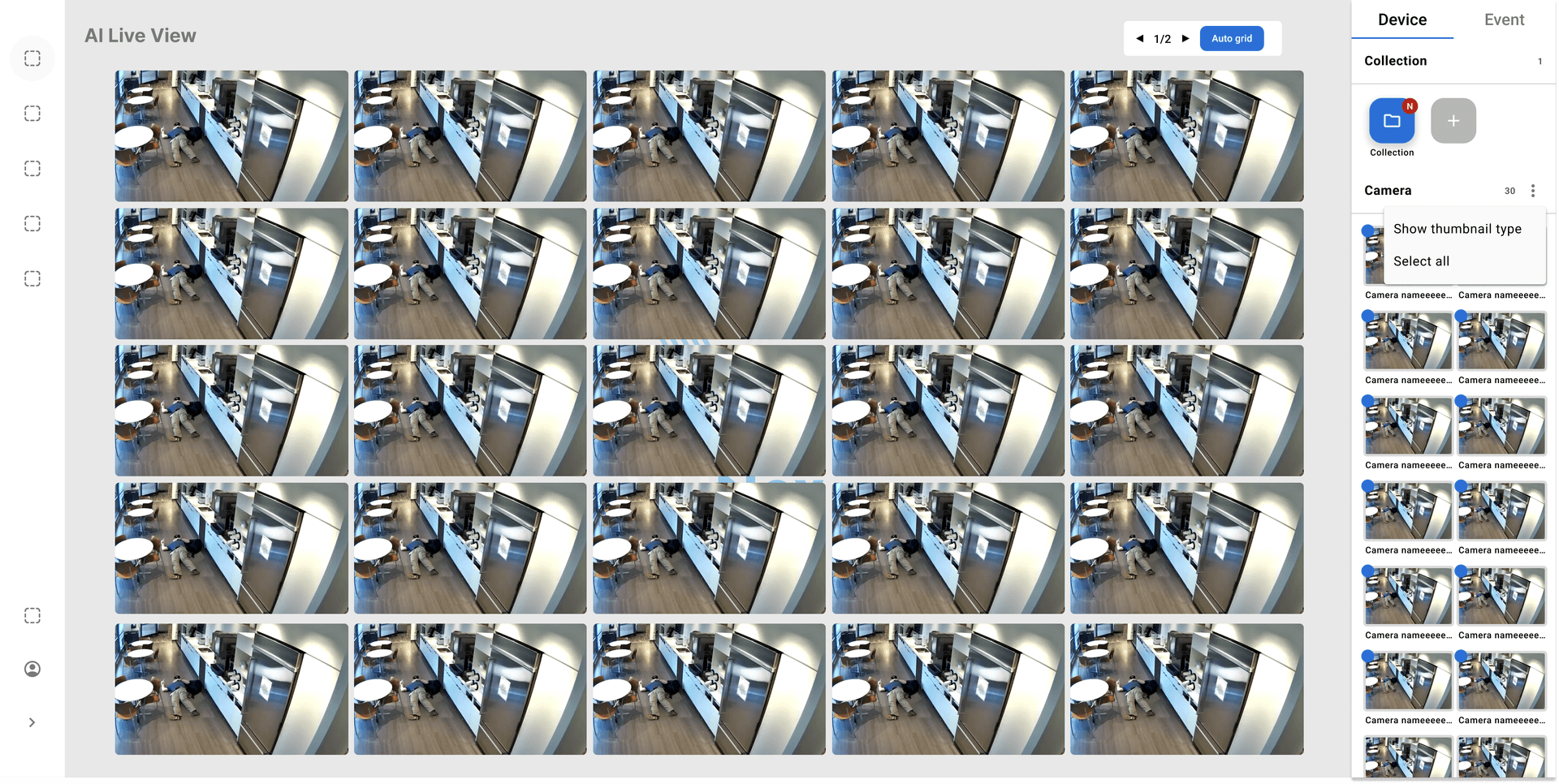
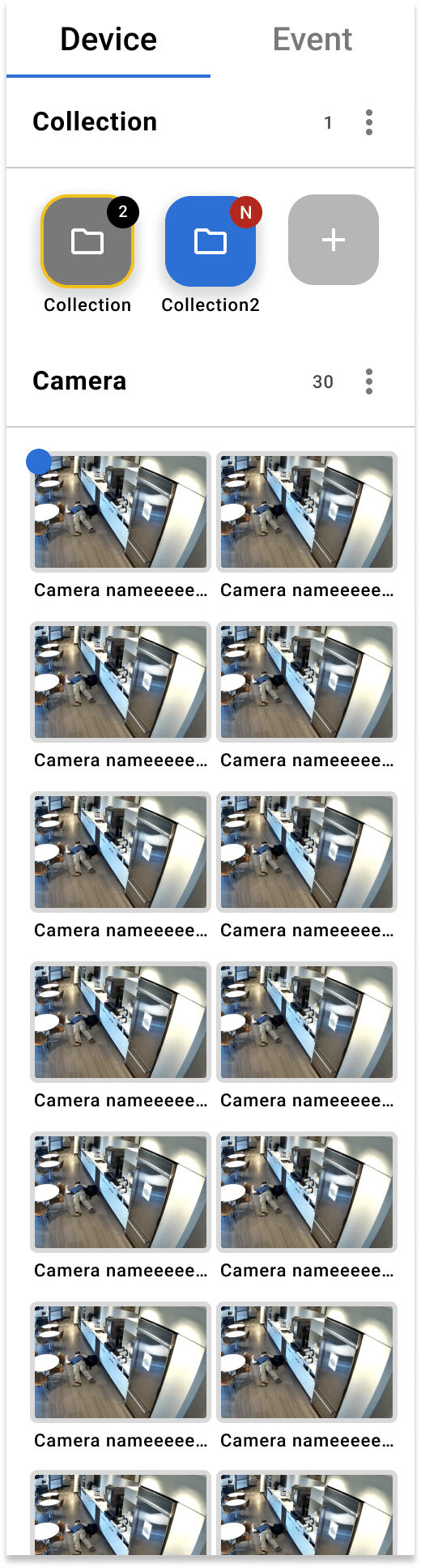
Collection Management
Cell Context Menu
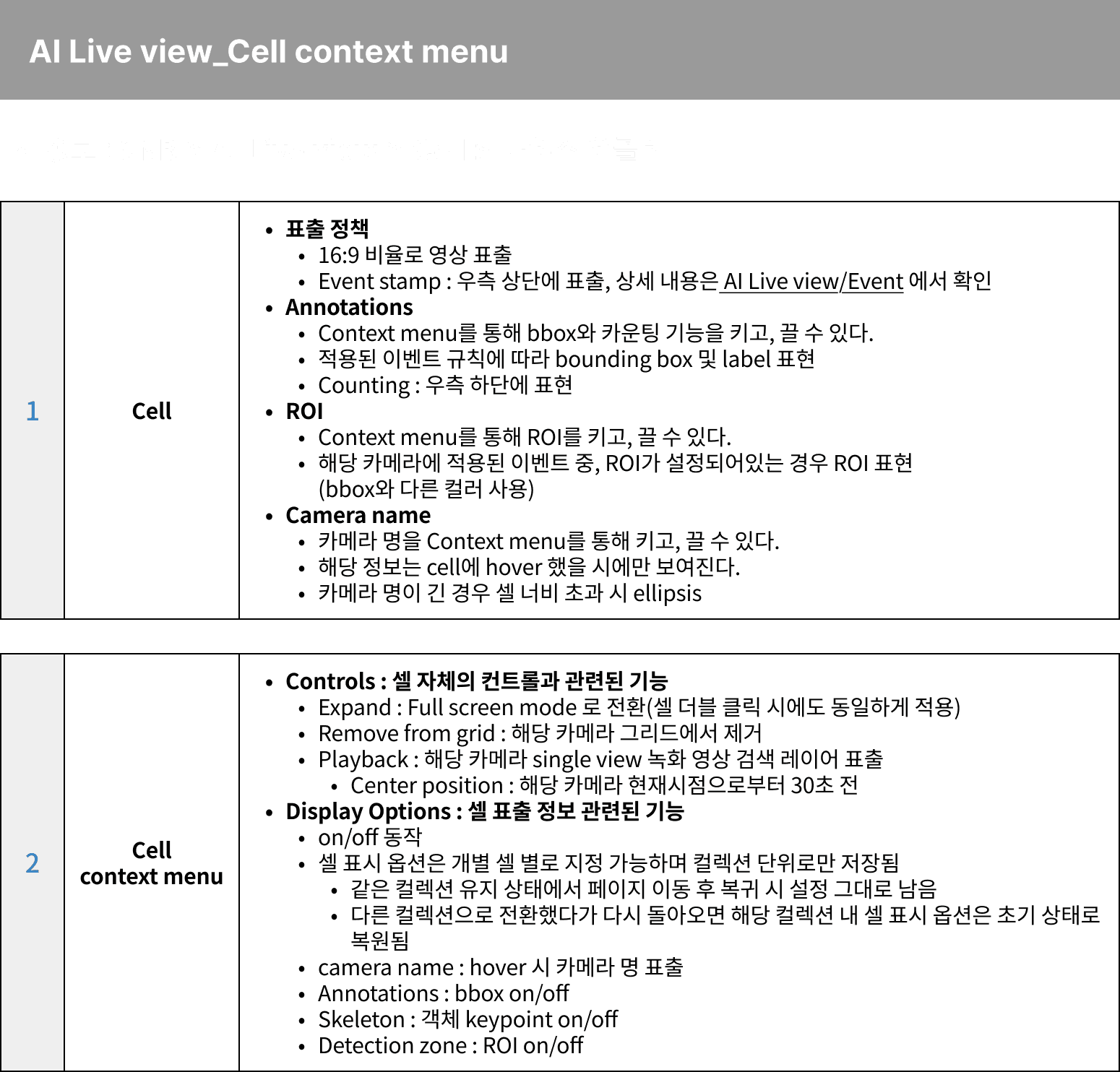
- Full Screen: Display selected camera in full screen
- PTZ Control: Control PTZ camera (if supported)
- Snapshot: Capture current frame
- Playback: Go to recorded video of this camera
- Event Search: Search events for this camera
Video Archives
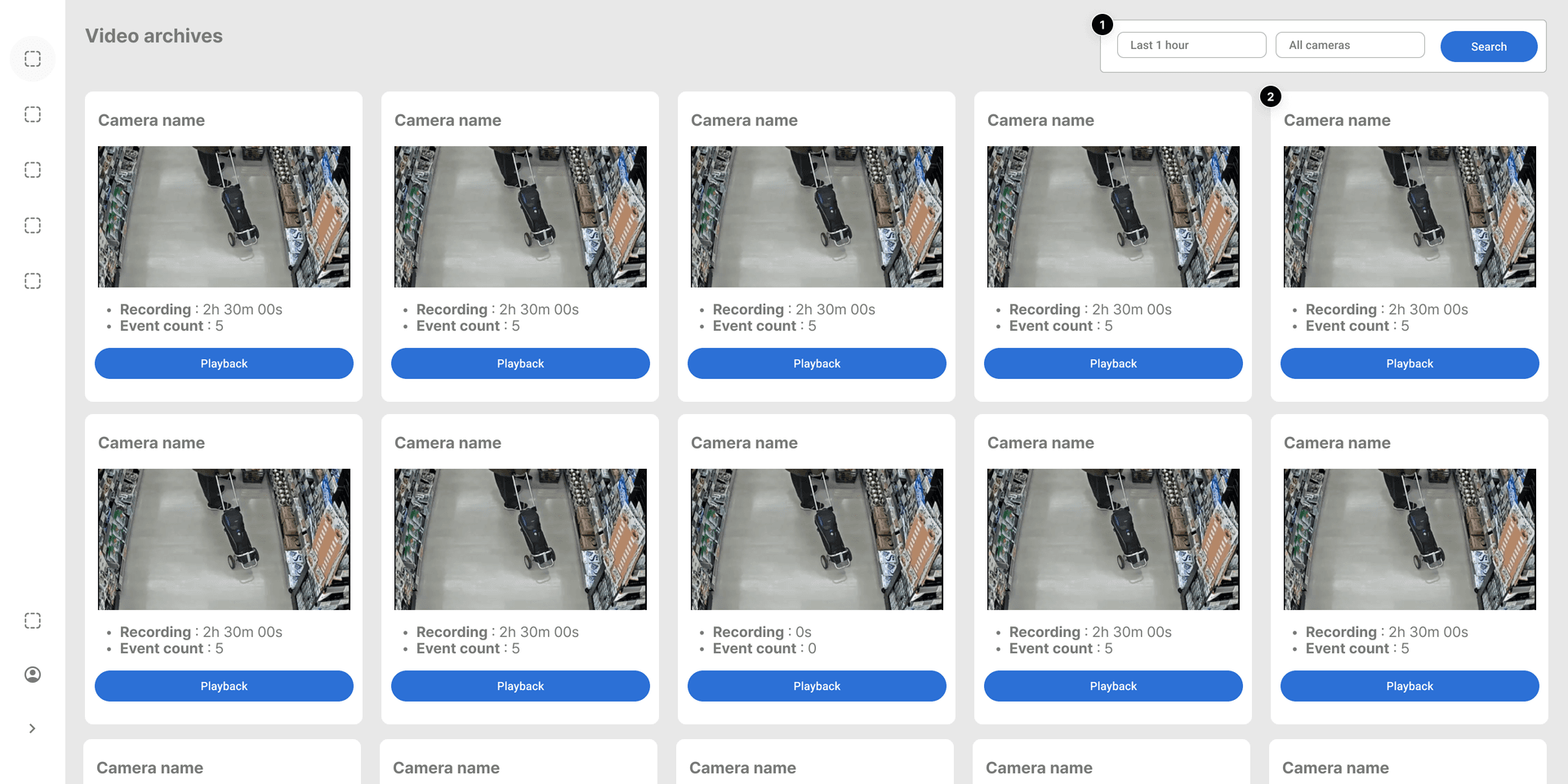
This section explains how to search and play recorded videos.
Video Archives Overview
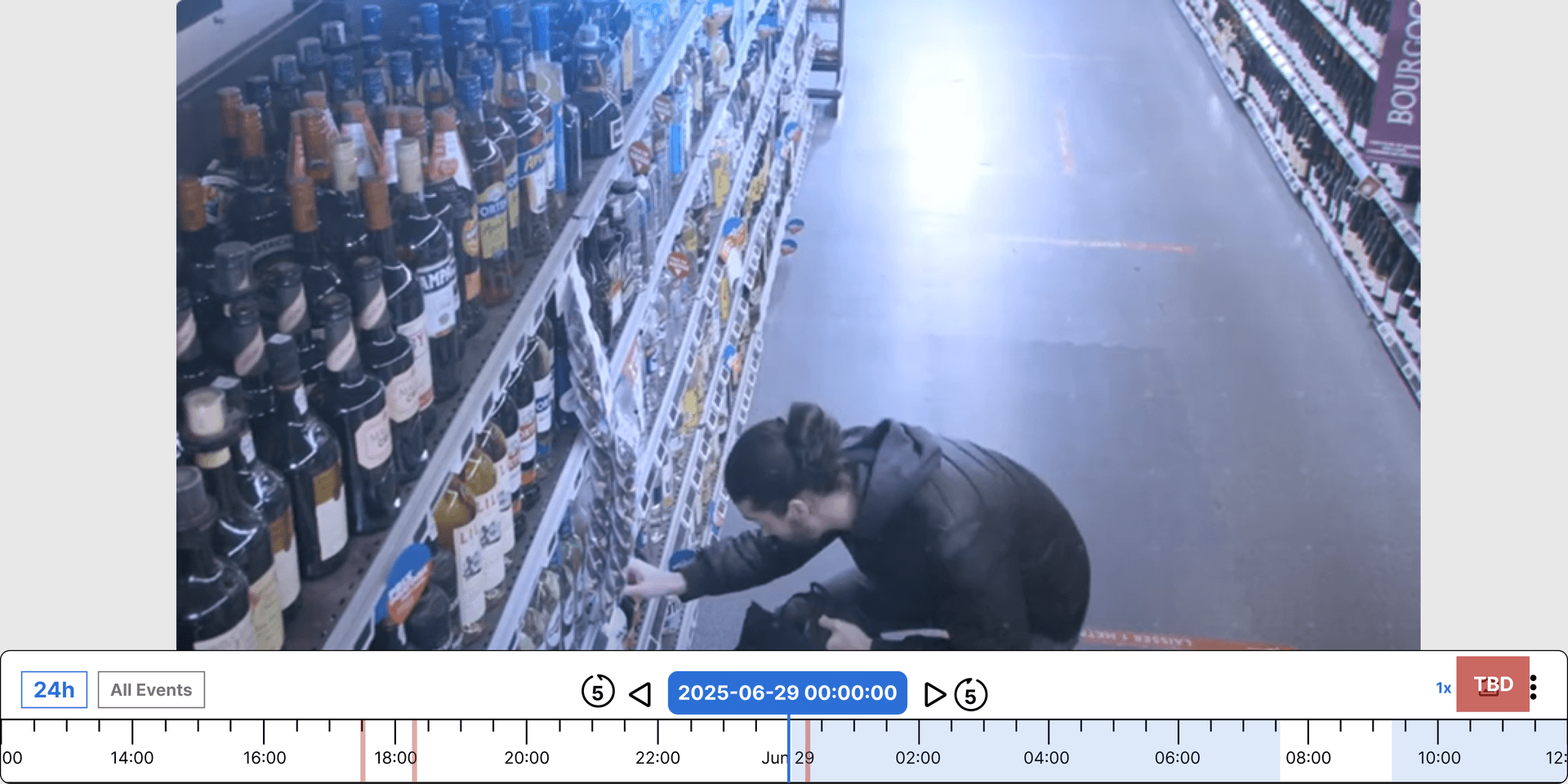
Playback Controls
.png&w=1920&q=75&dpl=dpl_9dyqtFAdagPhFoBcUQXwGffUzrM7)
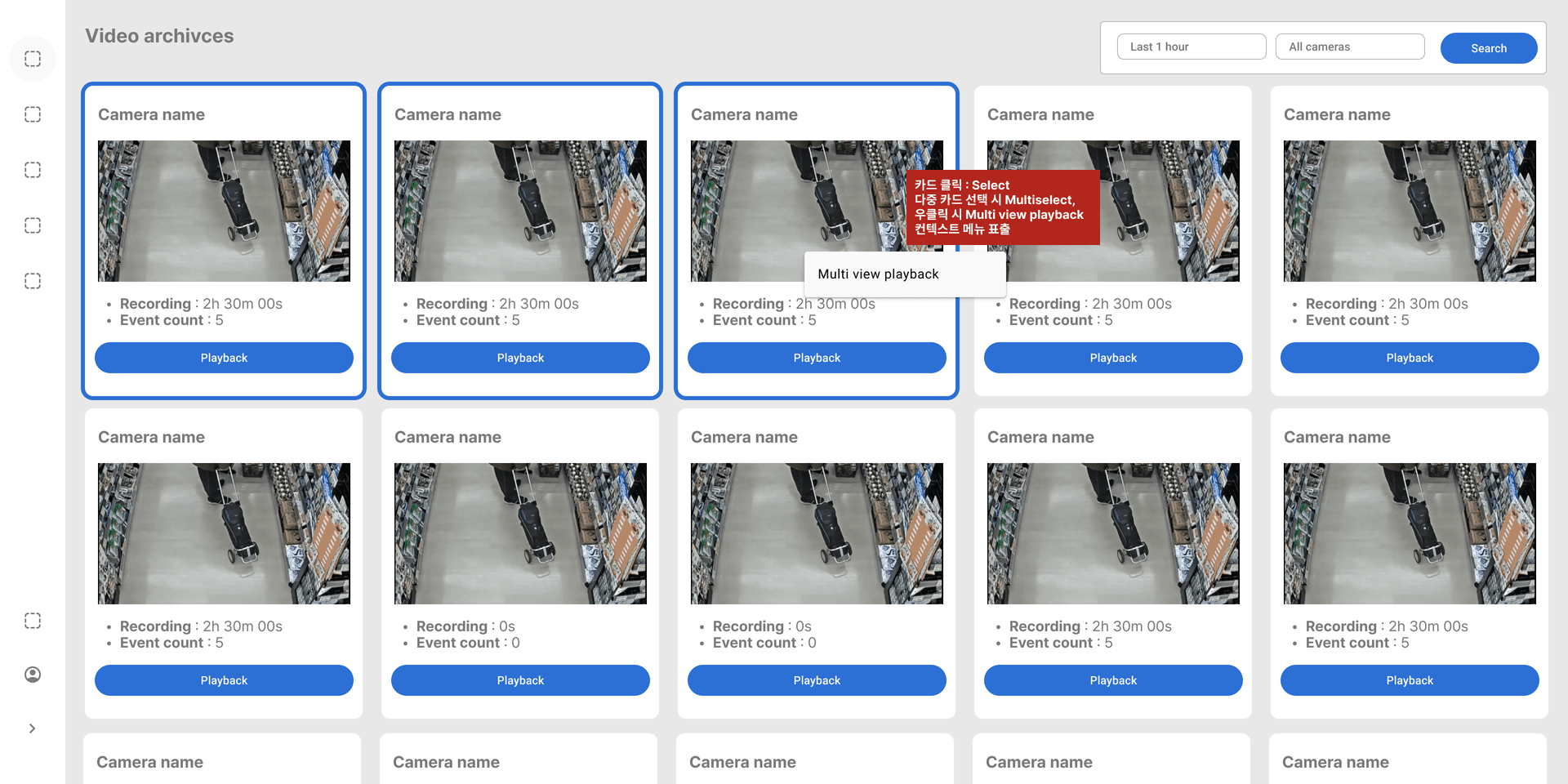
Multi-Select
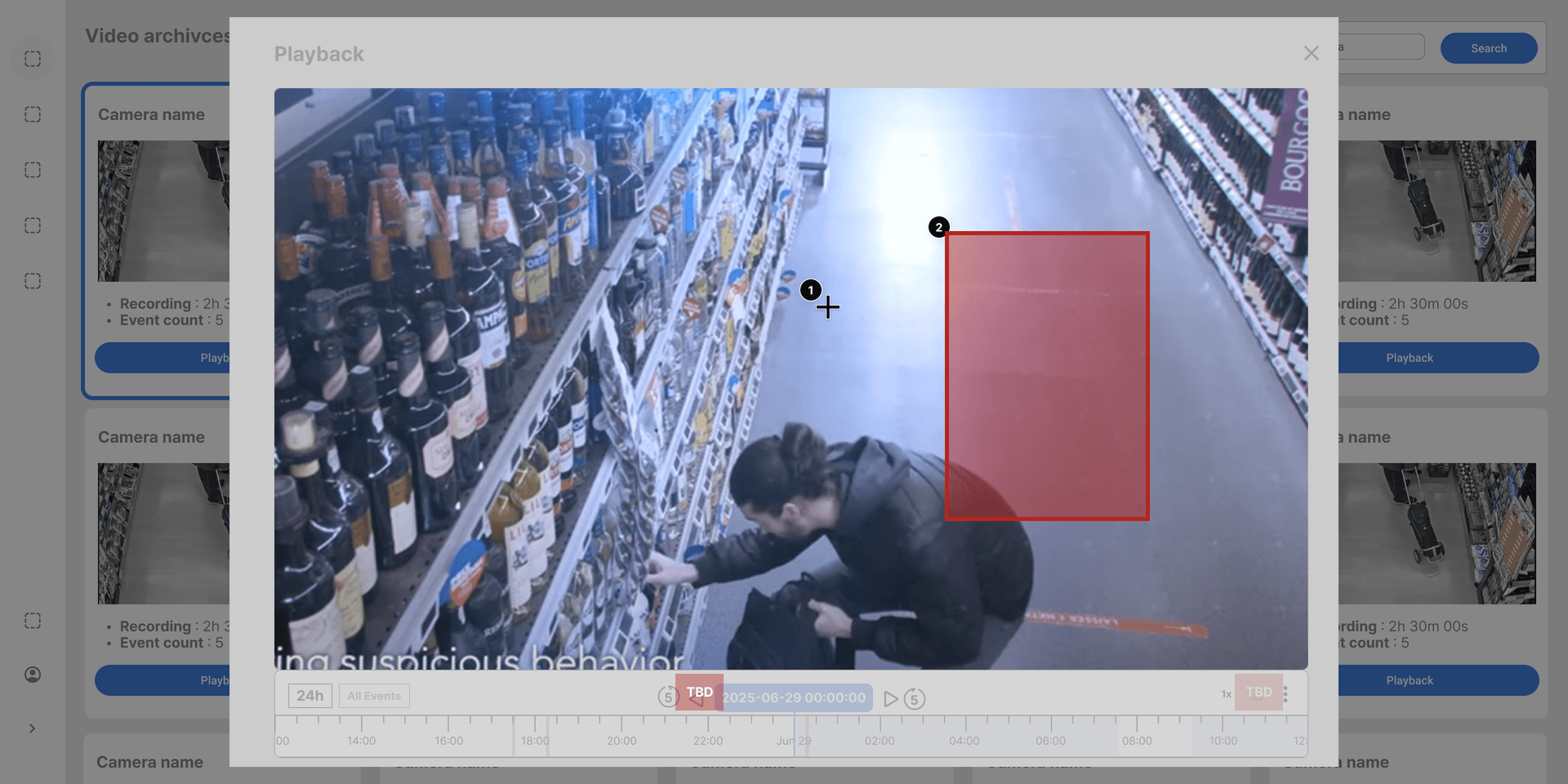
Fullscreen Mode
Similar Person Search
Search
This section explains advanced search features using AI.
Search Overview
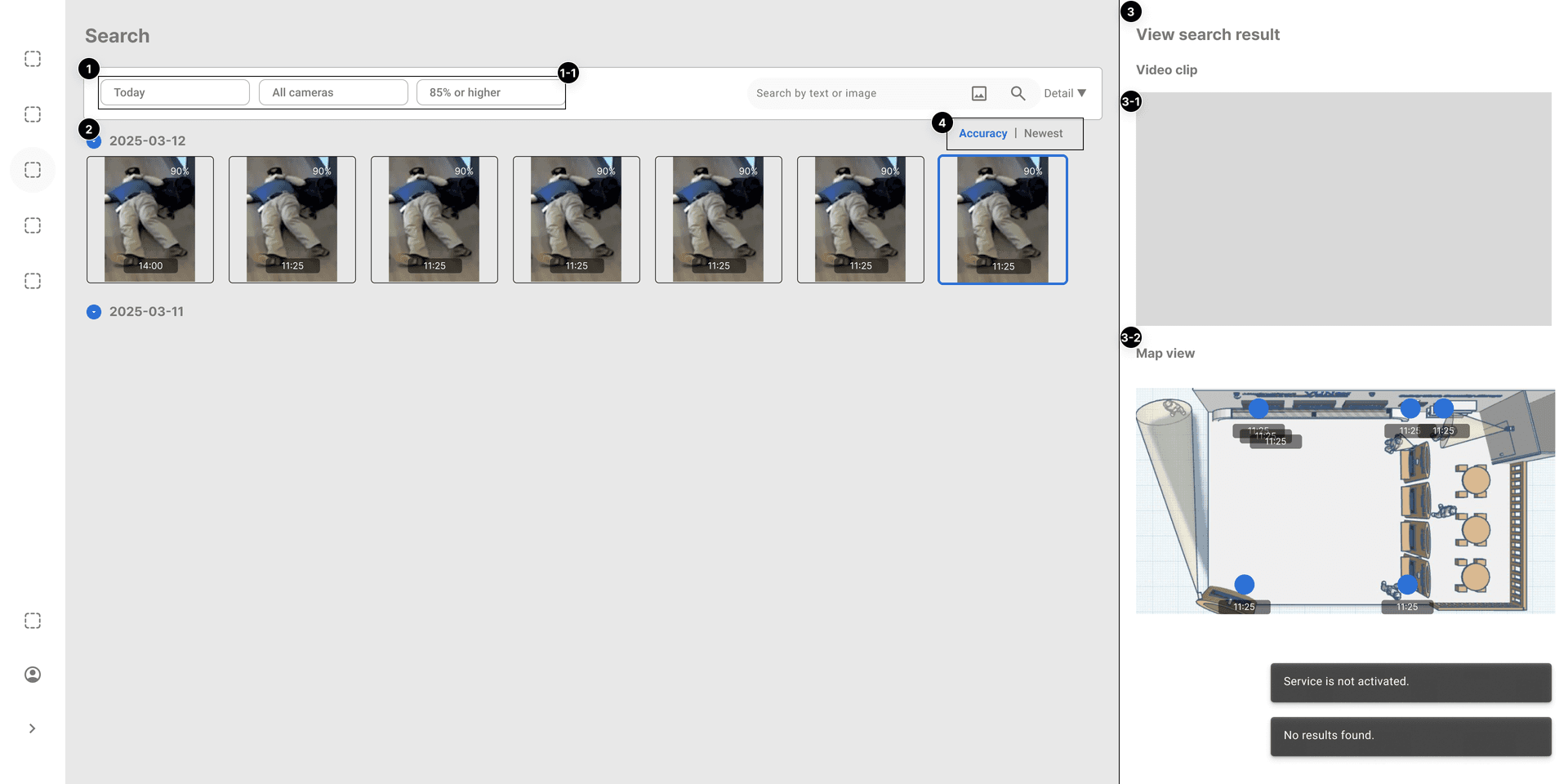
Search Modes
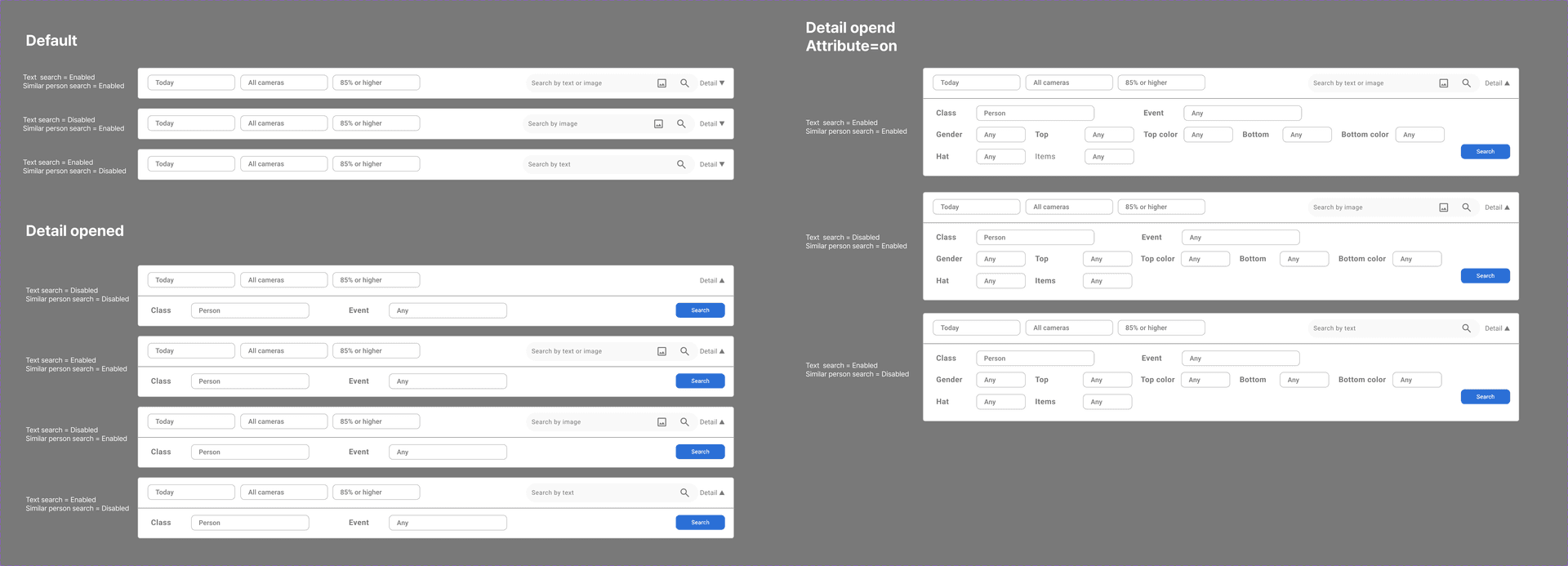
- Person Search: Search by appearance features
- Object Search: Search for specific objects
- Text Search: Search by text prompt
- Event Search: Search based on AI events
Text Prompt Search
.png&w=1920&q=75&dpl=dpl_9dyqtFAdagPhFoBcUQXwGffUzrM7)
Multi-Select Box
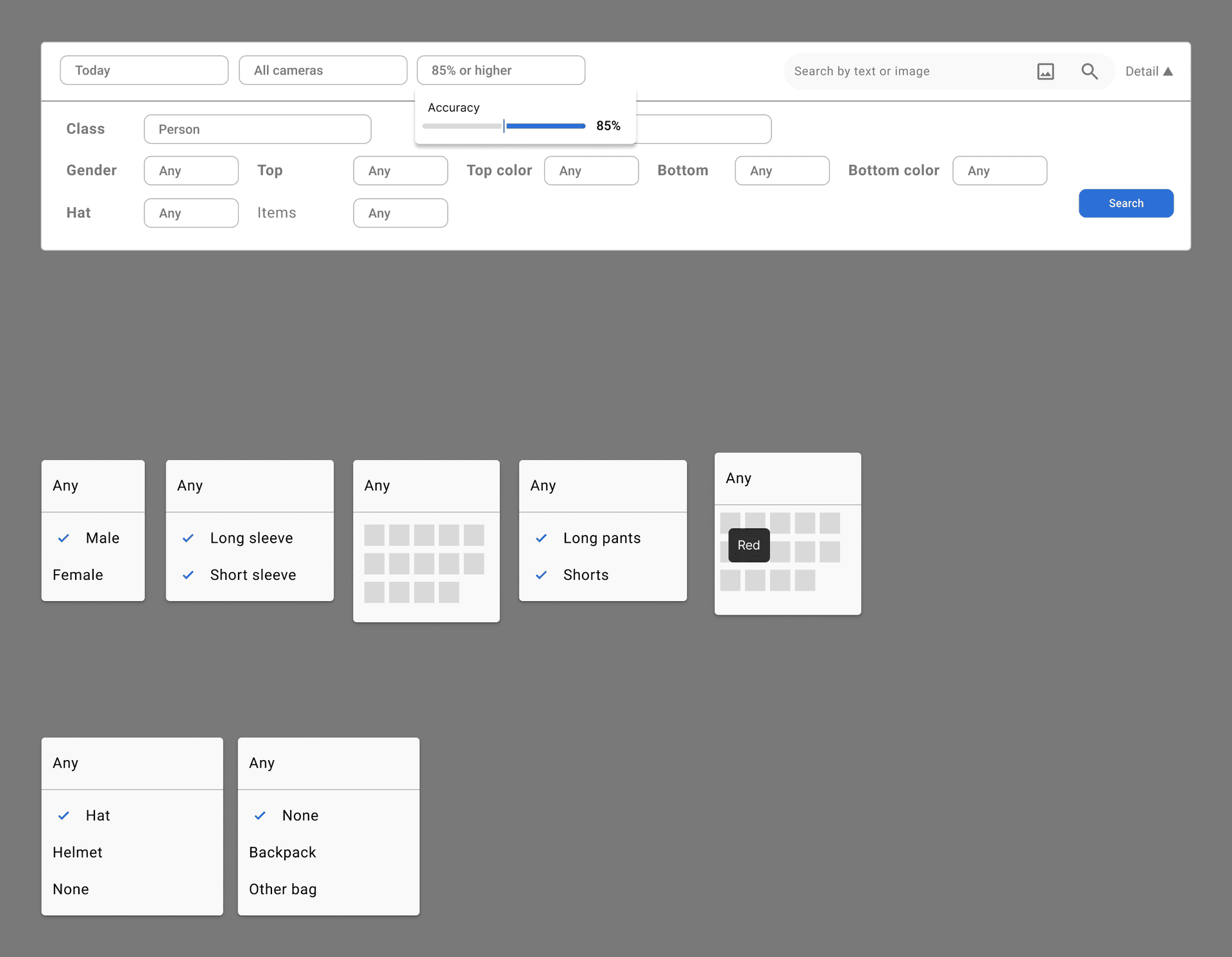
AI Event
This section explains how to configure and manage AI events.
AI Event Overview
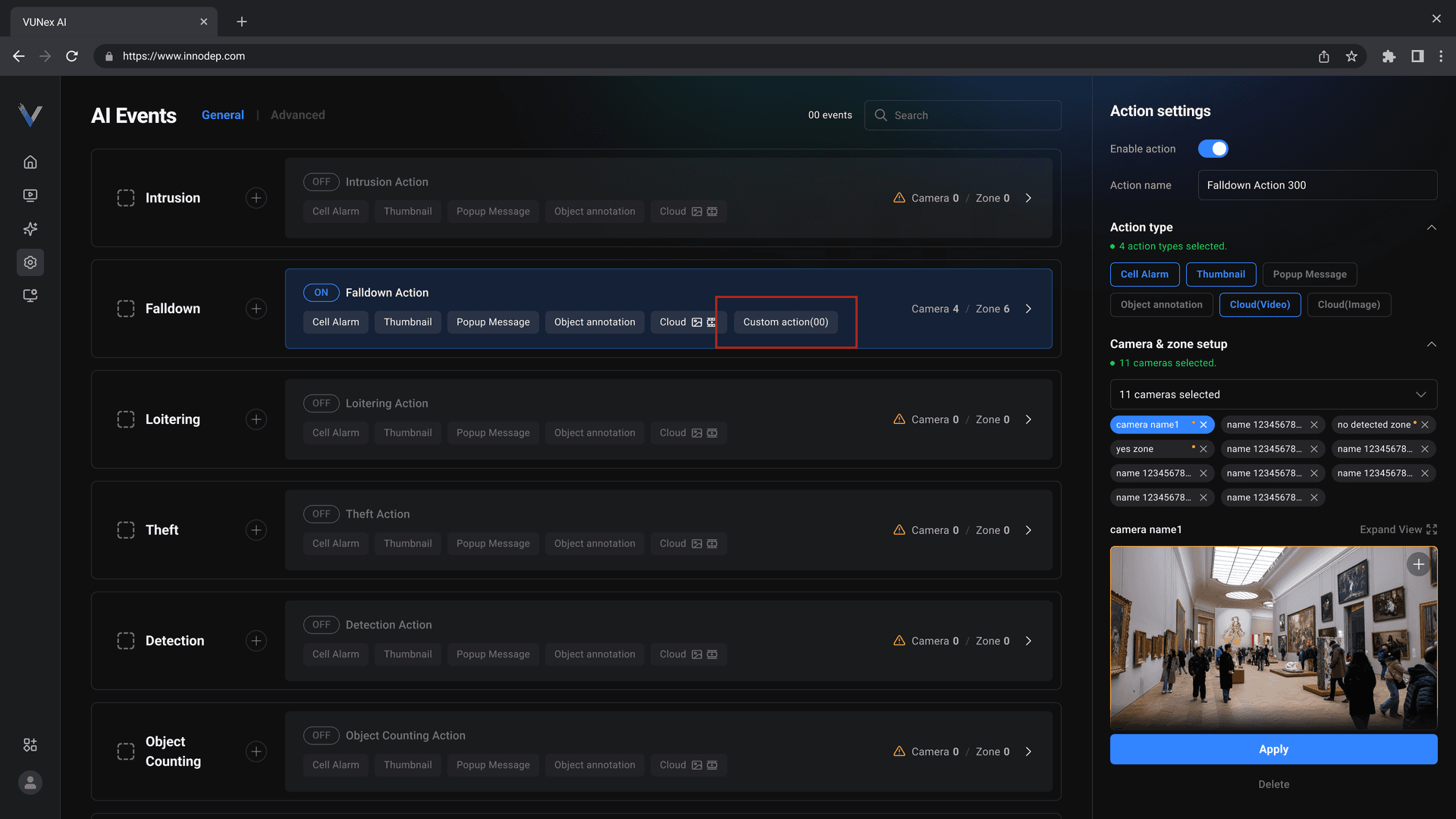
Advanced Mode
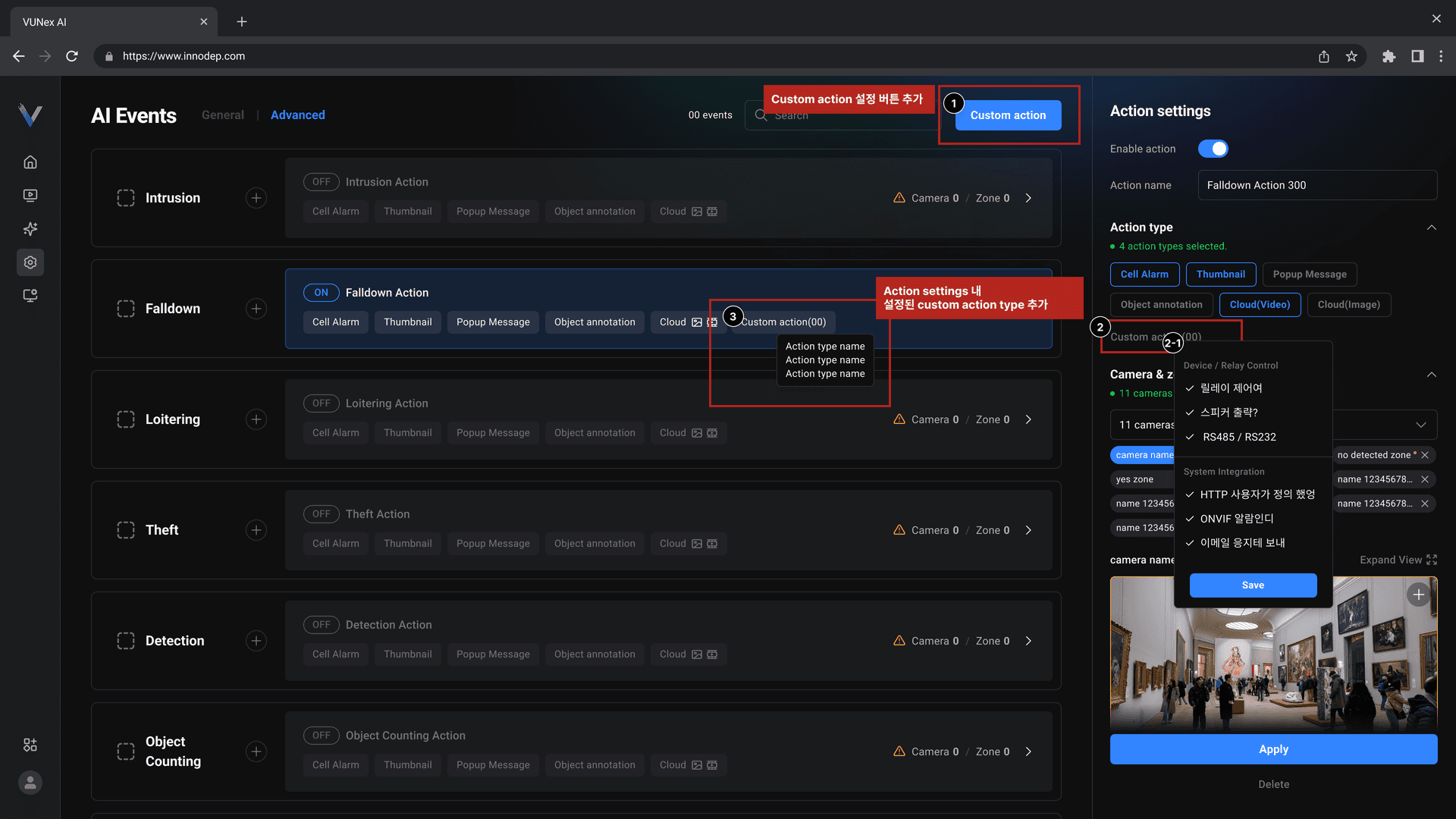
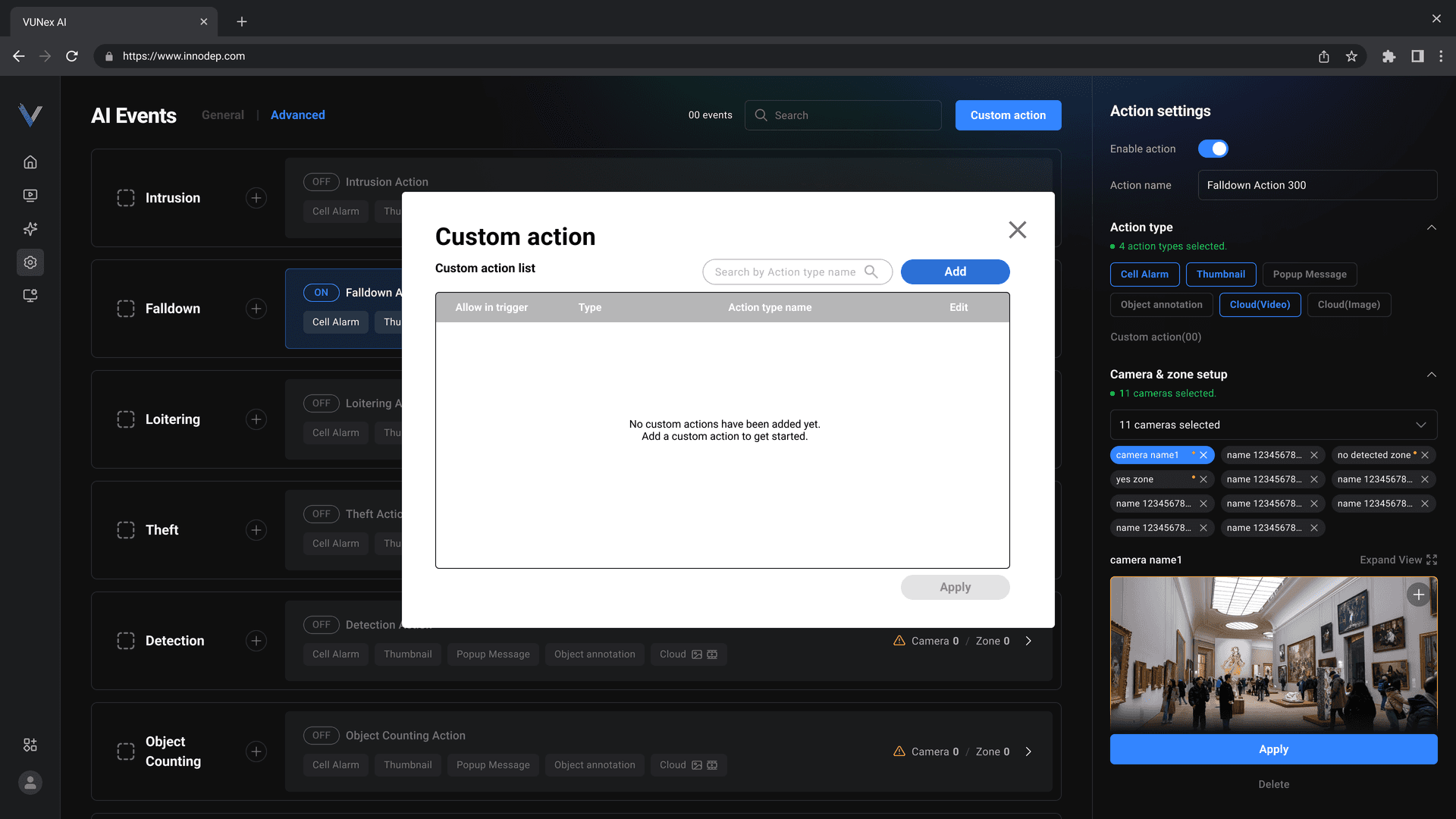
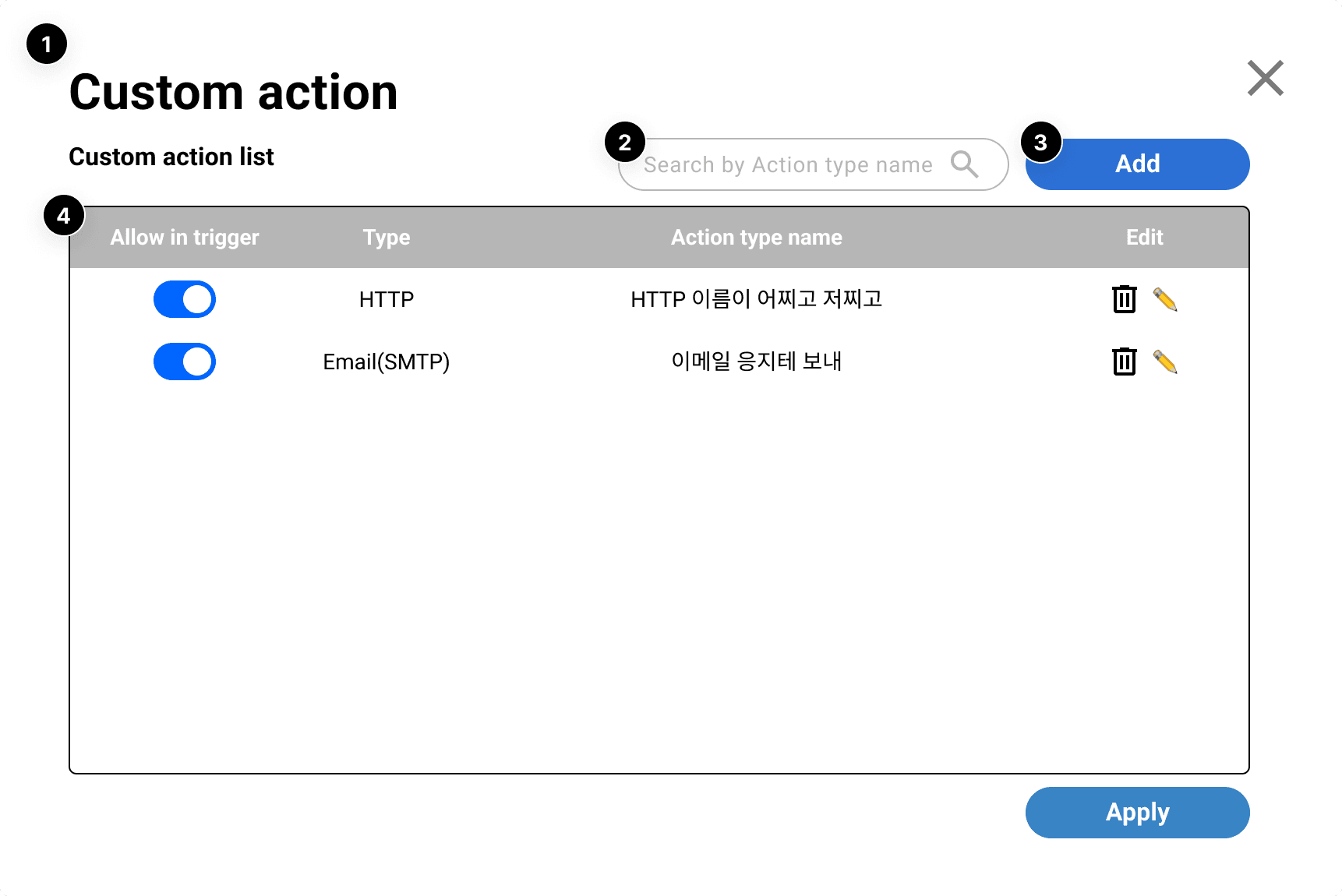
Custom Action
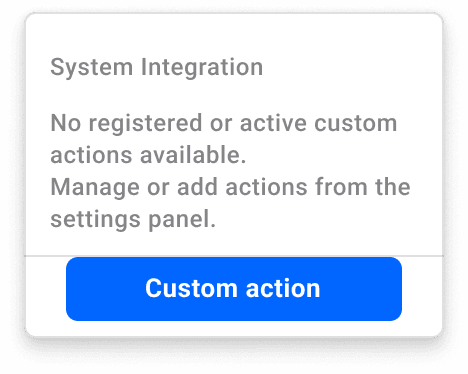
Context Menu
Settings
This section explains system settings options and configuration.
Settings Overview

Date and Time
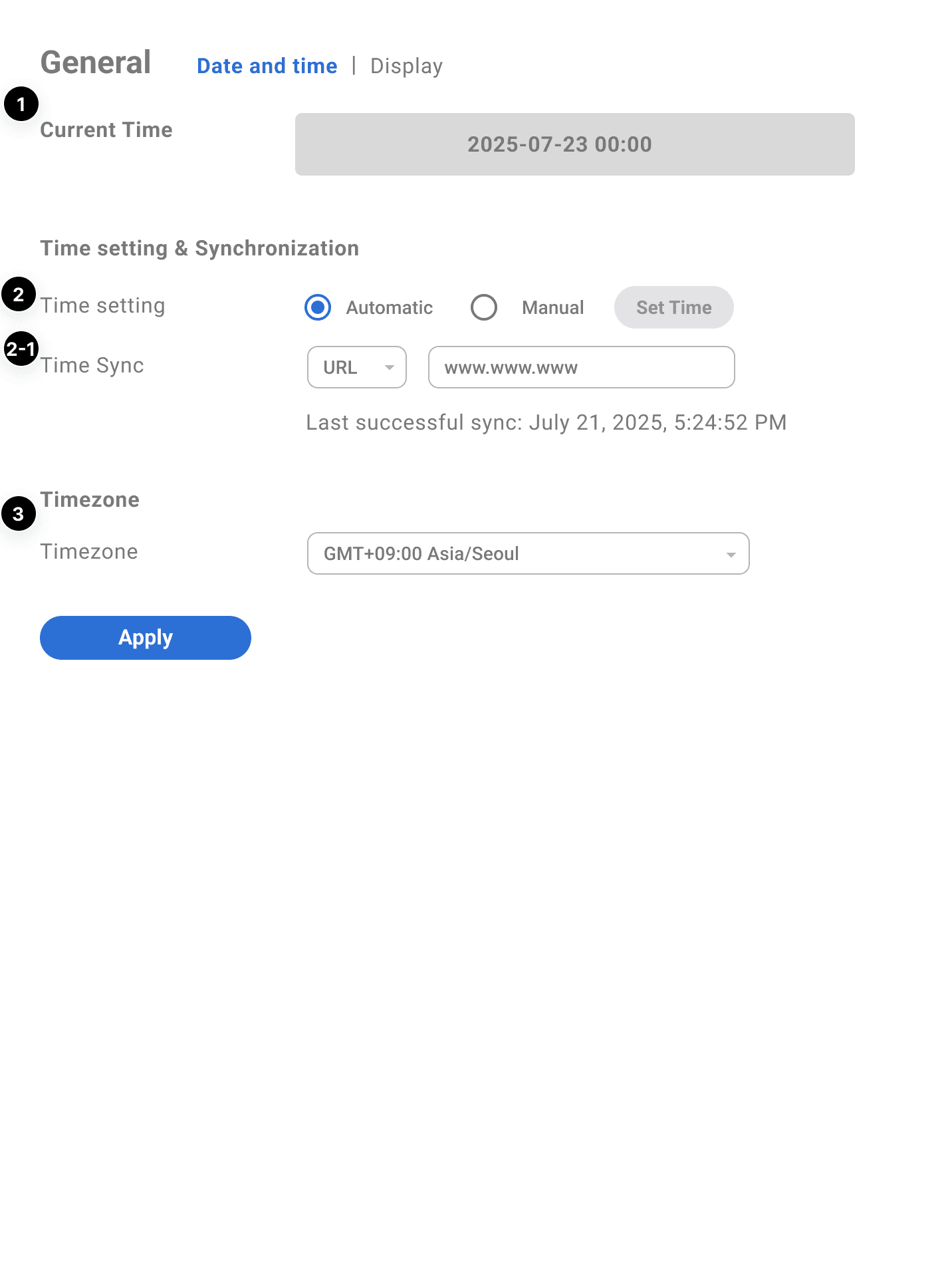
- Timezone: Select system timezone
- Date Format: Select date display format
- Time Format: Select 12-hour/24-hour format
- NTP Server: Configure time sync server
UI Components


System
This section explains system management and log monitoring.
System Logs
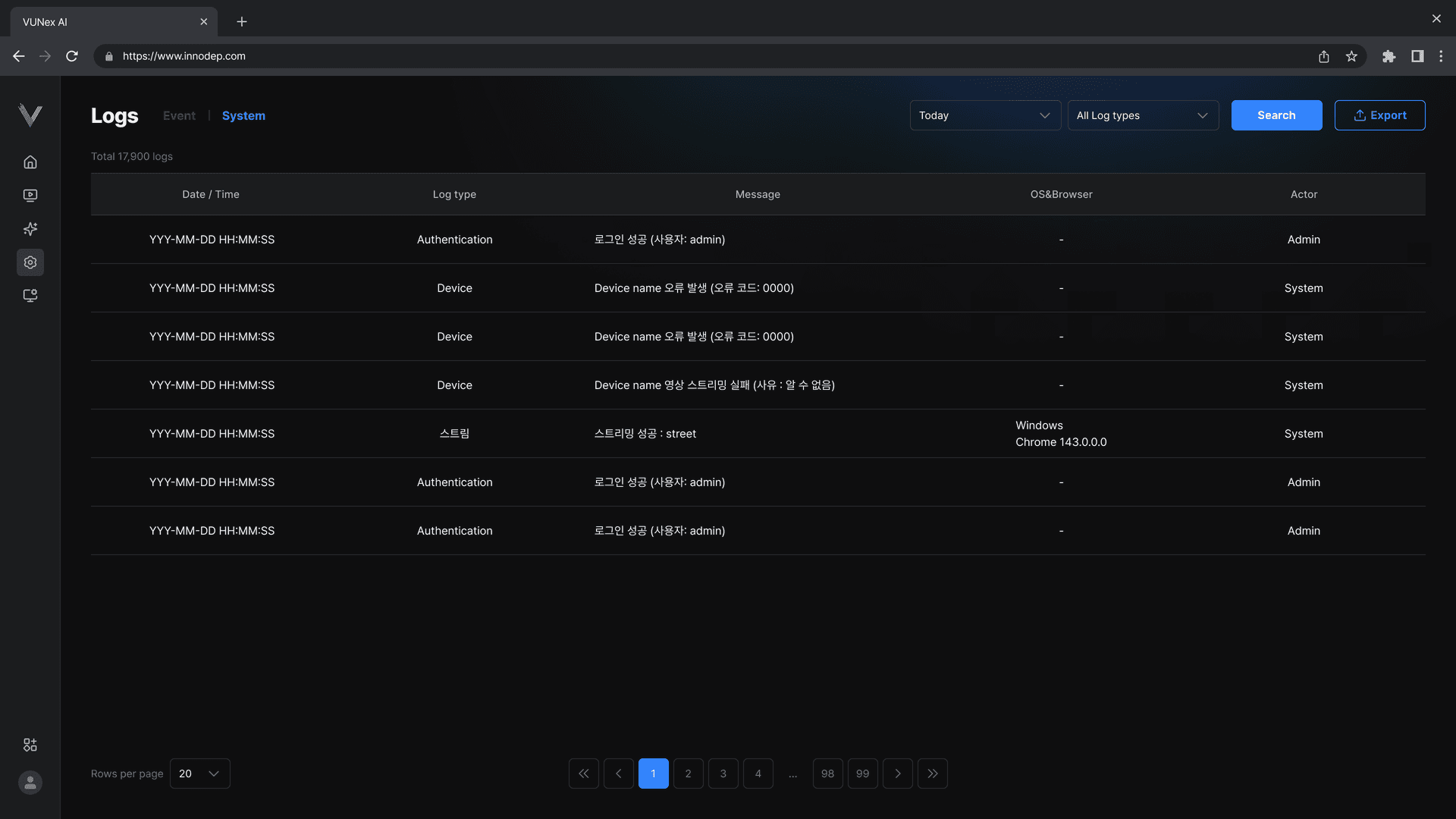
- System Logs: System events and status changes
- Event Logs: AI event occurrence records
- Access Logs: User access records
- Error Logs: System errors and warnings
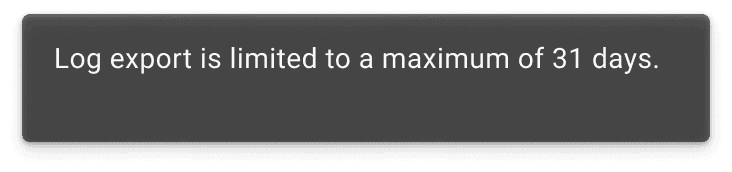
Notifications
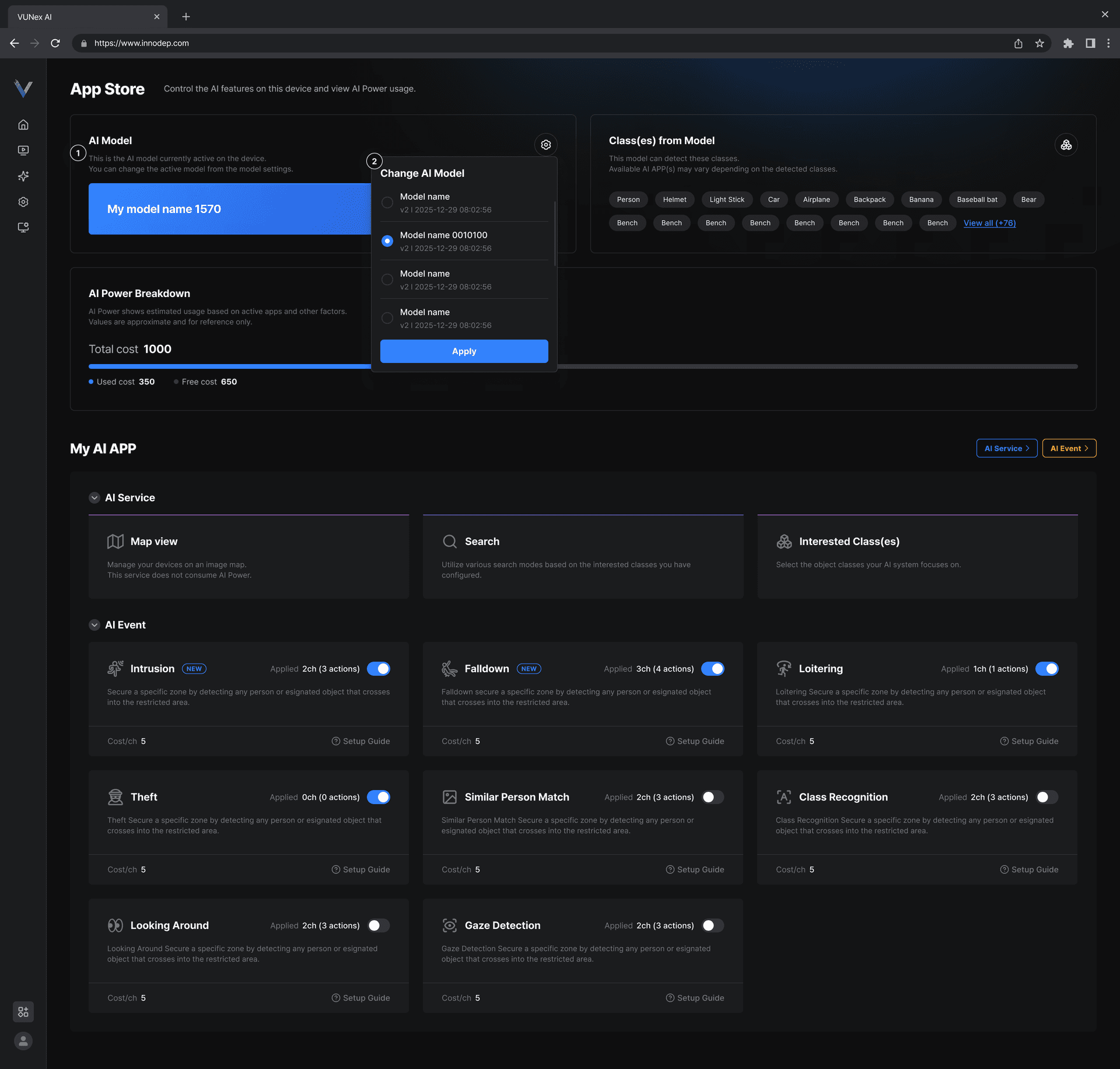
App Store
This section explains how to install and manage additional features from the AI App Store.
App Store Overview
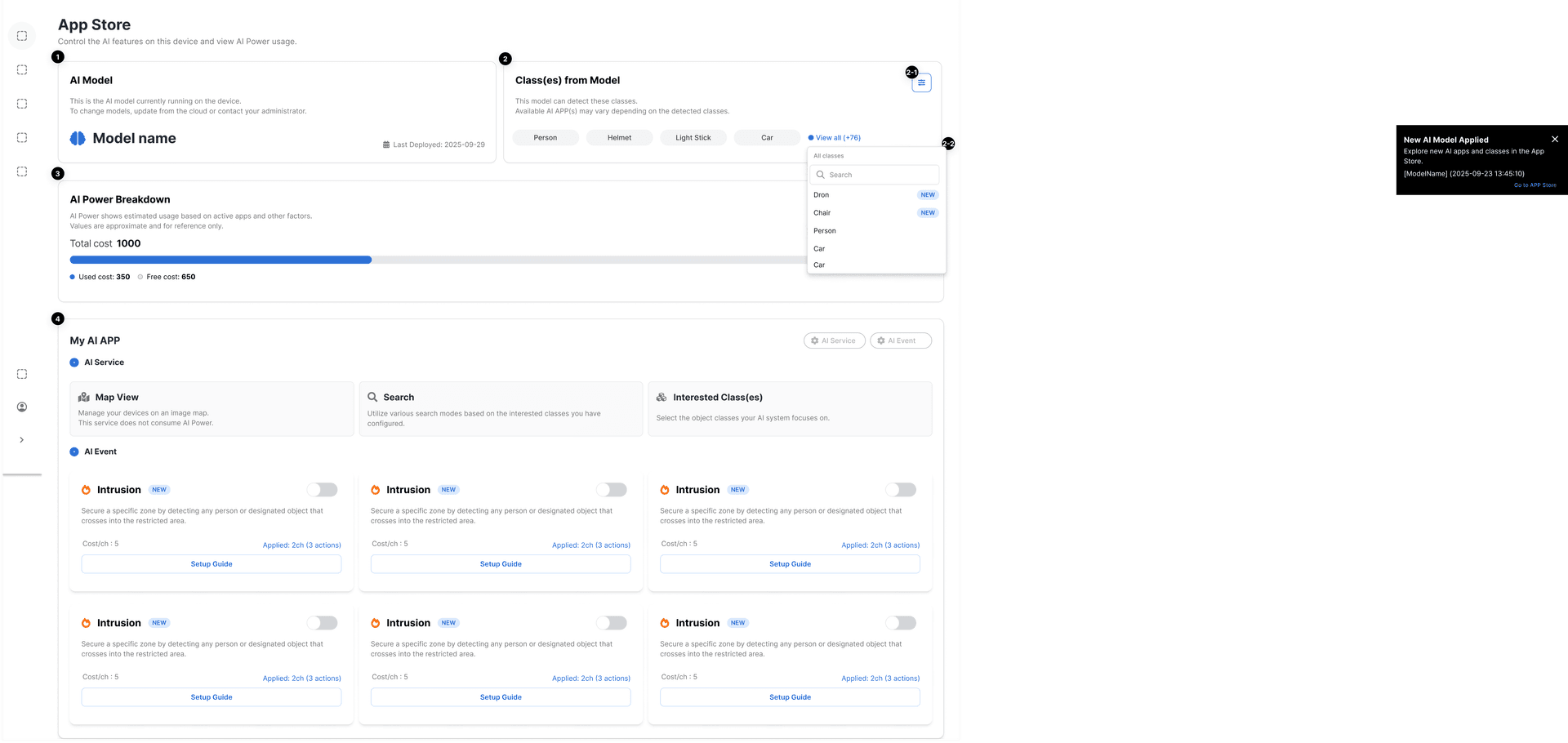
My AI App
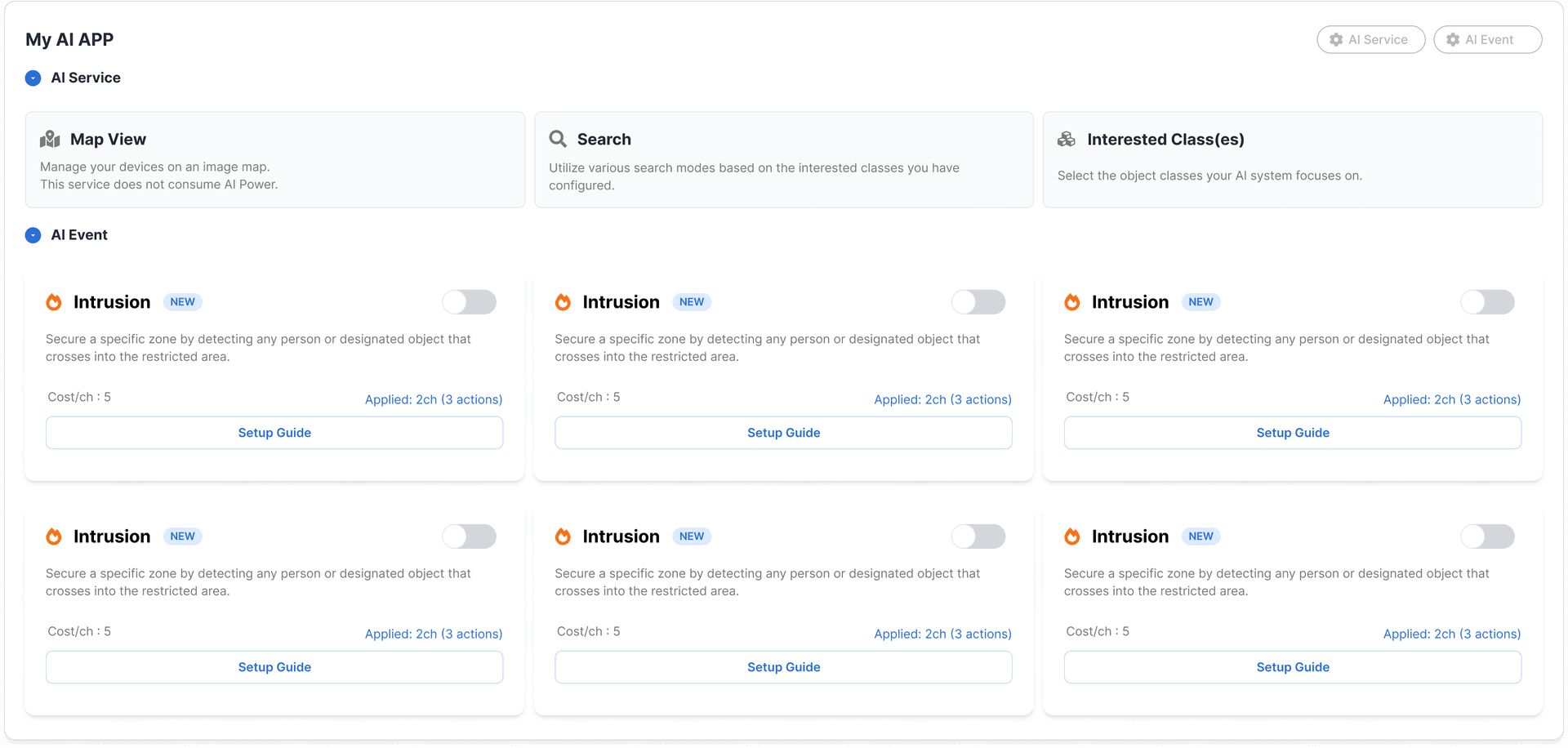
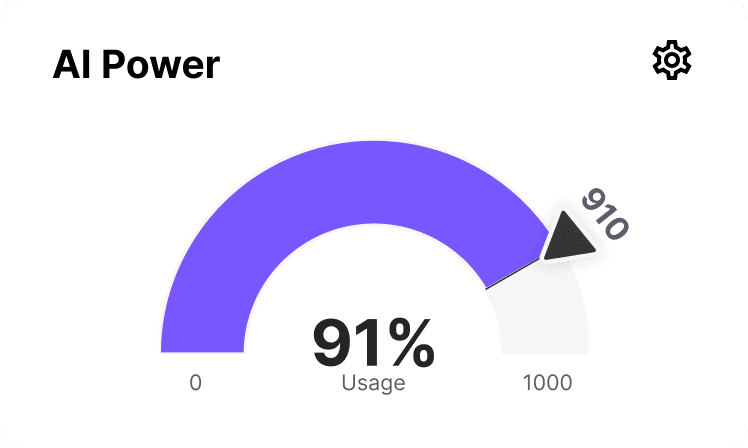
AI Power

Cloud MLOps
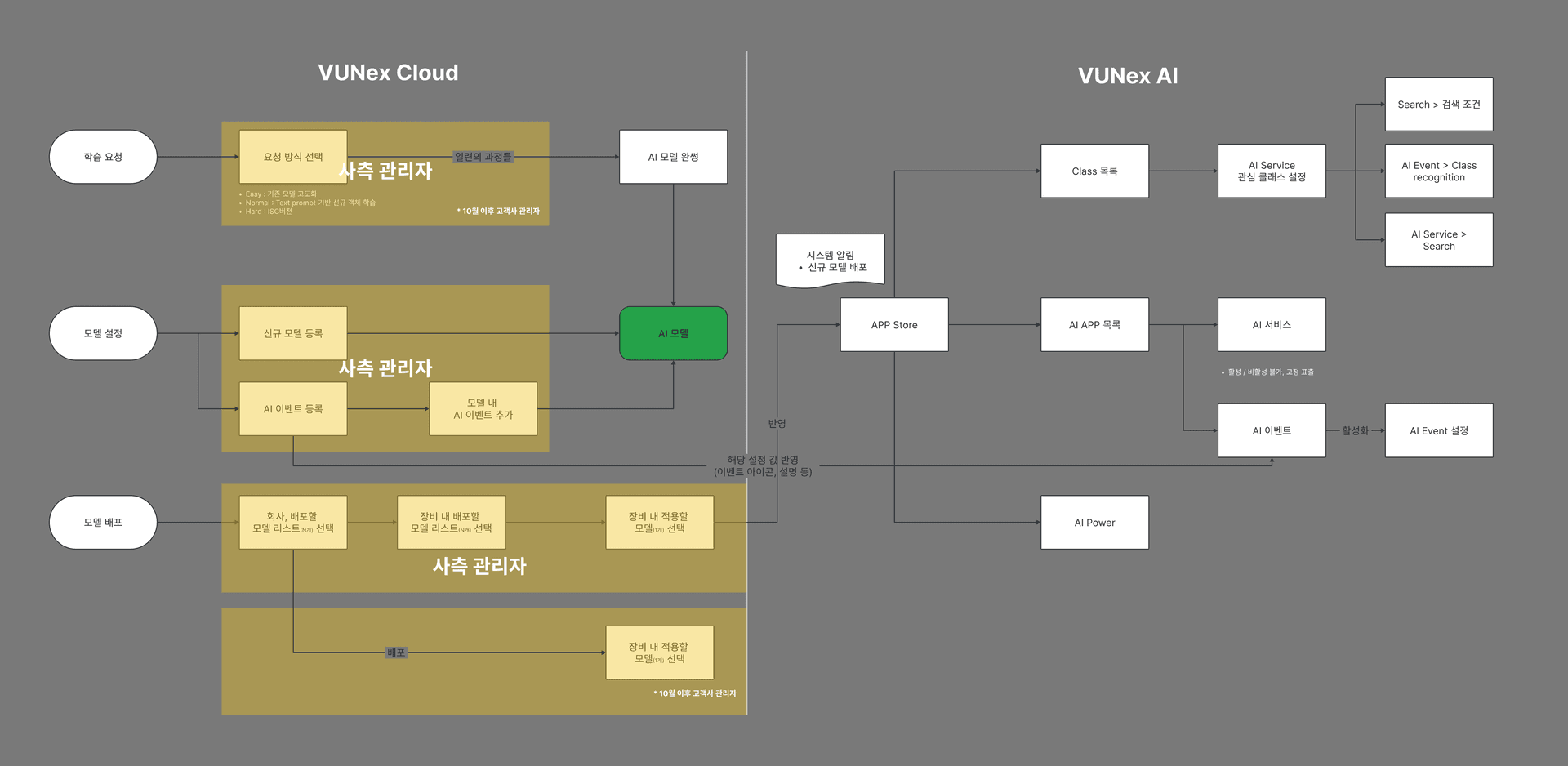
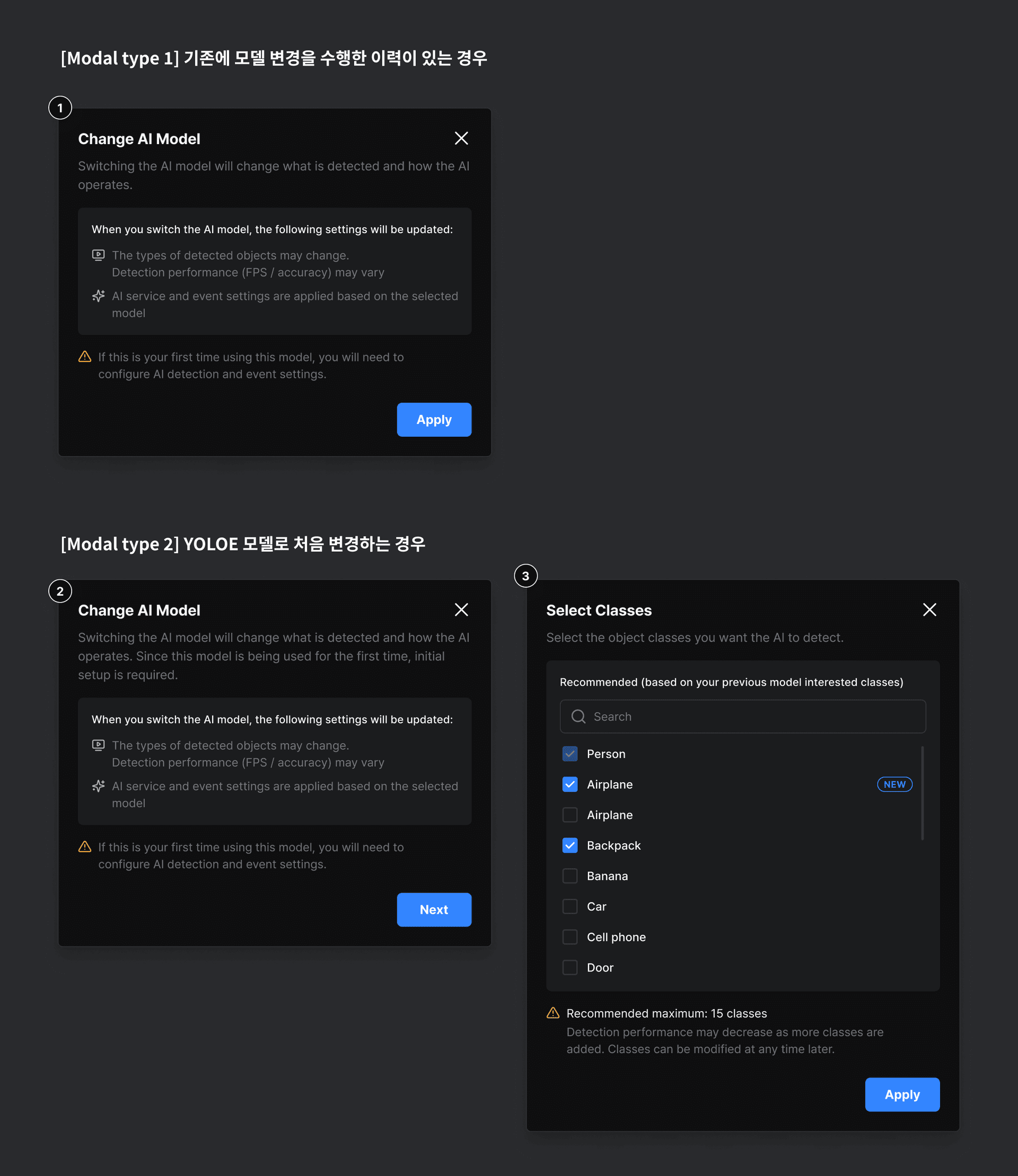
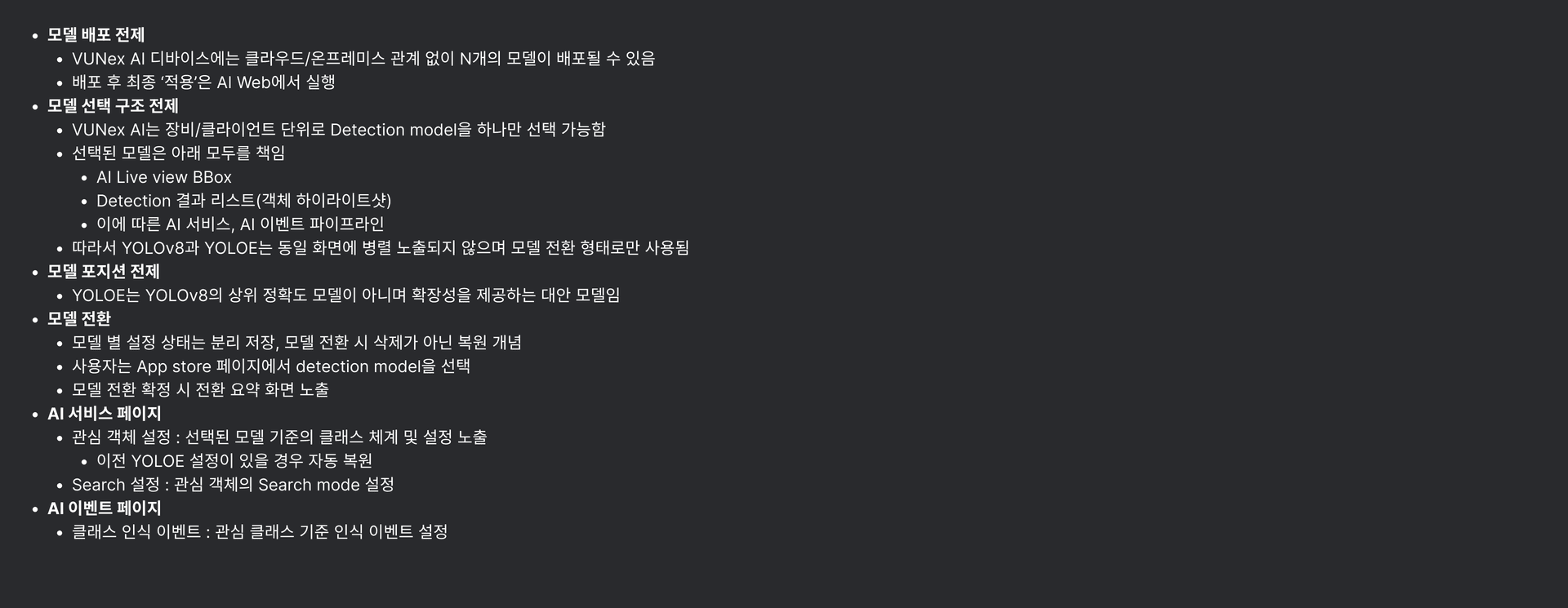
YOLOE
This section explains YOLOE model features and usage in VUNex AI.
YOLOE Overview
- Fast inference speed
- High accuracy
- Support for various object classes
- Support for custom training
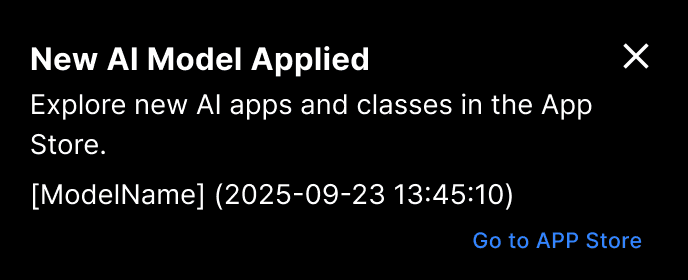
Model Change
Live View Toggle